A transit hub is not an ordinary commercial venue. Screens run around the clock, face daylight through large glazed facades, must be legible from long distances, and often carry information that passengers rely on to catch a flight or a train. That makes legibility, reliability and integration more important than headline specifications.
کلاهبرداریهای کلیدی
- Match the display format to each zone: check-in halls, gates, baggage claim, concourses, platforms, forecourts and operations centers have different requirements.
- Size text from the viewing distance first. The FAA’s terminal signage guidance treats about 40 feet of distance per inch of letter height as a reasonable expectation.
- Sunlit terminals need higher brightness and automatic dimming. The newer LED displays at Honolulu’s airport lobbies were specified at 2,000 nits with a 6 mm pitch.
- For flight and train information, a frozen screen can be worse than a blank one. Plan local caching, staleness limits and hardware redundancy.
- Fire, electrical, EMC and accessibility rules come from the project’s authorities and operators, not from the display supplier.
This guide is for airport and rail operators, AV and systems integrators, architects, media concessionaires and LED distributors planning displays for transport facilities.
1. What LED Screens for Airports and Train Stations Do
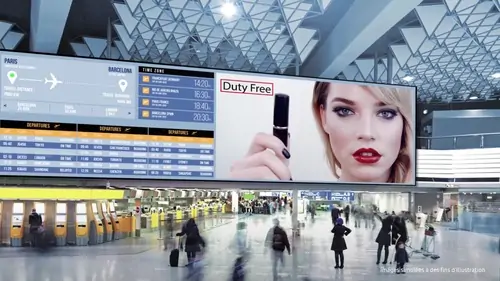
Most transport displays fall into four functional groups. Separating them early helps you set the right specification, ownership and level of redundancy for each screen.
| نقش | محتوای معمولی | Who usually owns it | نیاز اصلی |
|---|---|---|---|
| اطلاعات مسافر | Flight or train times, gates, platforms, delays, baggage belts | Airport or rail operator | Accuracy, legibility, high availability |
| Wayfinding and announcements | Directions, transfer information, visual paging, emergency messages | اپراتور | Clear hierarchy, fast override for urgent messages |
| Advertising and media | Brand campaigns, retail promotions, sponsored content | Operator or media concessionaire | Visual impact, scheduling, proof of play |
| نظارت بر عملیات | Dashboards, CCTV, network status in control or operations centers | اپراتور | Close-viewing image quality, continuous operation |
01. فرودگاه ها
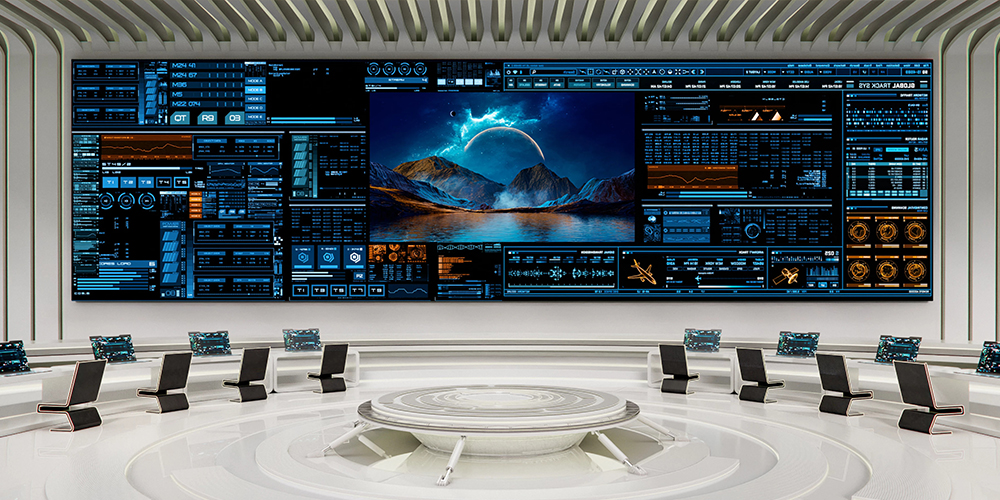
Airports use LED for large flight information boards, meet-and-greet walls, baggage claim displays, gate areas, retail concourses and landside forecourts. Many terminals also install feature walls that combine passenger information with media content.
02. Railway and Metro Stations
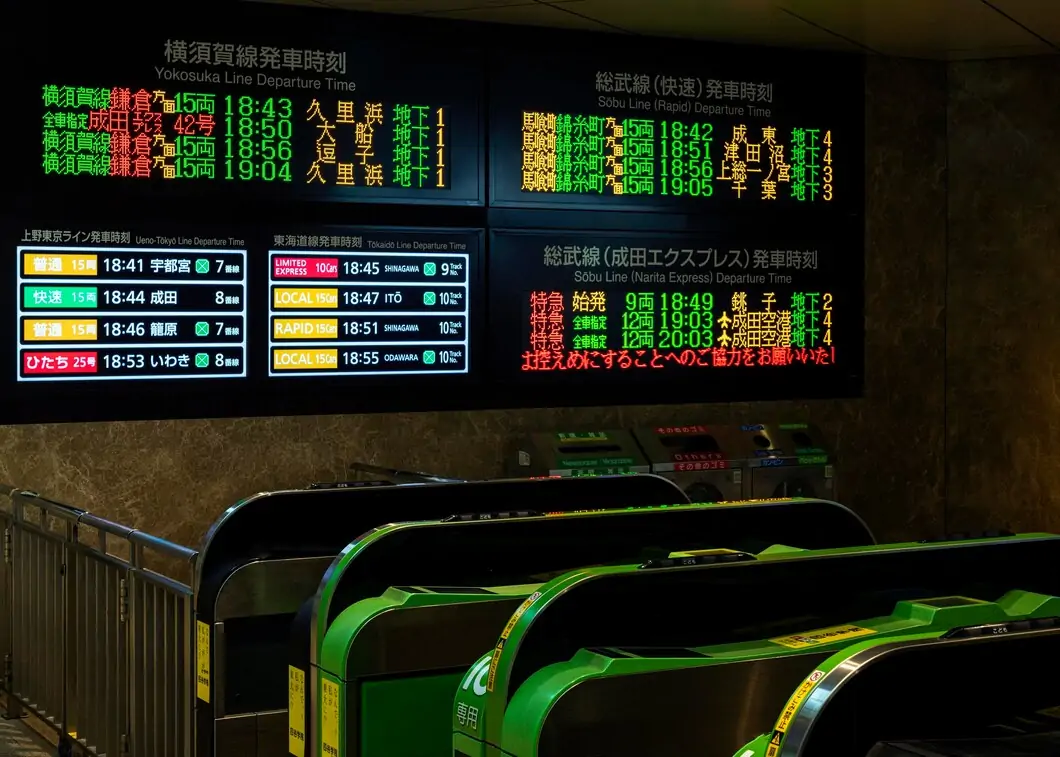
Stations use LED for departure and arrival boards, platform indicators, concourse information walls and advertising. Platforms and open stations add outdoor exposure, dust and vibration from passing trains.
03. Bus Terminals and Multimodal Hubs
Bus stations and multimodal interchanges combine several operators and modes. Displays often need to show data from more than one source and guide passengers between platforms, stops and parking areas.
2. Choosing a Display Format for Each Zone
A transit hub contains very different environments under one roof. When planning LED screens for airports and stations, specify each zone separately rather than applying one product to the whole building.
| منطقه | شرایط مشاهده | Suitable LED formats | نکاتی برای بررسی |
|---|---|---|---|
| Check-in and departure hall | Long viewing distances, glazed facades, crowds | Large indoor LED walls for information and media | Text size at the far end of the hall, daylight brightness |
| Gates and waiting areas | Seated passengers, medium distances | Indoor LED walls or smaller displays | Readable gate information, comfortable brightness |
| ادعای بار | Standing passengers, medium distances | Indoor LED walls above or beside belts | Belt-to-flight mapping, quick updates |
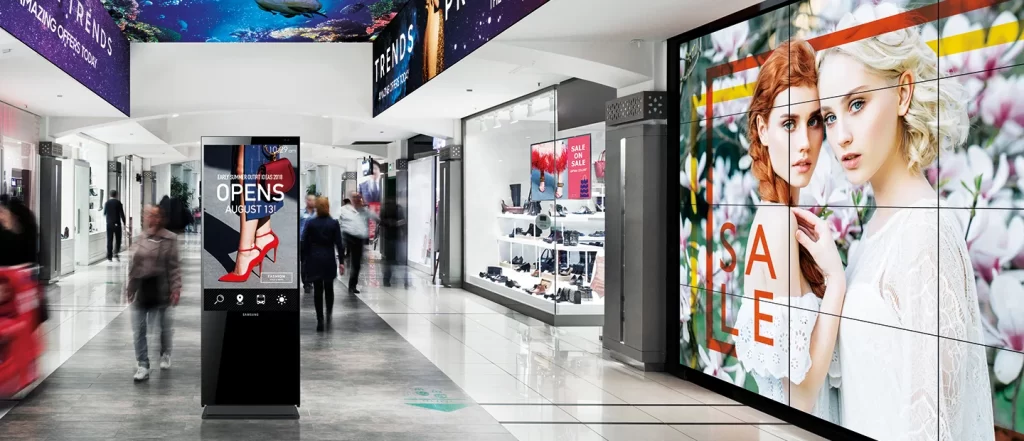
| Retail concourse | Close viewing, moving passengers | Fine-pitch indoor LED, LED posters | Close-range image quality, surface durability |
| Platforms and open stations | Outdoor or semi-outdoor, vibration, dust | Outdoor-rated LED displays | Ingress protection, temperature range, mounting |
| Forecourt and landside | Full outdoor exposure, long distances | نمایشگرهای LED ثابت در فضای باز | Brightness, IP rating, structural design |
| مرکز عملیات | Close viewing, continuous operation | Fine-pitch or COB indoor LED walls | Small text legibility, redundancy, service access |
For interior walls, our محدوده صفحه نمایش LED داخلی shows modular cabinet formats and front-service options. For freestanding units in concourses and retail zones, see our نمایش پوستر LED.
3. Pixel Pitch, Text Size and Viewing Distance
Start legibility planning with the smallest text that must be read and the furthest point from which a passenger needs to read it. Choose the pixel pitch only after that.
01. Size Text from the Viewing Distance
The FAA’s Advisory Circular 150/5360-12F on airport signing and graphics says a person with 20/20 vision can barely resolve information at 58 feet per inch of letter height. It treats 40 feet per inch as a more reasonable expectation and notes the 30 feet per inch design goal used in the MUTCD.
The table below applies those ratios to common distances. Values are rounded calculations, not requirements.
| مشاهده از راه دور | Letter height at 40 ft per inch | Letter height at 30 ft per inch |
|---|---|---|
| 10 متر (33 فوت) | About 21 mm (0.8 in) | About 28 mm (1.1 in) |
| 20 متر (66 فوت) | About 42 mm (1.6 in) | About 56 mm (2.2 in) |
| 30 متر (98 فوت) | About 62 mm (2.5 in) | About 83 mm (3.3 in) |
| 50 متر (164 فوت) | About 104 mm (4.1 in) | About 139 mm (5.5 in) |
02. Check How Many Pixels Form Each Character
Once the letter height is known, divide it by the pixel pitch to see how many pixel rows form each character. For example, a 62 mm letter is about 25 pixel rows on a P2.5 display and about 15 rows on a P4 display.
Very low pixel counts make characters blocky and harder to read, especially for airline codes, platform numbers and non-Latin scripts. Test the actual font and languages on a sample cabinet at the real viewing distance. Our راهنمای گام پیکسل نمایشگر LED explains the general relationship between pitch and viewing distance.
03. Review Accessibility Requirements
In the United States, the 2010 ADA Standards set rules for visual characters on signs in section 703.5, including a non-glare finish, contrast between characters and background, conventional character forms and minimum character heights that increase with mounting height and viewing distance. The FAA circular also includes a section on ADA and display system requirements.
How these rules apply to a particular dynamic display depends on its function and the project’s authorities. Confirm the applicable accessibility requirements with the operator and its consultants before fixing the layout.
4. Brightness, Daylight and Glare
Terminals and stations often have large glazed facades, skylights and open platforms. A display that looks bright in the factory can appear washed out in a sunlit departure hall, while the same output can be uncomfortable at night.
- سایت را اندازه گیری کنید. Record daylight conditions where the screen will hang, including direct sun at different times of day.
- Specify a dimming range. Use an ambient-light sensor or schedule so brightness follows conditions.
- بازتابها را کنترل کنید. Consider the surface finish and the angle between the screen, windows and lighting.
- Use outdoor products outdoors. Forecourts and open platforms need outdoor-rated displays with suitable ingress protection.

For outdoor and semi-outdoor locations, our راهنمای صفحه نمایش LED در فضای باز explains brightness targets and ingress protection in more detail.
5. 24/7 Reliability and Redundancy
Passenger information screens operate for long hours and are expected to be correct whenever passengers look at them. Plan reliability at three levels: the content system, the display hardware and maintenance.
01. Plan for Content and Data Failures
AirportLabs, a flight information display system vendor, notes that a screen frozen on outdated data can be more harmful than a blank one, because it gives passengers wrong directions with apparent confidence. It recommends:
- local caching so each screen keeps showing the last valid information if the connection drops;
- a staleness window for each screen type, with short windows for gate and flight boards;
- separate failure domains for operational control, screen delivery and data integration;
- a separate plan for failures of upstream data sources such as the airport operational database.
02. Build Redundancy into the Display
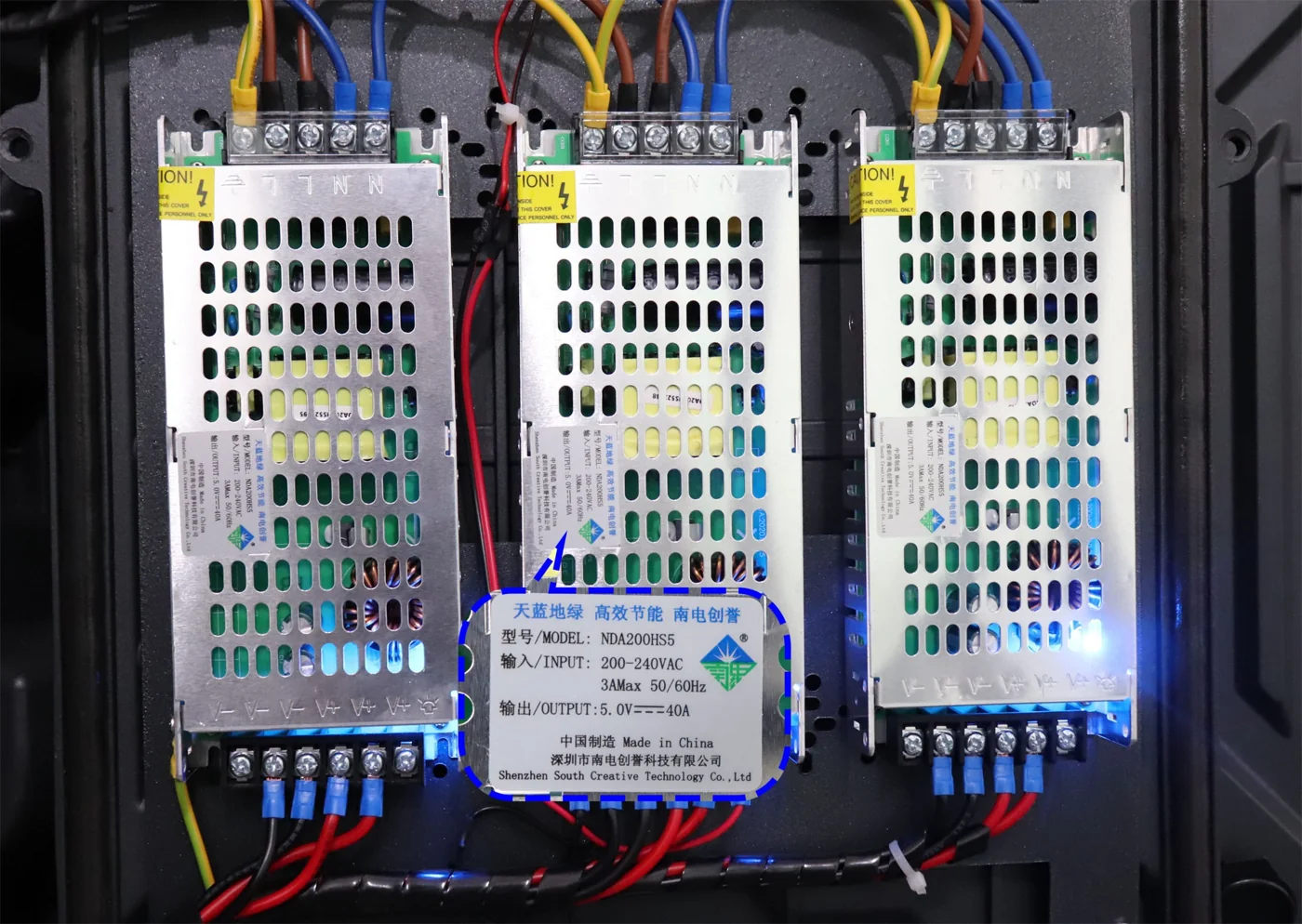
At the display level, discuss which single failures the system should survive. Common options include backup power supplies, redundant signal paths between cabinets and backup controllers or receiving cards. Our guide to LED display redundancy explains how to define and test these failover options.
03. Design for Maintenance in a Live Building
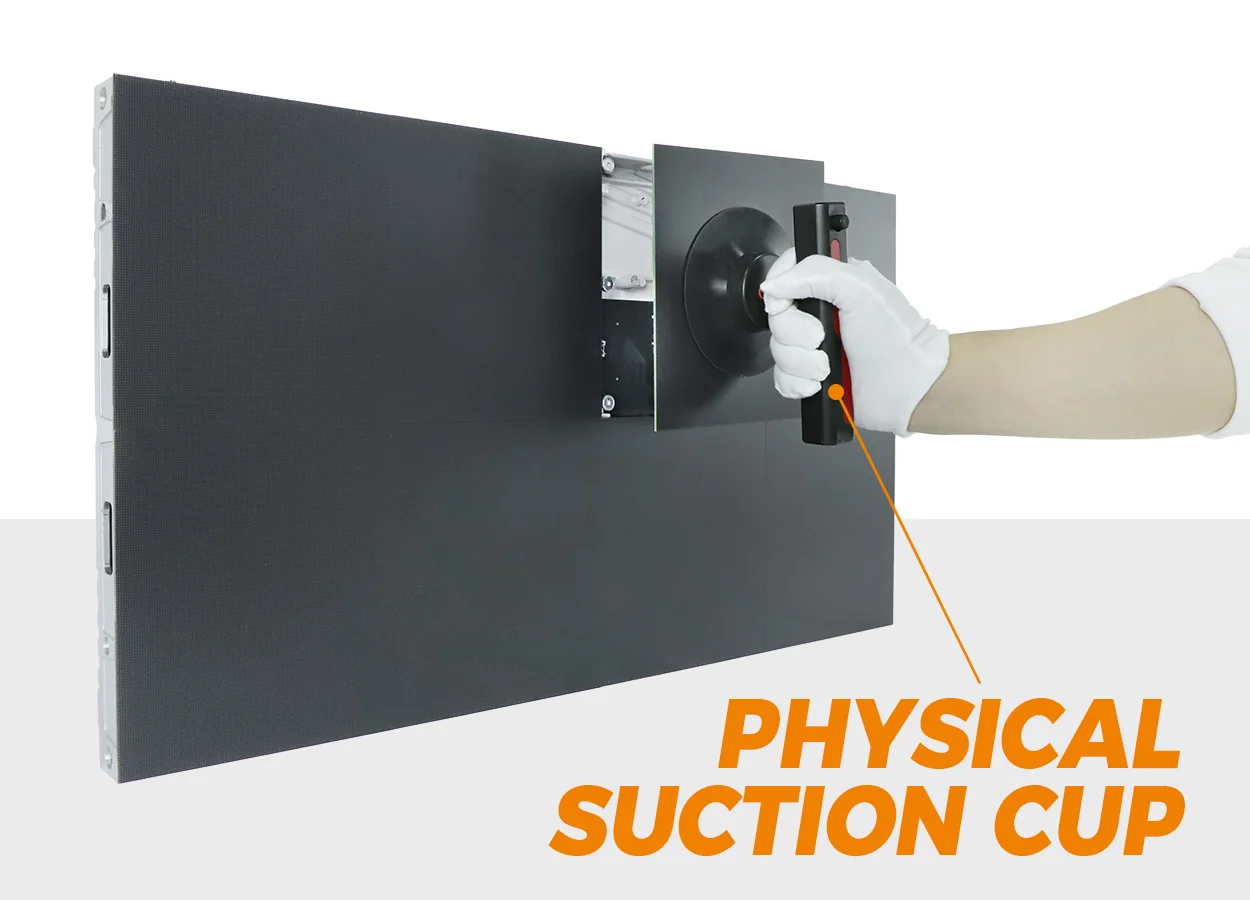
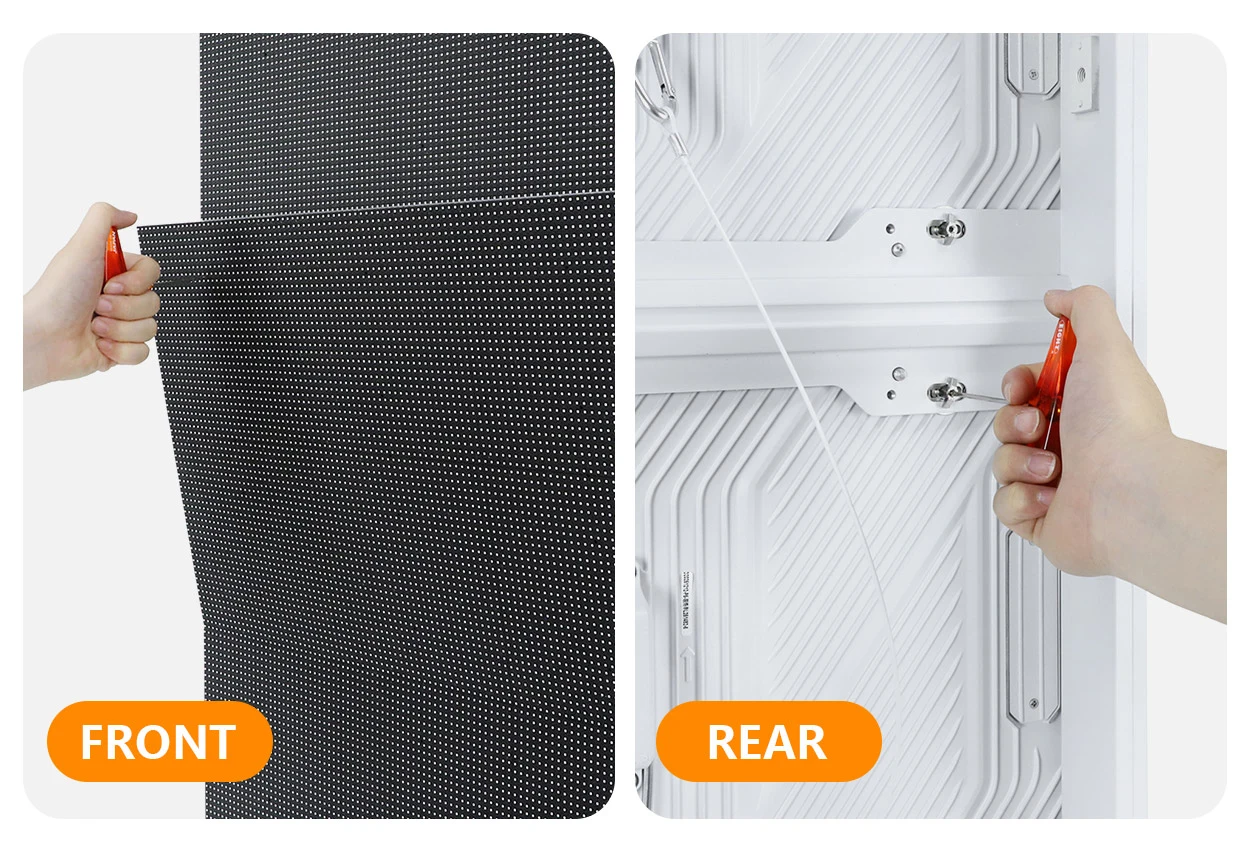
Transit hubs rarely close. Choose service access that suits the mounting position, plan maintenance windows with the operator and keep spare modules and power supplies on site. Front-service cabinets are useful where screens are recessed into walls or hung above passenger areas.
6. Integration with FIDS, PIDS and Content Systems
An LED wall is only the last step in a chain of systems. In an airport, flight data typically flows from the operational database to the flight information display system (FIDS), then to players or processors that drive each screen. Rail stations use passenger information display systems (PIDS) in the same way.
- ورودی ها Confirm which sources feed each screen: FIDS or PIDS pages, media players, live TV, emergency messages.
- چیدمان ها Large walls are often split into zones for information, wayfinding and advertising.
- اولویت. Define how emergency and operational messages override scheduled content.
- نظارت بر. Agree how screen status and faults are reported to the operations team.
At Tampa International Airport, for example, LED walls show flight information, emergency notifications, public safety messages, baggage guidance and advertising, and operators can switch sources and choose from up to 60 customizable layouts, according to AVNation.
7. Safety, Compliance and Approvals
Requirements for displays in transport buildings come from several sources, and they vary by country and operator. The FAA circular itself states that it provides guidance and that mandatory signage requirements come from other statutory or regulatory authorities.
| موضوع | Examples of what may apply | Who usually decides |
|---|---|---|
| ایمنی در برابر آتش و جان | Material and cable requirements; NFPA 130 covers fixed guideway transit and passenger rail systems in the US | Fire authority, operator’s fire engineer |
| ایمنی برق و EMC | Product safety and EMC standards; railway projects may also reference the EN 50121 series | Operator, electrical engineer |
| دسترسی | ADA 703.5 visual character rules in the US, or local equivalents | Operator, accessibility consultant |
| ساختار و نصب | Load calculations, seismic or wind design, fixings to the building | Structural engineer, building authority |
| Security and site access | Worker vetting, tool control, restricted-area procedures | Airport or rail security team |
| دادهها و یکپارچهسازی | Interfaces with FIDS, PIDS and operational networks | Operator’s IT and systems team |
As an example of product documentation, one European supplier lists EN 62368-1, EN 61000-6-2, EN 61000-6-4 and the EU Low Voltage, EMC and RoHS directives for an LED departures board installed at a Polish railway station. Ask your supplier for certificates that match the exact model and the requirements of your project.
8. Examples from Airports and Stations
Published projects show how transport operators use LED in different ways.
| پروژه | What was installed | هدف |
|---|---|---|
| Daniel K. Inouye International Airport, Honolulu | Six large LED displays at 6 mm pitch; the newer displays were specified at 2,000 nits | Flight information, wayfinding, weather, news and advertising in sunlit entry lobbies |
| فرودگاه بین المللی تامپا | LED walls in meet-and-greet lobbies, eight baggage claim areas, an event wall, parking areas and shuttle signs | Flight information, emergency and safety messages, wayfinding and advertising |
| LAX Tom Bradley International Terminal | An integrated media system including a 72-foot Time Tower, a 120-foot Story Board and 20 portal pylons | Passenger information and entertainment |
| ایستگاه اتحادیه لس آنجلس | An LED display about 16 feet high and nearly 100 feet wide, operational from June 2026 | Event programming, advertising and transit information in three content zones |
The Honolulu project also illustrates common challenges: large lobbies with abundant natural light, heavy passenger traffic and the need to fit displays into existing architecture.
9. Budget, Installation and Acceptance
Transit projects carry costs beyond the display itself. Build the budget per zone and include the work needed to install and operate in a live facility.
| مورد هزینه | یادداشت |
|---|---|
| کابینت و ماژولهای LED | Compare quotes on the same pitch, brightness and service method |
| Processing and players | Include backup units where redundancy is required |
| ادغام | Interfaces with FIDS, PIDS, content management and monitoring |
| ساختار و نصب | Engineering, steelwork and building interfaces |
| زیرساختهای برق و داده | Distribution, protection and network connections |
| Installation in a live building | Night work, phasing, security procedures and passenger protection |
| Spares and maintenance | On-site spares, service contract and response times |
| هزینه های عملیاتی | Electricity, content production and system licenses |
For running costs, see our guide to مصرف برق نمایشگر LED.
01. Acceptance Tests to Agree in Advance
- خوانایی: read real FIDS or PIDS pages from the nearest and furthest viewing positions.
- روشنایی: check daytime readability and night dimming on site.
- Failover: disconnect data, power and signal paths as agreed and record the screen behavior.
- لغو کردن: trigger an emergency message and confirm it replaces scheduled content.
- یکنواختی: inspect color and brightness across the full wall.
- خدمات: replace a module and a power supply within the planned maintenance window.
10. چگونه EagerLED Supports Transit Projects
EagerLED manufactures LED displays in Shenzhen and supplies systems integrators and distributors worldwide. For transport facilities, we can supply:
- indoor LED cabinets for information walls, gates and baggage claim;
- ماژولهای نمایشگر LED COB for fine-pitch walls in operations centers and close-viewing areas;
- LED poster displays for concourses and retail zones;
- outdoor fixed LED displays for forecourts and landside areas, including front- and rear-service designs.
Approval and integration remain the responsibility of the project team. Share the zone plan, viewing distances, required standards and system interfaces early, and we can confirm which configurations and documents are available.
11- سؤالات متداول
01. Should airports use LED or LCD for flight information displays?
Both are used. LED suits large, seamless walls and bright spaces, while smaller individual screens are often LCD. Choose by size, viewing distance, brightness and the information each screen must show.
02. What pixel pitch is best for an airport LED screen?
It depends on the viewing distance and the smallest text. Calculate the letter height for the furthest viewer, check how many pixel rows form each character, and test a sample with real FIDS pages.
03. How bright should an LED screen be in a terminal?
Bright enough for the sunniest viewing condition, with automatic dimming for night. For example, the newer LED displays in Honolulu’s sunlit airport lobbies were specified at 2,000 nits.
04. What happens if the flight data feed fails?
With local caching, screens keep showing the last valid data for a defined period. Define what each screen type shows when that period expires, because outdated flight information can mislead passengers.
05. Can one LED wall show flight information and advertising?
Yes. Large walls are often divided into content zones, as at Los Angeles Union Station, which uses three zones. Agree the layout, priorities and emergency override rules with the operator.
06. Which standards apply to LED displays in railway stations?
That depends on the country and operator. Typical topics include electrical safety, EMC, fire safety and accessibility. Railway projects may reference the EN 50121 series for EMC, and US fixed guideway transit projects may reference NFPA 130.
07. How are LED screens maintained in a busy terminal?
Through planned maintenance windows, front- or rear-service access suited to the mounting position, and spare modules and power supplies kept on site.
12. Plan Your Transit Hub LED Project
Before requesting quotations for LED screens for airports, train stations or other transit hubs, prepare:
- a zone plan with screen locations and mounting conditions;
- the nearest and furthest viewing distances for each screen;
- sample FIDS, PIDS or wayfinding pages with the smallest text;
- daylight conditions and operating hours;
- required redundancy, standards and system interfaces.
تماس EagerLED with these details for a configuration proposal and an itemized quotation.