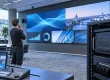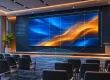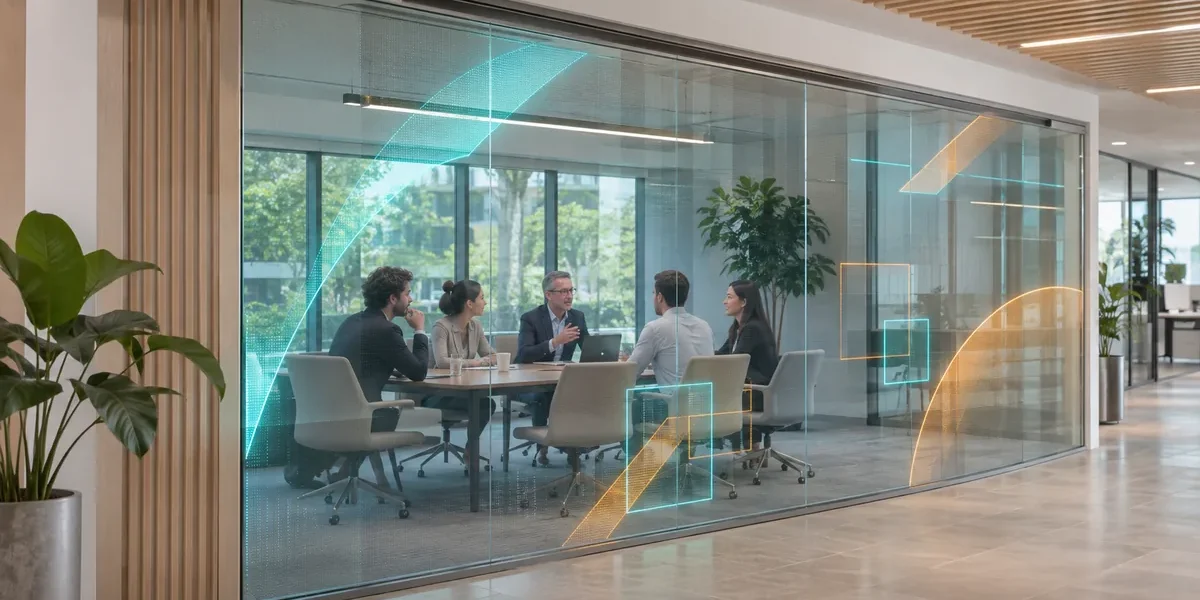
Transparent LED film for office partitions can turn suitable indoor glass into a digital information surface while keeping much of the view through it. For an AV integrator, the decision starts with the glass and the content, not a transparency percentage alone. Confirm the glazing is approved for an adhesive installation, test legibility from actual sightlines, and plan power, control, access, and removal before specifying a film.
An office partition is an unusually demanding display location. People may view it from both sides, stand close enough to see the pixel structure, or expect it to provide privacy during meetings. The film can communicate a room name, a simple schedule, or a visual identity; it cannot make confidential work invisible through clear glass. This guide sets out a project brief, a sample test, and acceptance evidence for a proposed retrofit.
EagerLED EA-iFilm2 flexibles LED-Display is the product reference here. Its current page describes a self-adhesive, indoor transparent film with pitch-dependent published transparency. Treat those figures as a starting point for the exact variant offered, not proof that every office pane is compatible.
1. Define the Partition’s Job Before Choosing Film
Transparent LED film for office partitions works best when the desired message is short, visually strong, and compatible with a view through the glass. An entrance divider can show a welcome graphic. A corridor-facing meeting-room pane can display a room name or booking status. A collaboration area may use abstract motion at selected times. Each purpose has a different minimum text size, dwell time, viewing direction, and acceptable obstruction of the room behind it.
Write down who must read the message, where they approach from, and how long they will have to look. A visitor walking past a glazed wall will not inspect a dense presentation slide. A staff member standing within an arm’s length may notice pixel spacing and reflected light that are less obvious across a lobby. Use final artwork rather than a colorful supplier demo to define success.
Ask the client whether the partition also has a privacy requirement. A transparent display does not replace blinds, switchable privacy glass, an opaque treatment, or an acoustic partition. In fact, luminous content can draw more attention to what is happening inside the room. If meeting confidentiality is essential, specify privacy as a separate building requirement and test it with the display both on and off.
2. Survey the Glass, Sightlines, and Service Route
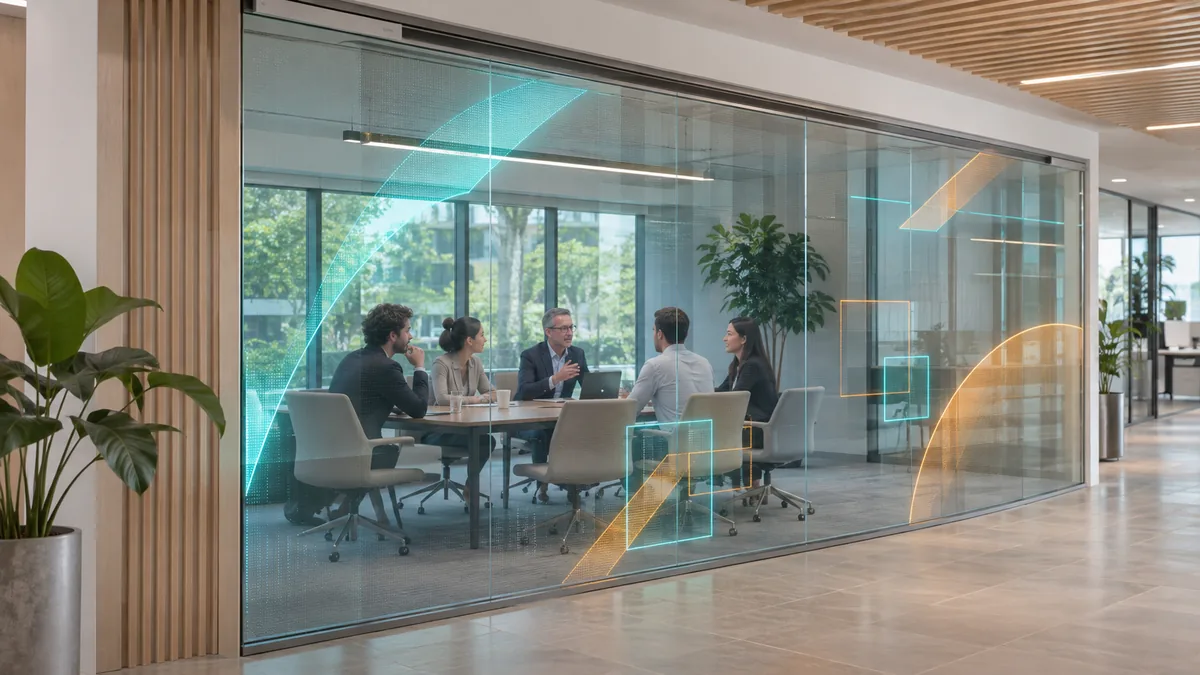
Survey every proposed pane before measuring the LED area. Record visible glass width and height, framing, mullions, door swing, handles, films already applied, glass coatings, shading, direct sun, reflections, and access from both sides. A continuous wall on an architect’s plan can contain several separate panes; crossing joints or a moving door can change the proposed layout completely.
Have the glazing professional and building owner confirm whether adhesive film is permitted on the specific glass assembly. Coatings, thermal behavior, fire and egress rules, and warranty terms depend on the site. Agree who prepares the surface and handles future removal. Keep film clear of mandatory vision panels, safety markings, door hardware, and escape information.
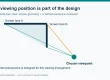
Map normal and accessible viewing positions. A bright message at seated eye height may distract meeting participants; placed higher, it may be hard for visitors to read. Check furniture, decals, and blinds in the same area. Daylight behind the glass may reduce image legibility despite a high published brightness.
Next, draw a physical path for power and data from the film edge to a serviceable location. The glass may have no cavity for concealment. A neat concept image can hide a cable that would cross a door, cut across clear glass, or end at an inaccessible ceiling void. Show the termination detail, cable protection, controller position, isolation point, and route for future replacement. A qualified electrical designer should verify supply, circuit protection, and local code requirements for the quoted system.

EA-iFilm2 is listed with an IP30 rating on its current product page. That is an indoor product specification; it does not authorize exposed outdoor glazing, wet cleaning of electrical parts, or installation in a damp entrance without further review. If a proposed partition is outdoors or subject to weather, request a separately suitable system and site design.
3. Choose Pixel Pitch and Transparency as One Decision
Transparent LED film for office partitions involves a tradeoff between pixel density, the apparent openness of the pane, and the content that must be readable. The EA-iFilm2 page publishes different transparency figures by pitch: P4 at 90%, P8 at 92%, and P20 at 95%, for example. These are separate variants, not three simultaneous capabilities of one film. The percentage also does not describe how bright, dark, patterned, or reflective the real room behind the glass will appear.
| Variante | Veröffentlichte Transparenz | Office-partition question to test |
|---|---|---|
| P4 | 90% | Does the smallest required text read clearly from the closest normal corridor position? |
| P8 | 92% | Is the planned icon or short message readable without making the pane feel too busy? |
| P20 | 95% | Is the display only carrying large graphics seen from farther away, with no fine text? |
Those questions are test prompts, not a guaranteed viewing-distance formula. A 4 mm pitch offers more physical pixels over a given width than a 20 mm pitch, but legibility also depends on letter height, contrast, content movement, distance, and the background beyond the glass. Calculate the native pixel matrix from the final active dimensions and selected pitch. Then prepare sample files at that exact matrix. A 4K input accepted by a processor does not make a physically lower-resolution pane display native 4K detail.
On a clear partition, content has no opaque background to separate it from the room. Try short words, large shapes, and strong color contrast; avoid small gray type over a busy interior. Review the same file during daylight, under office lighting, and with the adjacent room occupied. Specify a brightness schedule that can be dimmed for comfort. The published EA-iFilm2 brightness is 2,000 nits (cd/m²), but a useful office setting may be lower and must be verified on site. Do not turn a maximum product figure into a promise of readability in every light condition.
If the client needs detailed schedules, legal text, or dense dashboards, place that information on another screen or a phone-accessible system and use the film for a concise cue. EagerLED LED film overview discusses broader uses of the format; an office partition still needs its own content and sightline test.
4. Specify Transparent LED Film for Office Partitions as a System
A specification for transparent LED film for office partitions should identify the film variant and the equipment that makes it operate. Ask for an itemized drawing showing active dimensions, module layout, native pixels, film orientation, controller or processor, power supplies, signal path, cable lengths, network connection if used, and mounting or adhesive method. Confirm which components are supplied by the display vendor and which are the integrator’s or building contractor’s responsibility.
The product page describes EA-iFilm2 as roughly 2 mm (0.08 in) thin and lists a refresh rate of at least 3,840 Hz and a 160° viewing angle. These are published product figures, subject to the offered configuration and test conditions. A thin film surface does not eliminate peripheral hardware, cable exits, or access. Likewise, a wide viewing-angle claim does not confirm that fine text can be read from every oblique corridor position. Ask the supplier to identify the exact variant and data sheet behind the quotation.

Define how content reaches the display and who approves updates, owns the account, and restores service. IT may need to approve the network path. A screen accepting a video signal does not necessarily include content-management software, licenses, a player, or remote monitoring.
Specify normal start-up and failure behavior. Agree what appears after a power cycle, a lost network connection, or an absent input. For a meeting-room status sign, an out-of-date booking message may be worse than a blank display. A witnessed test should decide which state is acceptable. Export the configuration, content files, and pixel map under a named revision so a service technician can reproduce the approved state.
Maintenance requires more than a promise that the film can be replaced. Ask how a failed segment is identified and removed without damaging approved glazing or adjacent film. Identify spare-part identities, access to termination points, cleaning instructions, the permitted repair method, and responsibility for site labor. Request a mock-up of the edge and cable finish where appearance matters. The glass curtain wall supplier checklist covers another glazing application; use it for related procurement questions while keeping the office-specific constraints in this brief.
5. Run a Pilot That Can Reject the Wrong Design
Test transparent LED film for office partitions on a representative pane before committing to several rooms. Choose a location with a real constraint, such as the brightest corridor, a heavily used meeting room, or the least convenient cable route. Agree the pass conditions before the sample is installed. Otherwise, a vivid demo may distract from a failed requirement that matters to the building owner.
Bring actual room-name text, booking-status format, accessibility requirements, and approved brand assets. Mark viewing positions on the floor. Witness readability with lights, blinds, and the neighboring room in normal use. Test both sides of the pane. Record brightness, content version, time, lighting, and direct observations; photographs alone cannot prove legibility.
Then witness the complete source-to-screen path: content update, scheduled change, planned restart, loss and restoration of network if applicable, and recovery of the intended image map. Ask the installer to demonstrate safe access to the controller and the agreed replacement route. Record defects with an owner and retest condition. A pilot is approved only when the named client and integrator accept the documented result for the defined use case; it is not an automatic approval for different glass, light, or room layouts.
6. Compare Quotations and Prepare the Handover
Ask bidders to price the same scope: named film model and pitch, exact active size and pixel matrix, controller and player, power supplies, cables and edge treatment, freight, site labor, commissioning, spares, training, and support. Mark each line as included, excluded, optional, or supplied by another contractor. A price per square meter cannot reveal whether glazing approval, electrical work, content software, or service access is included.
The handover package should contain the as-built glass and edge drawings, equipment serial or batch details where available, final pixel map, cable and controller locations, approved content files, operating schedule, cleaning instructions, spare list, and recovery procedure. Name the party that owns each item and the person who can authorize content changes. This keeps a room-signage project serviceable after the original installer leaves.
7. Häufig gestellte Fragen
01. Can transparent LED film provide meeting-room privacy?
No. Its purpose is to show luminous content while allowing a view through suitable glass. If people inside the room must be screened from view, the building design needs a separate privacy measure. Test that measure with the display both on and off, because bright graphics do not reliably obscure confidential material.
02. Can the film cross a glass door or a joint between panes?
Do not assume so. Doors move, hardware interrupts the surface, and separate panes have their own edges and service conditions. Have the glazing and display installers approve a pane-by-pane layout, then show each cable termination on a drawing before ordering.
03. Does 95% transparency mean the displayed text will be easy to read?
No. The EA-iFilm2 page lists 95% transparency for its P20 variant, which has a much coarser pitch than P4. The background scene, light, viewing distance, artwork, and pixel matrix still determine whether the message reads. Test the exact text on the proposed variant at the real partition.
04. Welche Nachweise sollte ein Integrator bei der Übergabe anfordern?
Ask for the accepted pixel map, current configuration backup, source and cable drawing, operating settings, approved content, cleaning and service instructions, spare identities, and witnessed restart result. Attach the pilot’s open issues and responsibility for closing them. Those records let the next technician restore the accepted display state.
8. Request a Project-Specific Office Partition Proposal
Send a pane schedule with glass dimensions, photographs from both viewing sides, the nearest and farthest viewing positions, room lighting conditions, proposed messages, daily operating hours, and available power and network routes. Ask for one named EA-iFilm2 configuration, a native pixel map, an edge and service drawing, and a pilot acceptance plan. An integrator can then compare the proposed display with the building’s glass, privacy, and maintenance requirements. Kontakt EagerLED with the office partition brief and request the current data sheet and itemized scope for the offered variant.