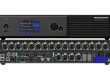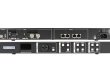


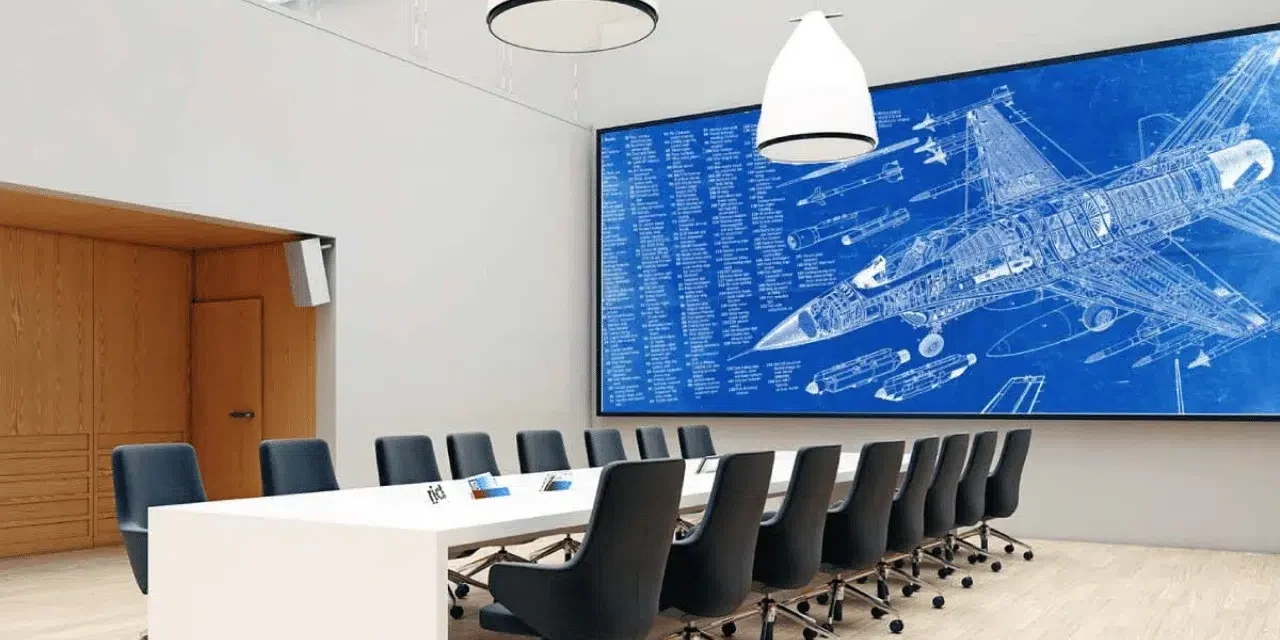
A fanless LED display uses a cooling arrangement that transfers heat without a fan in the specified display assembly. For a quiet meeting room, ask the supplier to identify exactly which parts use passive cooling, then assess the complete installation at the intended brightness, room temperature and operating schedule. The controller, power equipment and room ventilation all belong in that assessment.
This guide is for AV integrators preparing a fixed indoor meeting-room project. It explains how to turn a request for quiet operation into a reviewable equipment schedule, installation drawing and acceptance test. Product photographs illustrate components and service arrangements. Acoustic performance must be established for the proposed configuration.
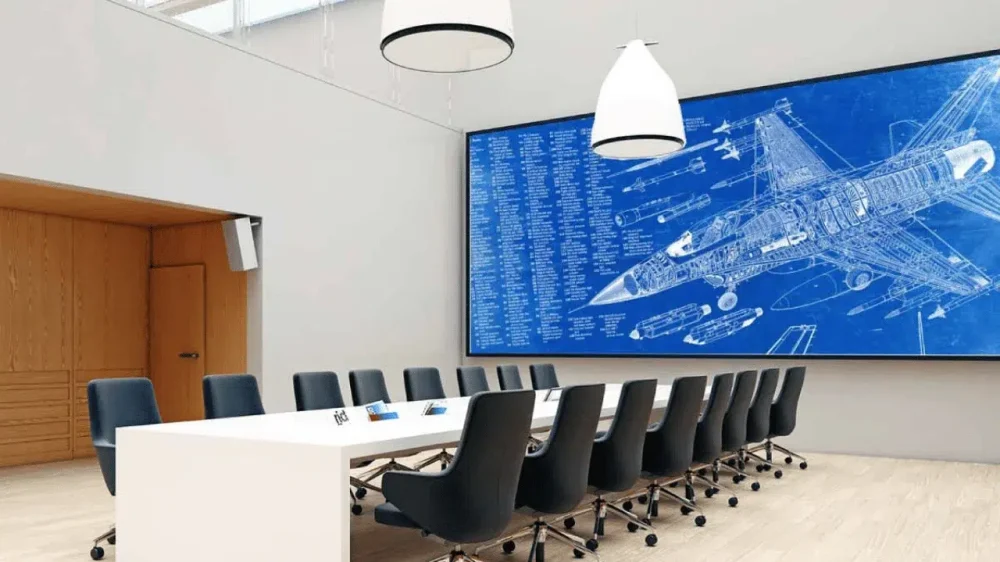
1. Define What a Fanless LED Display Includes
Start the specification with a list of equipment covered by the cooling claim. A supplier may use “fanless” for the cabinet, an individual power supply or a complete integrated display. That boundary determines what the integrator still needs to evaluate.
Ask for the cabinet drawing and exact component schedule alongside the quotation. Identify the LED modules, receiving electronics, power supplies, processor, media player and any external enclosure ventilation. Record the proposed location of each item. A processor placed beside the meeting table creates a different acoustic situation from the same device in a separate equipment room.
| Quoted description | Prove da richiedere | Remaining coordination |
|---|---|---|
| Passive display cabinets | Cabinet cooling method and fitted component models | Power equipment, processing rack and room ventilation |
| Fanless power supplies | Exact supply suffix and installation instructions | Cabinet heat removal and other powered equipment |
| Integrated quiet display system | Complete equipment list and acoustic test conditions | Site enclosure, microphones, seating and HVAC operation |
| Low-noise fan-cooled system | Fan operating behavior and measurements at stated loads | Warm operation, speed changes and service access |
A useful fanless LED display submittal identifies the supplied configuration in writing. If an alternative power supply or controller is proposed later, review its cooling and sound characteristics before accepting the substitution. Keep that decision with the approved equipment list so procurement and installation teams use the same reference.
2. Check How Heat Leaves the Installation
A fanless LED display still needs a continuous route for heat to reach its surroundings. Depending on the design, components transfer heat into the chassis, heat sinks or mounting surfaces, while natural air movement carries heat away. The specified orientation and clearances are part of that design.
01. Review the finished enclosure
Give the supplier a section drawing through the wall. Include the cabinet, mounting structure, finished trim, rear cavity, adjacent insulation and any openings. Ask the supplier to mark the required airflow and service spaces on that drawing. This resolves a common gap between a product demonstrated in open air and the same product installed in a decorative recess.
For the fanless LED display proposal, request the permitted ambient conditions and the location at which temperature is defined. The air around a power supply can be warmer than the occupied room. A room thermostat alone leaves that local condition unmeasured.
02. Check the component operating curves
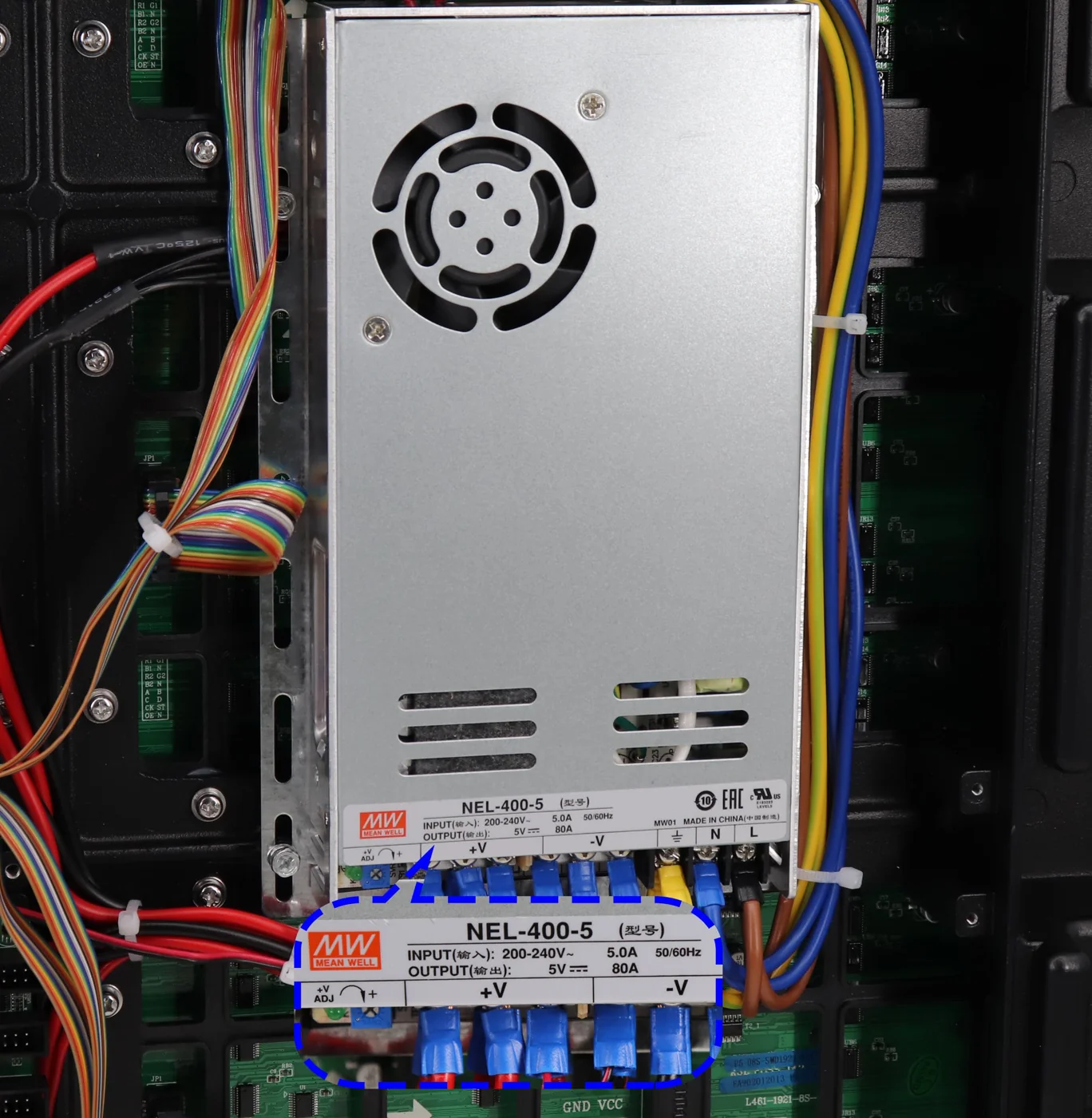
Power-supply documentation may specify free-air convection, fan assistance or a required mounting surface. It may also reduce allowable output at particular temperatures or input conditions. MEAN WELL’s published installation guidance and model-specific data sheets distinguish these arrangements. Have the responsible designer confirm the applicable rating with the proposed installation geometry.
Use the selected cabinet’s documented maximum demand for capacity review and a representative operating profile for the energy budget. Record brightness, content, operating hours and auxiliary equipment in that profile. EagerLED'S power-supply selection guide explains the information needed for component sizing.
For a fanless LED display in a shared meeting suite, also document what happens when the building reduces ventilation outside normal office hours. An evening presentation should use an operating condition that the equipment and room design support.

3. Write a Useful Acoustic Requirement
Specify the sound outcome at the people and microphones that matter. The nearest seat, the presenter position and the conferencing microphone may experience different results. Mark those locations on the room plan before comparing equipment claims.
For a fanless LED display, request any available sound data with the equipment configuration, measurement distance, operating state, room conditions and instrument method. A number without those details provides little basis for comparing proposals. A cabinet-only measurement also needs a clearly stated boundary.
01. Agree on the room criterion
The project’s acoustic designer should select the criterion for the room’s use. ASHRAE’s 2023 guidance on HVAC-related background sound distinguishes conference and teleconference rooms, and discusses overall sound level, frequency balance and audible tones. Use that guidance within the room design, with a separately agreed scope for evaluating display equipment.
An A-weighted sound level, expressed in dBA, is one useful measurement. Tonal hum, whine or changing fan speed can require additional investigation. Document which characteristics matter for the project and how they will be assessed. Keep the chosen criterion, test duration and measurement positions in the purchase specification.
02. Include background sound
Test equipment contributes sound alongside ventilation and other room sources. Record a repeatable background condition and the condition with the display system operating. Sound levels combine logarithmically, so attribution requires an appropriate acoustic method. Where background sound masks the equipment contribution, record the limitation and agree on a better test condition.
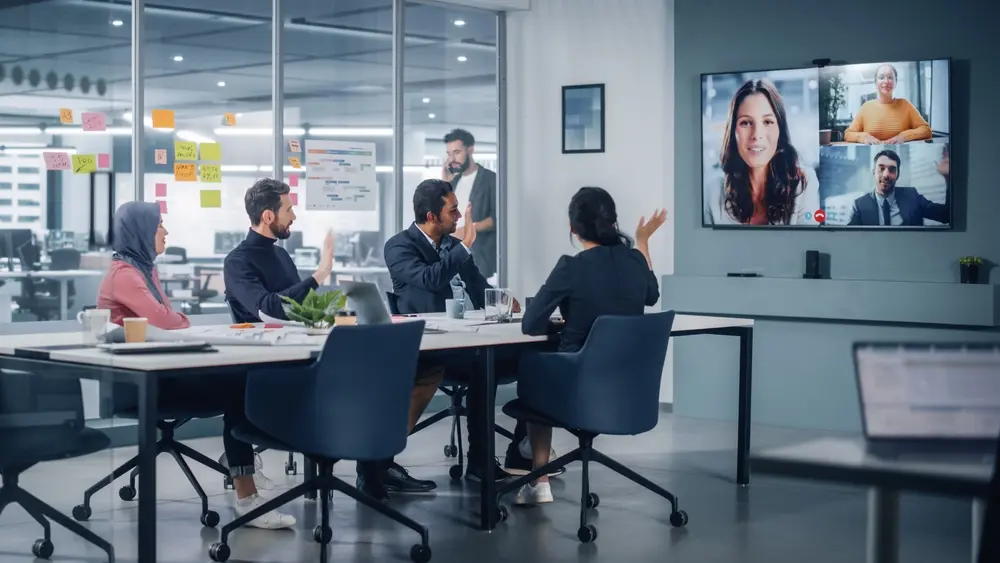
A fanless LED display demonstration should include a quiet discussion and a remote call. The sound at the far end of the call depends on microphone placement and audio processing as well as equipment noise. Keep a record of those settings when comparing candidate systems.
4. Coordinate the Wall, Rack and Microphones
A fanless LED display works best when the equipment layout is resolved alongside the room plan. Establish where video processing, playback, switching and power distribution will live. Give the audio designer the equipment schedule early enough to consider those sources when choosing microphone positions.
If processing equipment can be placed in a separate rack room, confirm the supported signal transport, cable route, connection length, control access and ventilation. Review the entire path from the presenter’s source to the wall. Moving equipment changes cabling and maintenance requirements, which should appear in the quotation.
Where a rack must remain in the meeting room, ask for its proposed operating and cooling arrangement. Check doors, intake openings and service access in the finished furniture. Have any acoustic treatment coordinated with the equipment’s thermal requirements and the building design.
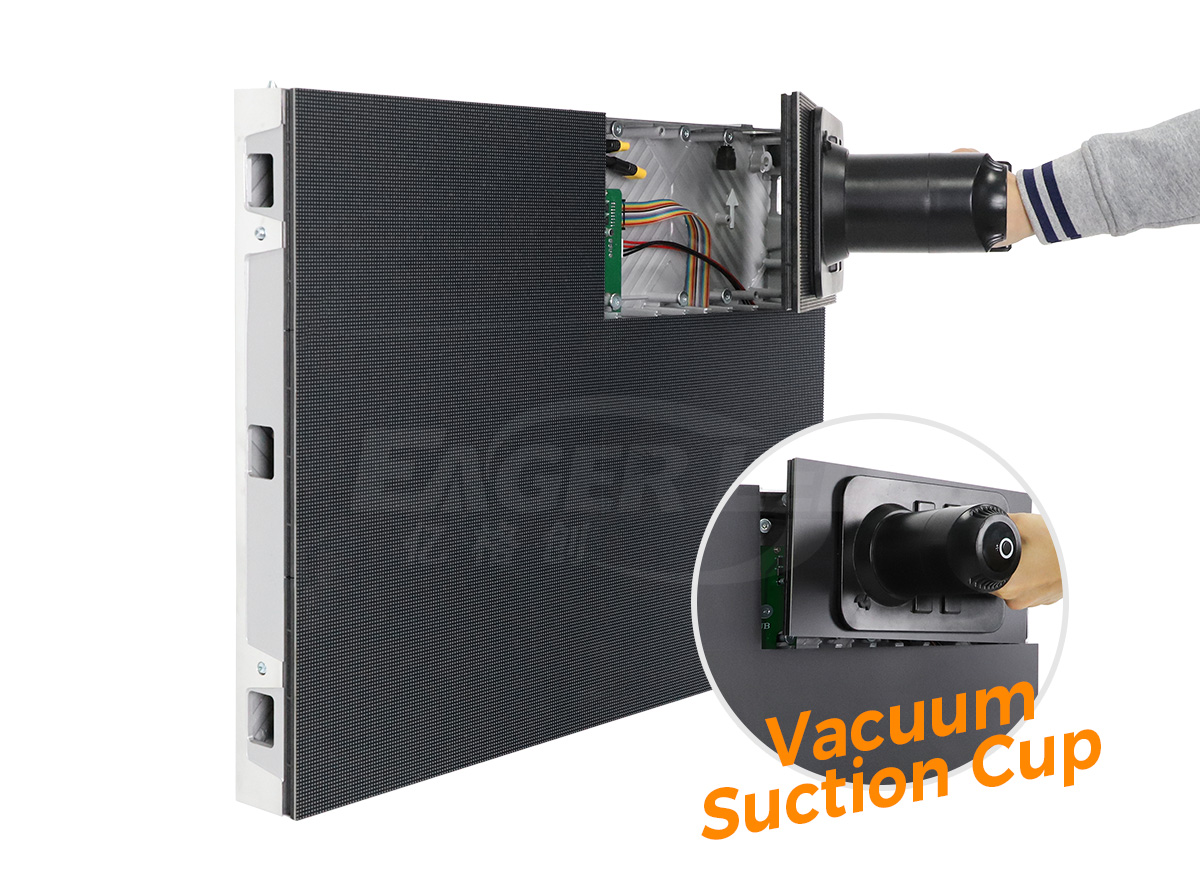
For the fanless LED display wall itself, show how a technician reaches each replaceable part. The EA640F2 front-service cabinet, for example, provides front access to modules, power supplies and receiving cards. Confirm the proposed model’s cooling arrangement separately with its configuration documents.
Agree on working space in front of the screen. A permanent table, lectern or decorative fixture can make an otherwise serviceable cabinet difficult to reach. Put access requirements on the same drawing as the screen and furniture so later interior changes receive an informed review.
01. Resolve an equipment-location conflict before ordering
Consider a hypothetical boardroom with a shallow display recess and a processor specified inside the credenza beneath the conferencing microphone. The proposed display cabinets use passive cooling, while the processor has a cooling fan. The integrator first checks whether the existing equipment room can accommodate the processor and its supported signal connection. If that arrangement is feasible, the quotation can include the revised cable route and control access.
If the processor must stay in the credenza, request a coordinated furniture and ventilation design, then demonstrate that arrangement with the intended microphone. Record the decision before the furniture is fabricated. This planning example shows why the equipment location and cooling schedule need approval together, even when the display cabinets meet the requested cooling description.
5. Keep the Required Image Performance
Evaluate the fanless LED display at the settings the customer will actually use. Include presentation slides, a spreadsheet, faces in a video call and the normal room lighting. Record the selected luminance or brightness preset with the test content so the demonstration can be repeated.
First, confirm readable text from the furthest seat and acceptable appearance from nearby positions. Then evaluate grayscale, color uniformity and reflections at that same operating level. EagerLED'S conference-screen planning guide covers the broader room and image requirements.
Keep camera behavior in a separate test line. Frame rate, shutter settings, scan behavior and synchronization can affect recorded images. Ask the supplier to support a trial with the actual conferencing camera or an agreed equivalent. Record any settings required for satisfactory capture.
If a proposal achieves its acoustic target only at a reduced brightness setting, include that setting in the approval record and confirm that it supports the customer’s content under expected lighting. For a fanless LED display, the accepted result should connect image quality, thermal operation and sound in one documented configuration.
Make presets understandable to operators. Names such as “daytime presentation” and “video meeting” are easier to use than an undocumented numeric brightness value. Define who may change those presets and how the approved settings will be restored after service.
6. Plan the Fanless LED Display Acceptance Test
Agree on the procedure before production approval. A factory review can confirm the supplied hardware and demonstrate an agreed operating setup. The site test then evaluates the finished room, including its enclosure, ventilation and conferencing equipment.
01. Establish a repeatable baseline
Record the cabinet model, supply models, processor, firmware, brightness preset and content files. Note the room state, open or closed doors, operating ventilation and nearby equipment. Identify the test instruments and the agreed measurement positions. Give each position a clear reference on the drawing.
Operate the fanless LED display for the stabilization period defined in the approved procedure. Choose that period with the supplier and project team based on the equipment and installation. Keep temperature and operating-state records that show the conditions during the assessment.
| Condizione di test | Record | Decisione supportata |
|---|---|---|
| Room baseline | Background sound, ventilation state and measurement positions | Whether the equipment contribution can be assessed |
| Normal presentation | Content, brightness preset, room condition and acoustic result | Suitability for everyday meetings |
| Agreed demanding content | Supported operating level, stabilization and thermal observations | Performance within the approved operating envelope |
| Remote video call | Microphone setup, call processing and remote-listener observations | Suitability for conferencing use |
| Warm restart or source change | Temporary noises, duration and return to the normal preset | Whether transitions meet the agreed requirement |
| Ripristino del servizio | Part identity, restored settings and repeated affected checks | Whether the accepted configuration has been recovered |
02. Record observations precisely
Describe the location and timing of an audible issue. “High-pitched sound near the left equipment enclosure after the presentation preset is selected” gives the supplier a clearer starting point than “the screen is loud.” Link the observation to the configuration and operating condition.
Keep measured results and listener observations in separate fields. A phone recording can help communicate a symptom, while the agreed measurement procedure establishes acceptance. Conferencing noise suppression can also change what a recording reveals, so include its state in the test notes.
For the fanless LED display project, assign each open item an owner, proposed action and retest condition. Keep the original observation alongside the final result. This gives the customer and service team a traceable record of the equipment and settings that were accepted.
7. Compare the Complete Project Cost
Compare a fanless LED display quotation on the same scope as every alternative. Include the screen, mounting, processing, cabling, ventilation provisions, installation, commissioning and service access. Ask suppliers to identify assumptions that depend on the building team.
For operating cost, request a representative power measurement or a clearly labeled estimate tied to the planned brightness and schedule. Add external processing and any dedicated cooling equipment within the chosen system boundary. EagerLED'S display energy-cost guide explains how to combine power and operating time.
For service cost, list accessible replacement parts, required tools, compatible spares and restoration work. Fan replacement may disappear from a passive cabinet’s service plan, while cleaning, inspection and component replacement remain relevant. Price those tasks against the actual installation access and support agreement.
Ask the supplier to describe any configuration change that would require another thermal or acoustic review. This gives the purchasing team a practical way to compare substitutions during procurement and future maintenance.
8. Preserve the Accepted Operating Conditions
Keep the fanless LED display handover package with the room documentation. Include equipment identifiers, approved presets, service instructions, enclosure drawings and acceptance results. Make the operating guide available to the staff who manage the room each day.
Inspect accessible ventilation openings and follow the manufacturer’s cleaning procedure. Have qualified personnel handle internal electrical service. Record unusual sound with the operating state and affected location, then use the agreed support route for investigation.
After a component replacement, compare the installed model and revision with the approved schedule. Restore the relevant configuration and repeat the checks affected by the repair. Changes to a rack, room trim or ventilation schedule may also justify a targeted review.
A fanless LED display can be a useful part of a quiet room when the purchase brief, installation and maintenance records describe the same operating conditions. Keep those conditions visible throughout the project so future teams can make informed changes.
9. Fanless LED Display FAQs
01. Can an existing fan-cooled cabinet be converted?
A conversion needs written manufacturer approval and a validated thermal design. Removing fans changes the cooling conditions under which components operate. Ask the original supplier whether an approved conversion exists for the exact cabinet and installed components, including its operating limits and required tests.
02. Does COB packaging guarantee passive cooling?
Check the complete model specification. COB identifies an LED packaging approach. The cabinet, power supplies, component loading and installation arrangement determine the cooling provisions required for the finished system. Request the cooling description and supported operating conditions for the quoted configuration.
03. Can a phone sound-meter app establish acceptance?
Use the instrument and method agreed in the project specification. A phone app may help locate a change or document a complaint, but microphone behavior, calibration and processing vary. For a quiet-room test, have the acoustic specialist confirm suitable measurement equipment and its usable range.
04. How should a quote describe electrical hum?
Ask for any audible tonal sound to be assessed under the agreed operating states, including brightness changes and standby transitions where relevant. Record the location and conditions if a tone appears. The supplier can then investigate the identified assembly and propose a correction for review.
05. Can the same configuration be used in a sunny window?
A window-facing location needs its own review of daylight, solar heat and the required brightness. Provide the orientation, enclosure and environmental conditions to the supplier. Approve a configuration supported for that installation, with an appropriate thermal and visual test.
06. What belongs in a remote demonstration?
Request the exact equipment list, room layout, operating presets, test content and any available measurement record. Use the call to confirm the method and observe the workflow. Schedule the final room assessment with the installed microphones, ventilation and seating positions.
10. Request a Quiet Meeting-Room Configuration
Invia EagerLED the room plan, target display dimensions, viewing distances, microphone locations, daily schedule and proposed wall enclosure. Include any acoustic criterion already agreed by the project team, plus the required content and camera setup.
For your fanless LED display inquiry, request a model-specific cooling description, complete equipment schedule, installation requirements and acceptance-test scope. Discuss your meeting-room requirements with EagerLED so the proposal can address the display and its intended operating conditions together.