

Custom LED display design starts with the venue, viewing distance, content, and service access. A customized LED display is a modular video surface built around those requirements. A stadium LED display adds sports-specific needs such as sightlines, camera testing, scoring integration, weather exposure, and safe access.
This guide shows buyers how to plan the screen format, calculate native resolution, specify stadium performance, and compare full-project quotations. Use the checks and sample calculations to prepare a brief that manufacturers can quote consistently.
Quick answer: choose the display format first, calculate the native pixel resolution, test representative content from real viewing positions, and confirm maintenance access before approving production. A finer pixel pitch or a higher refresh-rate number cannot compensate for a poor structural layout or an unsuitable signal chain.
1. Customized LED Display and Stadium LED Display: What Is the Difference?
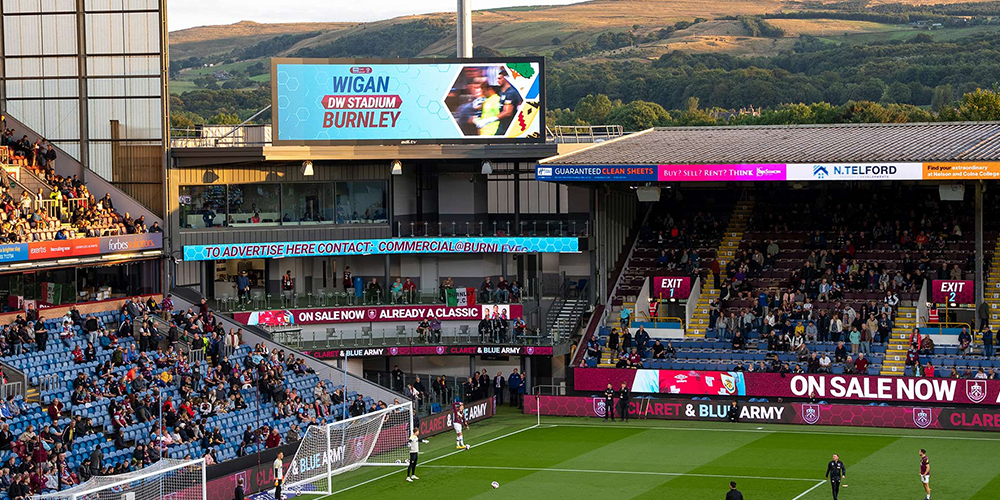
A customized LED display describes how a screen is engineered; a stadium LED display describes where and how it is used. The categories overlap. A curved arena ribbon, a four-sided centerhung screen, and a pitch-side advertising system can all require custom engineering.
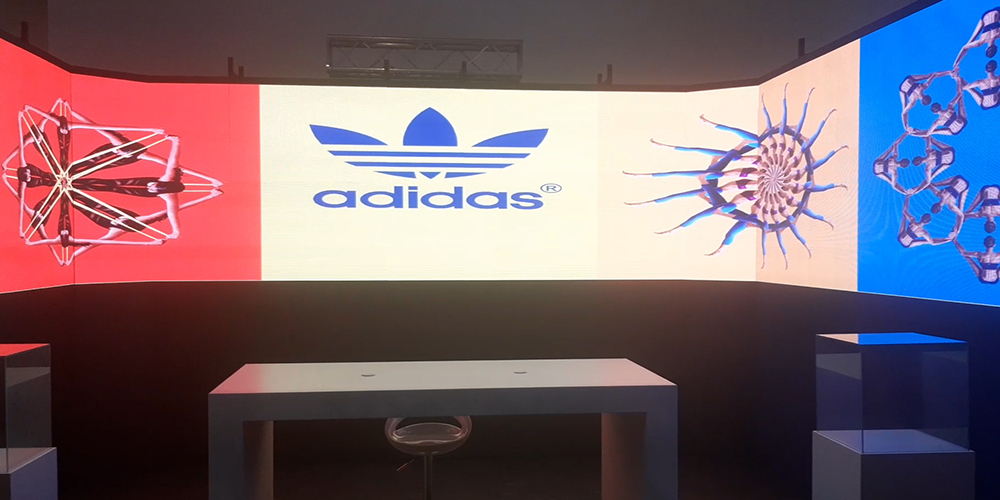
Customization can involve cabinet dimensions, mounting depth, pixel pitch, curvature, protective surfaces, and content mapping. It does not always require unusual shapes. A flat video wall designed around a restricted wall opening is also a customized LED display.
| Format | Main purpose | Design priority | Check before purchase |
|---|---|---|---|
| Custom indoor video wall | Presentations, retail storytelling, visitor information | Readable detail and accessible modules | Closest viewer, ambient light, wall depth |
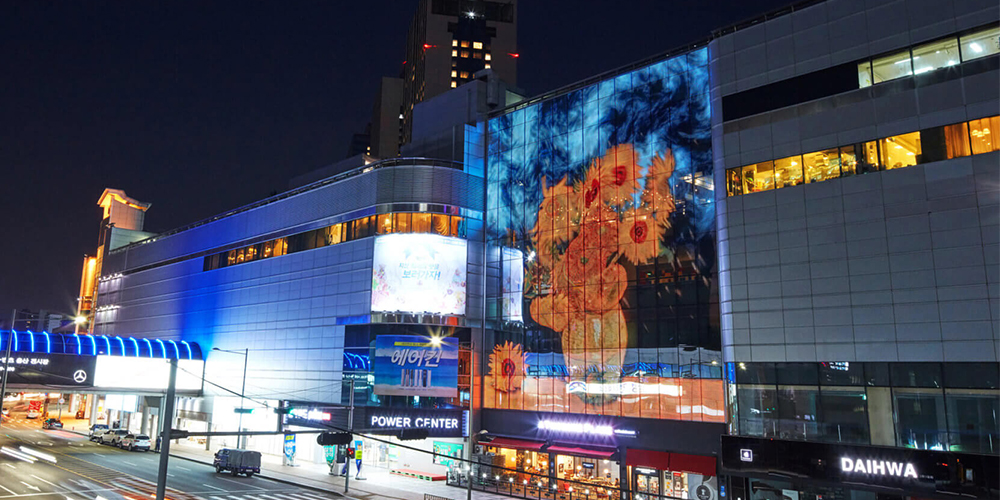
| Curved or cylindrical screen | Architectural features and brand displays | Geometry and content mapping | Bending radius, seams, frame tolerances |
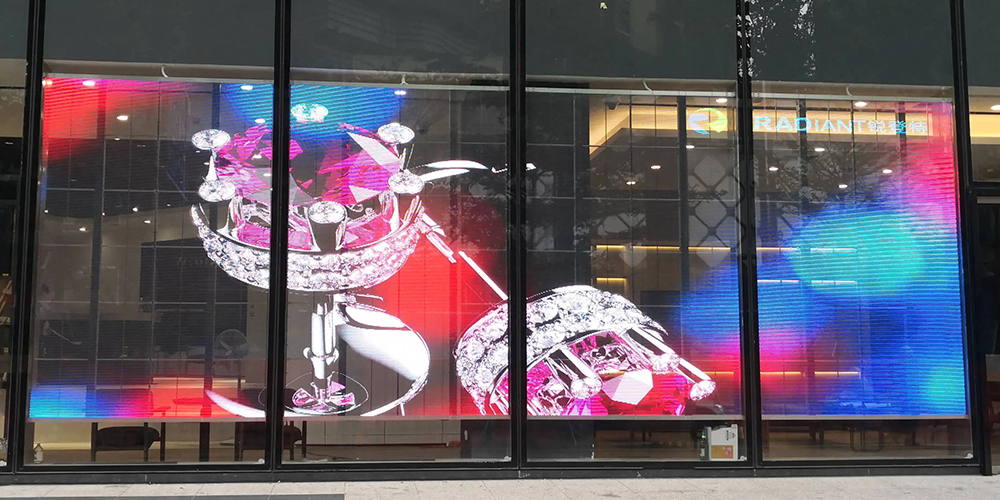
| Transparent display | Window advertising with partial visibility through the screen | Balance image impact and transparency | Daylight contrast and viewing from both sides |
| Stadium main video board | Replays, live video, scores, announcements | Legibility across seating zones | Sightlines, native resolution, live inputs |
| LED perimeter boards | Pitch-side sponsor messages | Camera performance and player protection | Padding, support stability, access routes |
| Ribbon or centerhung display | Statistics, promotions, multi-directional viewing | Structural integration and canvas layout | Suspension loads, control mapping, service access |
A stadium LED display should therefore be selected by function. A main replay board needs a useful video canvas; a long perimeter strip needs readable sponsor artwork. Treating both as interchangeable square meters of LED hardware can produce an expensive system that fails its intended task.
2. Custom LED Display Design: From Brief to Approved Drawings
01. Define the audience, content, and site
Begin custom LED display design with dimensioned site photographs, the available installation envelope, and the closest and typical viewing distances. Record whether people stop to read or walk past. Small product descriptions need a different pixel budget from large logos and moving backgrounds.
Specify operating hours, indoor or outdoor exposure, ambient light, available electrical supply, and the route for delivering cabinets. For a customized LED display behind glass, assess reflections and solar heat as well as screen brightness. A screen that looks convincing in a dark showroom may behave differently in a sunlit storefront.
02. Resolve geometry and service access together
Decide whether standard rigid cabinets, angled cabinets, or flexible modules best fit the shape. A customized LED display with a tight curve requires a documented minimum bending radius and a compatible frame. Modules must not be folded or forced around a structure beyond their rated limits.
Ask for front and side elevations, cabinet and module layouts, fixing details, ventilation space, and a maintenance method. Front access is useful against a wall, but technicians still need room to remove modules safely. Review EagerLED's flexible LED screen options when comparing curved surfaces with conventional flat cabinets.
03. Approve the pixel map and a representative sample
The pixel map links the physical installation to the content file. It identifies canvas dimensions, cabinet addresses, seams, corners, and any unused pixels. Require the media designer and control-system integrator to approve the same drawing before fabrication.
For a customized LED display, test the hardest content first: small lettering, diagonal lines, gradients, faces, and graphics crossing a corner. A physical sample or representative assembled section exposes alignment and color problems that a computer rendering cannot show. Record approved settings and tolerances so acceptance is based on evidence.
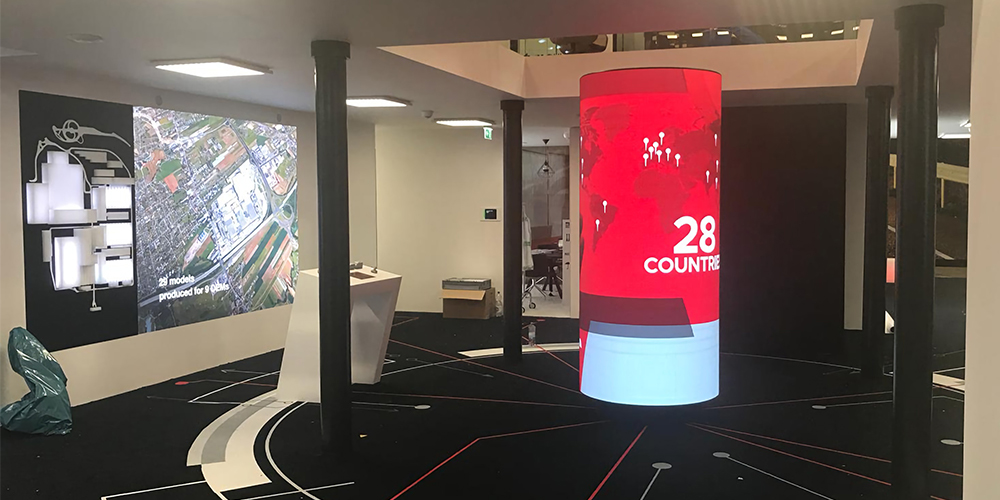
3. Pixel Pitch, Resolution, and Viewing Distance
01. Understand what pixel pitch measures
Pixel pitch is the center-to-center distance between adjacent pixels, measured in millimeters. At the same physical screen size, a smaller pitch produces more pixels. Planar's pixel-pitch explanation describes why finer pitches support closer viewing, while acceptable viewing distance remains dependent on the viewer and content.
Do not treat a simple pitch-to-distance rule as a guaranteed minimum. Evaluate the closest important seat, the typical audience position, and any broadcast camera. A customized LED display showing detailed text can need more resolution than one showing large abstract animation at the same distance.
02. Calculate the actual native resolution
Pixels across = screen width in millimeters ÷ pixel pitch in millimeters. Apply the same calculation to height. Final dimensions must follow available module and cabinet increments; use the manufacturer's exact pitch and pixel matrix rather than a rounded product name.
| Active screen size | Assumed exact pitch | Native resolution | Total pixels | Planning implication |
|---|---|---|---|---|
| 4.8 × 2.7 m | 2.5 mm | 1920 × 1080 | 2,073,600 | Matches a Full HD canvas if the cabinet layout permits |
| 4.8 × 2.7 m | 5 mm | 960 × 540 | 518,400 | Same area, one-quarter of the pixels |
| 12 × 6 m | 10 mm | 1200 × 600 | 720,000 | Large physical size does not mean 4K resolution |
| 80 × 0.8 m | 10 mm | 8000 × 80 | 640,000 | Long perimeter canvas needs custom mapping |
A stadium LED display can accept a 4K input while having a much smaller native pixel matrix. Ask the supplier to distinguish input compatibility from physical resolution. For a long strip, verify maximum controller width and output-port loading as well as total pixel capacity.
4. Stadium LED Display Specifications That Matter
01. Brightness, contrast, and weather exposure
Specify brightness for the venue's actual lighting conditions, including the screen's orientation and evening operation. A stadium LED display needs sufficient daylight visibility and controlled dimming at night. Compare calibrated operating brightness, not just a maximum value measured under unspecified conditions.
Check the ingress-protection rating separately for the front and rear, including connectors and service doors. An IP rating does not by itself establish corrosion resistance, condensation control, or suitability for every climate. Provide the manufacturer with temperature, humidity, coastal exposure, and expected cleaning conditions.
02. Refresh rate and camera testing
A stadium LED display refresh-rate specification is not the same as video frame rate. Camera results also depend on driver configuration, scan behavior, brightness settings, shutter timing, and synchronization. Never accept “flicker-free” as a substitute for a recorded test with the intended camera workflow.
NovaStar's camera-oriented control documentation explains synchronization and shutter matching as ways to reduce scan artifacts in supported systems. Those features are model dependent. Test normal and slow-motion production settings, then check for banding, rolling lines, moiré, and color shifts before accepting the installation.
03. Protection, access, and competition requirements
Pitch-side equipment needs protective padding, suitable masks, stable supports, protected cables, and clear access routes. A stadium LED display specification should identify who approves positioning and emergency openings. Padding reduces some contact risks; it does not replace venue safety review or competent structural design.
For regulated events, obtain the current requirements directly from the organizer. UEFA's published perimeter-board specifications illustrate why competition requirements must be checked separately. Do not assume that a generic product certificate automatically qualifies an entire installed system for a particular tournament.
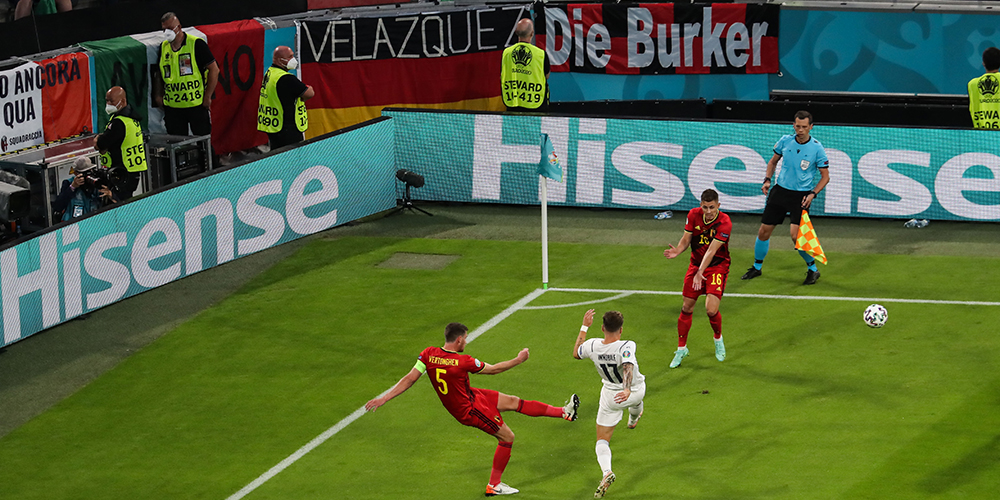
5. Stadium Video Wall Control and Content Workflows
01. Plan the complete signal path
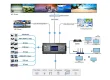
Stadium video wall control normally involves content sources, switching or playback equipment, an LED processor or controller, receiving cards, and the display modules. Write down which device handles each function. A media player that schedules advertisements does not automatically provide replay production or official scoring integration.
For a stadium LED display, confirm the scoring-system interface, input connectors, supported formats, cable distances, and required latency. Ask the integrator to demonstrate a complete live feed from source to screen. Test audio alignment when spectators can also hear a delayed program feed.
02. Separate the display canvases
Main boards, ribbons, and perimeter screens usually need different content layouts. Give sponsors approved artwork templates with exact pixel dimensions, safe areas, and minimum readable text sizes. Avoid stretching one video file across every screen simply because the processor can scale it.
A customized LED display with curves or multiple faces also needs a defined viewing position for perspective-dependent content. Content that looks correct from one camera position may look distorted elsewhere. Test ordinary informational graphics as well as dramatic promotional animation.
03. Rehearse failure and recovery
Define the fallback image if a source disappears and identify which equipment has backup power, signal paths, or controllers. Redundancy protects only the components actually duplicated. A backup player does not solve a failed shared power circuit.
Before the first event, rehearse a source failure, controller restart, and restoration of a saved configuration. Keep approved settings and pixel maps offline. For a stadium LED display, assign one operator to authorize program changes, with a clear procedure for urgent venue messages.
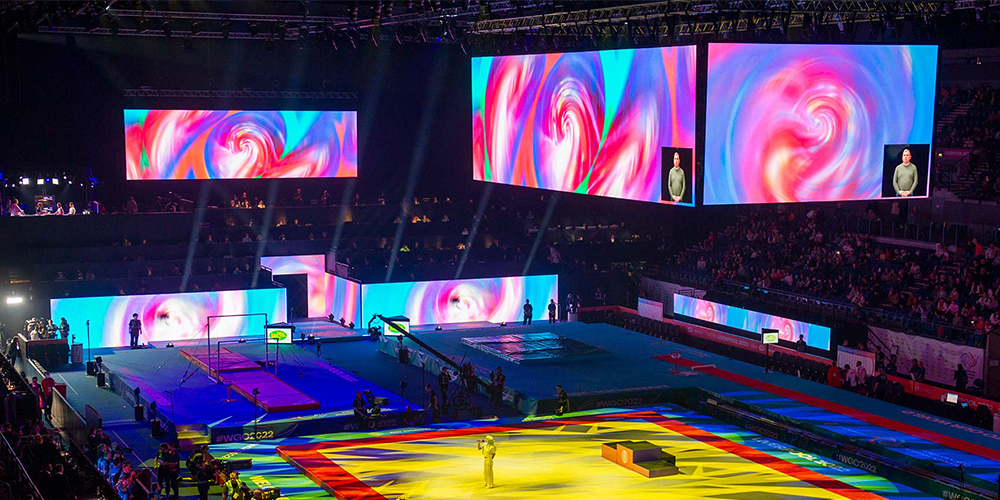
6. Installation and Commissioning Checks
A customized LED display should reach site with approved drawings, labeled cabinets, packing records, and an agreed installation sequence. Confirm delivery access, lifting arrangements, working clearances, and the location of replacement parts before equipment arrives. Late changes to the support frame can disrupt cabinet alignment and cable routes.
Have qualified professionals design the supporting structure and electrical distribution for the local conditions. The complete load includes cabinets, framing, cables, and service arrangements; outdoor installations also require assessment of environmental loads. A manufacturer's cabinet weight is only one input to that work.
During commissioning, inspect seams and flatness, test solid colors and gradients, and verify cabinet addressing against the pixel map. Check thermal behavior under an agreed operating pattern. Demonstrate brightness adjustment, scheduled playback, shutdown, restart, and restoration after an interrupted signal.
For a stadium LED display, acceptance should include actual camera positions and representative seating areas. Record defects with cabinet identifiers and photographs. Agree who corrects each issue and when retesting occurs. The handover package should include drawings, configuration backups, operating instructions, training records, and the final spare-parts inventory.
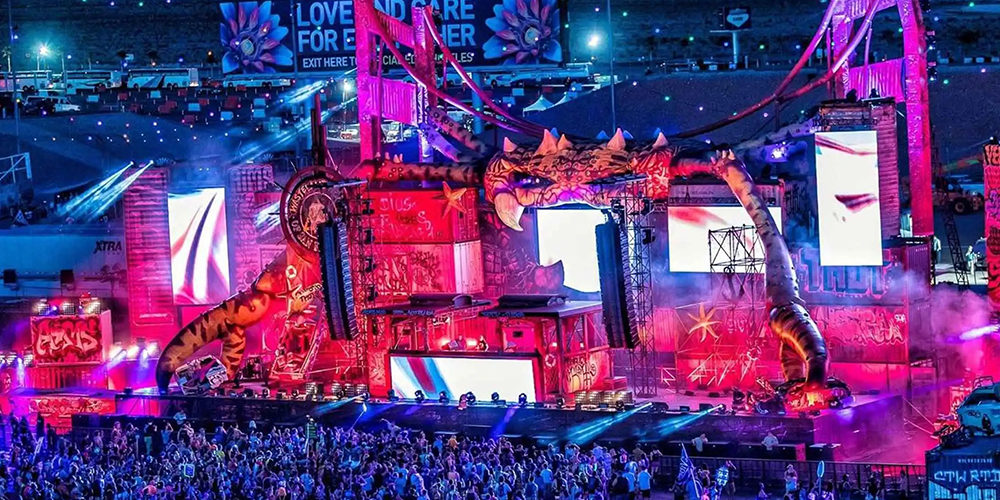
7. Customized LED Display and Stadium LED Display Cost Planning
01. Compare the complete project scope
There is no dependable universal price for a customized LED display or stadium LED display. Area, pitch, cabinet design, installation conditions, control equipment, and service scope all change the quotation. Compare offers using the same specification and delivery terms, with every exclusion written down.
| Cost category | What to include | Question for the supplier |
|---|---|---|
| Display hardware | Modules, cabinets, power supplies, receiving cards | Are exact model numbers and quantities listed? |
| Custom engineering | Frame design, unusual modules, drawings, sample assembly | Which design revisions and approvals are included? |
| Control and production | Processors, playback, switching, scoring interfaces, licenses | What requires separate hardware or recurring fees? |
| Installation infrastructure | Structure, electrical work, cabling, lifting, access | Which tasks belong to the local contractor? |
| Delivery and commissioning | Packaging, transport, import costs, testing, training | What delivery terms and acceptance criteria apply? |
| Service and spares | Replacement modules, tools, labor, travel, support | Who pays freight and on-site repair costs? |
| Ongoing operation | Electricity, content production, inspections, software | Which assumptions underpin the operating estimate? |
02. Estimate energy with stated assumptions
Energy in kWh = area in m² × average power in W/m² × operating hours ÷ 1000. Multiply by the applicable electricity rate for an energy-cost estimate. Add other equipment and cooling loads separately, and account for demand charges where relevant.
For illustration only, a 20 m² screen averaging 200 W/m² for 8 hours uses 32 kWh. At an assumed rate of US$0.15 per kWh, that is US$4.80 per operating day for the display. These are calculation inputs, not an EagerLED product rating or a quotation.
Use measured or documented average consumption at the agreed brightness and content pattern for budgeting. Electrical circuit design requires the appropriate maximum-load and startup information. A stadium LED display used only on event days has a different annual operating profile from a retail screen running every day.
8. Maintenance and Spare Parts for Reliable Operation
Make maintenance access part of the original customized LED display design. A low purchase price can be outweighed by repeated lifting-equipment hire or difficult access to failed modules. Confirm how a technician reaches the component, isolates the equipment, and restores operation without damaging adjacent modules.
Set inspection and cleaning intervals according to the product manual and site exposure. Use approved cleaning methods; do not assume a pressure washer or solvent is acceptable. Check connectors, drainage paths, seals, fans where fitted, support hardware, and the condition of protective padding.
For a stadium LED display, complete a pre-event test with sponsor loops, score graphics, live inputs, and backup sources. Keep a fault log by cabinet location so recurring problems become visible. Schedule software changes with time to test and roll back before a major event.
Specify replacement modules from a compatible production batch where practical, plus the required power supplies, receiving cards, and tools. Keep calibration data and configuration files with the service records. A replaced module may need adjustment to match surrounding panels; spare hardware alone does not guarantee uniform color.
9. How to Evaluate Manufacturers and Request a Useful Quote
When comparing stadium LED display manufacturers, ask for evidence that matches your project. A supplier's indoor showroom installation does not establish experience with outdoor pitch-side operation. Request relevant drawings, sample test records, service documentation, and references that the supplier is authorized to share.
For a customized LED display, review the proposed module grid before discussing decorative renderings. Confirm dimensional tolerances, access method, and the process for approving a physical sample. Ask who owns the structural review, local installation, control integration, and final acceptance.
Provide a quotation brief containing the venue location, active dimensions, screen shape, viewing distances, intended content, camera use, operating schedule, environmental conditions, and target installation date. Include photographs and existing-system information. State whether you need hardware supply, installation supervision, or a complete integrated solution.
Use EagerLED's indoor LED screen range, transparent LED screen solutions, and stadium LED display options to shortlist the appropriate product family. Request a project-specific specification and itemized quotation; confirm performance claims against the selected configuration. Send EagerLED your site brief for a tailored quotation.
10. Customized LED Display and Stadium LED Display FAQ
01. What can be customized on an LED display?
A customized LED display can vary in active dimensions, cabinet arrangement, curvature, pixel pitch, mounting system, and control mapping. The available module geometry and environmental rating constrain the design. Start with drawings and a content brief so the manufacturer can propose a buildable configuration.
02. How do I choose pixel pitch for a stadium LED display?
Evaluate the closest important viewing position, required text detail, physical screen size, and broadcast cameras. Calculate native resolution and test sample content. A stadium LED display for perimeter advertising can require a different pitch and camera setup from the venue's main replay board.
03. Does a high refresh rate guarantee good broadcast images?
No. LED scan behavior, driver settings, shutter timing, synchronization, and camera position also affect the result. Request a recorded test at the intended brightness and production settings. Confirm that any required synchronization features are supported by the specified controller, receiving cards, and panels.
04. Can one control system run scores, replays, and advertising?
A suitable integrated system can coordinate these functions, but each needs compatible sources and software. Stadium video wall control should define scoring interfaces, live inputs, playback scheduling, and separate screen canvases. Require a demonstration of the complete workflow, including source failure and recovery.
05. Is a transparent or flexible screen suitable outdoors?
Only if the selected product and installation are rated for the actual outdoor conditions. “Flexible” describes mechanical behavior, and “transparent” describes the visual structure. Neither term establishes weather resistance. Check enclosure protection, temperature limits, mounting design, connectors, and exposure before ordering.
06. What determines the price of a customized LED display?
The main variables are screen area, pixel density, shape complexity, structural work, control equipment, and installation scope. Include commissioning, spare parts, freight, and ongoing service when comparing quotations. A customized LED display price without these boundaries is difficult to compare fairly.
07. How long will a stadium LED display last?
There is no single service-life figure for every installation. Brightness settings, operating hours, temperature, moisture, component quality, and maintenance affect useful life. Review warranty exclusions, replacement-part availability, and acceptable brightness or color degradation rather than relying only on a headline LED lifetime claim.
11. Conclusion: Specify the Complete Display System
A successful customized LED display combines a buildable shape, appropriate resolution, readable content, and practical maintenance access. A successful stadium LED display adds camera testing, reliable scoring and playback workflows, protective design, and rehearsed recovery procedures.
Prepare the site brief, calculate the pixel canvas, compare complete quotations, and approve measurable acceptance criteria before production. That approach gives the manufacturer a clear target and gives your team a reliable basis for choosing, operating, and maintaining the installation.