

Quick answer: A concert LED screen is a modular video wall used for a stage backdrop, live camera close-ups, side screens, or audience relay. The right concert LED screen depends on the nearest viewer or camera, ambient light, screen dimensions, rigging capacity, weather exposure, and the video system. For most productions, choose a rental cabinet that can be assembled and serviced quickly, then verify the complete system with the production team.
This concert screen planning guide explains how to specify an LED wall without paying for detail the audience cannot see or overlooking conditions that can stop a show. It covers indoor and outdoor concerts, touring, festivals, and venue installations. All numerical ranges below are planning starting points, not substitutes for a product datasheet, site survey, or qualified rigging and electrical design.
1. What Is a Concert LED Screen and What Does It Do?
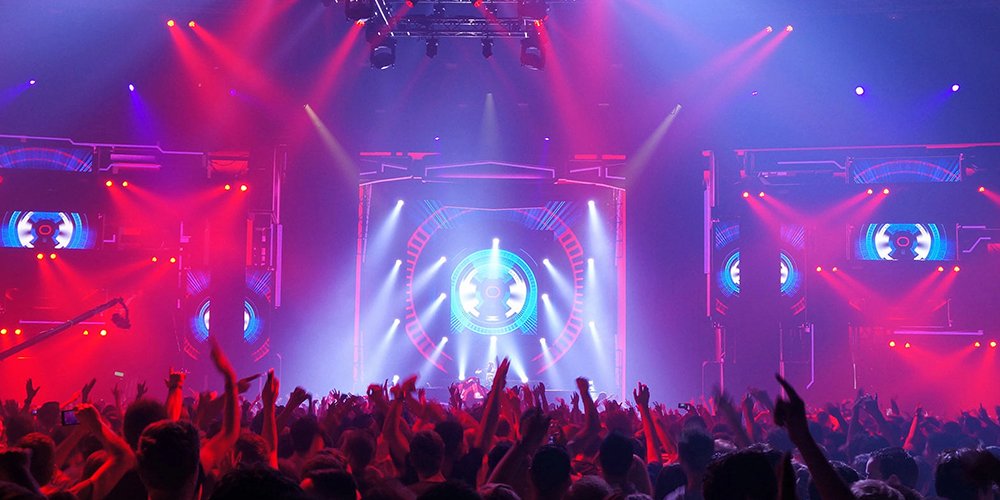
A concert LED screen consists of cabinets containing LED modules, power and receiving electronics, joined to form a continuous image. A video processor maps input signals to the wall’s actual pixel dimensions. Unlike projection, the screen emits its own light. It can therefore hold contrast under stage lighting, although direct sun, haze, and lighting cues still affect perceived image quality.
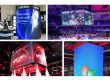
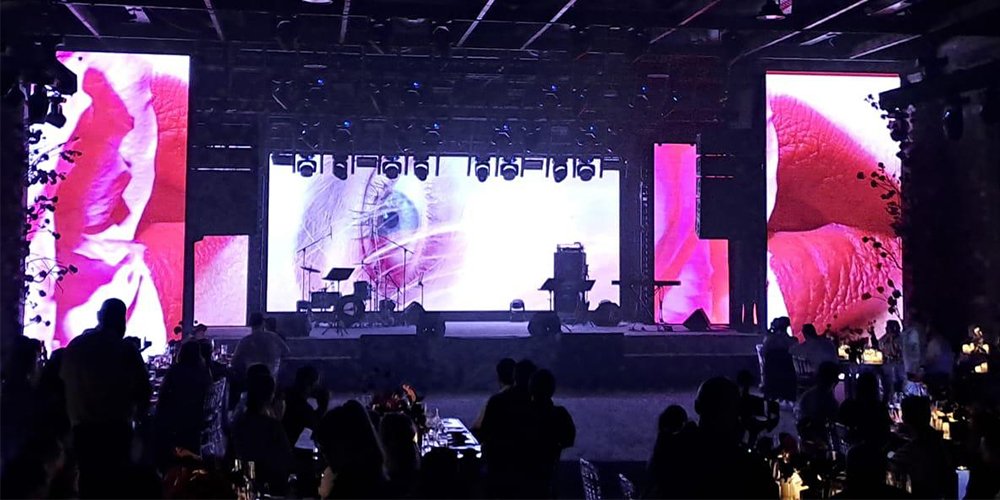
A main stage concert LED screen supplies scenery and motion graphics. Side screens often carry image magnification (IMAG): live camera views of performers for distant seats. Narrow ribbons can show lyrics, scenic accents, or sponsor content. A concert LED screen can do all three jobs, but each zone may need a different pixel pitch, shape, and feed. Plan content zones before ordering cabinets.
The most valuable concert LED screen decision is the audience task. For a rear scenic wall, broad color and composition matter most. For side IMAG, facial detail and low end-to-end latency matter. A sponsor message needs readable type and controlled dwell time. Define those uses in a brief so a supplier can specify the complete concert screen system instead of quoting only panel area.
2. Which LED Screen Type Fits a Concert?
Rental LED cabinets suit temporary concerts because locks, handles, edge protection, and service access support repeated build and strike cycles. Fixed installation cabinets can suit a permanent theater or arena but should not be assumed to tolerate touring handling. A concert LED screen may be solid, transparent, curved, or floor rated; these designs solve different production problems.
| Screen type | Best use | Check before selection |
|---|---|---|
| Rental backdrop | Temporary upstage scenery and video | Lock speed, cabinet alignment, service direction, and rigging method |
| Side IMAG screen | Live close-ups for distant seats | Camera match, processing latency, viewing angle, and sightlines |
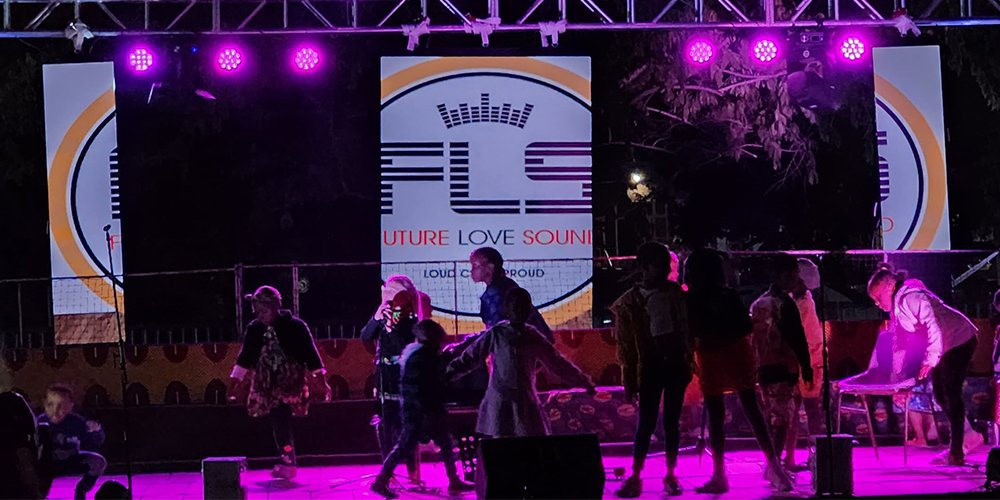
| Outdoor rental screen | Festival stages exposed to daylight and weather | Brightness, documented IP rating, wind plan, and covered connections |
| Transparent or mesh screen | Layered visuals with lighting visible behind | Actual transparency, image contrast, load limits, and audience distance |
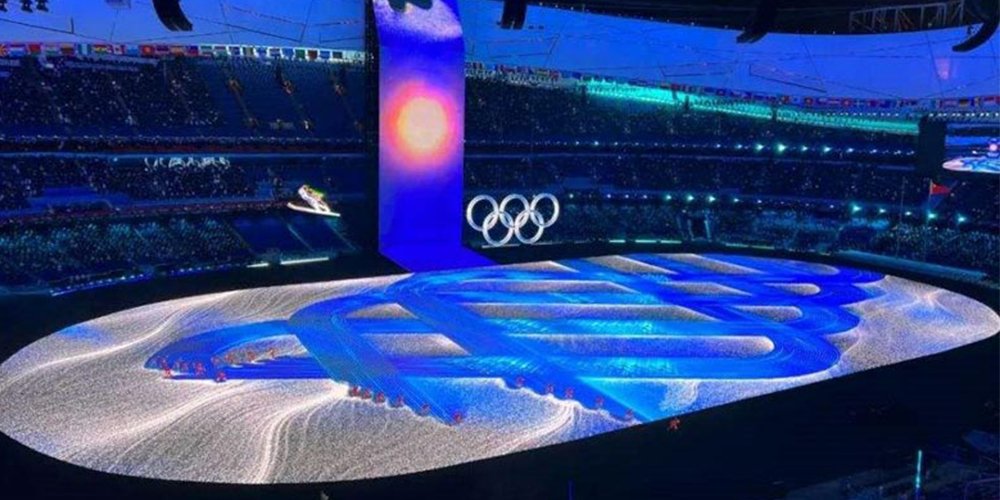
| Floor LED screen | Walkable scenic surfaces | Certified load rating, slip resistance, edge treatment, and spill plan |
Do not use a standard vertical cabinet as a walkable floor. Floor systems require a suitable structural rating and surface treatment. Transparent screens trade pixel density and contrast for openness; test the result under the show’s lighting. For most touring backdrops, a conventional rental concert screen remains the simplest starting point.
3. How Do You Choose Pixel Pitch for Concert Screens?
Pixel pitch is the center-to-center distance between adjacent pixels, measured in millimeters. Smaller pitch increases pixel count and detail at a given size, but usually increases cost and processing load. The closest intended viewer, camera framing, and content detail are more useful than a blanket claim that finer pitch is always better. A common rough starting check is a minimum viewing distance in meters near the pitch number in millimeters; validate this with real content and the actual cabinet.
| Use and closest view | Pitch to evaluate | Why it may fit | Verify |
|---|---|---|---|
| Small indoor venue, about 2–5 m | P2.6–P2.9 | More detail for nearby viewers and cameras | Moire, budget, and native canvas |
| Indoor stage, about 4–10 m | P2.9–P3.9 | Balances detail and wall area | First-row text and close-up framing |
| Outdoor stage, about 6–20 m | P3.9–P4.8 | Often sufficient for mid-distance viewing | Daylight brightness and weather rating |
| Large distant-view festival wall | P4.8 or wider | Can reduce cost over a very large canvas | Small text, camera shots, and near side angles |
These are comparison ranges, not universal specifications. A camera may reveal moire even when the crowd sees a clean image. Test the planned camera shutter, exposure, and framing against the exact concert LED screen model. If fine text is central to the show, prototype it at its final pixel dimensions rather than judging a scaled laptop preview.
4. How Large Should a Concert Screen Be, and Where Should It Go?
Begin with the venue drawing, stage opening, audience map, camera positions, lighting plot, and permitted rigging points. A wide backdrop can still fail if a drum riser hides its key content or if the first rows see only a steep angle. For IMAG, position side concert screens high enough to clear standing spectators while keeping the performer and screen within a comfortable visual sweep. Check the least favorable seats, not only center front of house.
Calculate native resolution from physical size and pixel pitch: width in millimeters divided by pitch gives horizontal pixels; do the same for height. For example, a 10 m × 5 m P3.91 wall is approximately 2,558 × 1,279 pixels before cabinet rounding. The final concert LED screen build must follow the cabinet grid, so ask for a pixel map and exact active dimensions. Do not promise a 16:9 canvas unless the selected cabinet count actually produces it.
| Example wall | 500 × 500 mm cabinet grid | Physical area | Planning implication |
|---|---|---|---|
| 5 m × 3 m | 10 across × 6 high = 60 | 15 m² | Compact backdrop; confirm clear height |
| 10 m × 5 m | 20 across × 10 high = 200 | 50 m² | Plan processor capacity and support loads early |
| 15 m × 6 m | 30 across × 12 high = 360 | 90 m² | Requires detailed power, rigging, and crew schedule |
Cabinet counts above illustrate geometry only; they do not include spares, irregular edges, hanging bars, or structure. With 500 × 1000 mm cabinets, the count changes. Side concert LED screens can also be more effective than a single oversized backdrop when the audience extends far to either side.
5. Which Technical Specifications Matter Most?
01. Brightness, refresh, and camera behavior
Brightness is measured in nits (cd/m²). An indoor concert screen needs enough output to compete with stage wash, while an outdoor daytime wall may require several thousand nits. Higher is not automatically better: a wall that is too bright can wash performers, hurt camera exposure, and distract the audience. Ask for usable brightness with the planned calibration, then test the screen during the brightest cue.
Refresh rate and scan behavior influence how the concert LED screen appears on camera. A published 3,840 Hz refresh specification is useful, but it does not by itself guarantee clean footage. Camera shutter, frame rate, PWM behavior, processor settings, and scan method interact. Shoot a sample with the actual camera package at low brightness and in slow motion. Check banding, color, and skin tone.
02. Weather, service, and cabinet compatibility
For an outdoor concert LED screen, check the documented IP rating for the front and rear separately, plus connectors and power distribution. IP65 on a cabinet face does not make every cable joint weatherproof. Provide rain covers and a stop-work plan appropriate to the venue. For curved or mixed-size builds, verify that cabinets, locks, modules, processors, and spare parts are genuinely compatible; similar dimensions do not guarantee a shared system.
Ask whether modules, power units, and receiving cards can be serviced from the front, rear, or both. A rear-service concert LED screen needs access behind it. A flown wall may make front access important. Confirm how a failed cabinet will be isolated or replaced during the show and keep calibrated spares on site.
6. How Should Video, Cameras, and Content Be Prepared?
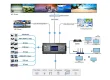
A concert screen is part of a signal chain: cameras and playback feed a switcher or media server, then a processor sends mapped output to receiving cards. Agree on input formats, frame rate, color space, backup paths, cable lengths, and operator responsibilities before load-in. For a concert LED screen, the video engineer should document every screen’s native pixel map, physical origin, orientation, and any overlaps or gaps.
Design content at the delivered canvas size. A 16:9 video stretched over an unusually wide backdrop may crop performers or distort artwork. Keep important text away from cabinet edges and scenic cutouts. Test typography from the farthest seat and under the actual stage lighting. Dark scenes can look impressive in a studio but disappear when beams, haze, and front light are active.
For a concert LED screen used for IMAG, minimize and measure end-to-end latency. A visibly delayed side concert LED screen can make the singer’s lip movement conflict with sound from the stage. Genlock or synchronized production workflows may be needed for multi-camera shows; coordinate this with the broadcast and lighting teams. Build a fallback look that can run if a camera feed or media server fails. Sponsor graphics should follow the show’s cue sheet and should not obscure crucial live views.
7. What Must Be Checked Before Installation and Show Day?
Rigging and power are engineering work. A qualified person must approve hanging points, truss, ballast or ground support, wind limits, total suspended load, and local rules. Cabinet mass is only part of the load: include frames, bars, cables, and accessories. Do not infer a safe rig from a product photo. For an outdoor concert LED screen, document wind monitoring, lowering or shutdown thresholds, and who can call a stop.
Calculate power from the selected model’s maximum and typical consumption, then size distribution, breakers, connectors, and feeder runs with an electrical professional. Avoid planning only from average power, because bright content can create peaks. Keep signal and power routing protected from foot traffic, water, and hot lighting equipment. Label circuits and provide a power-up sequence.
At load-in, inspect cabinet corners and locks, check module alignment and grounding, map the whole screen, and test every video input. Use the acceptance sequence below before real show footage, camera shots, emergency looks, and backup signal paths. Record the final processor configuration so a replacement controller can be restored quickly.
Show-day LED screen test pattern checklist
- Solid red, green, blue, white, and black: look for dead or stuck pixels, failed color channels, light leaks, and dark cabinets.
- Grayscale ramp and low-brightness scenes: check banding, uneven calibration, and detail lost in shadows.
- One-pixel grid, fine lines, and cabinet-edge markers: confirm the pixel map, orientation, seams, scaling, and any cutouts. Inspect from the front row and camera positions.
- Real show clips and live camera feeds: check text readability, skin tones, moire, scan lines, lip-sync delay, and the brightest lighting cue.
- Backup feed and power-path rehearsal: switch to the agreed fallback look and verify the operator knows how to restore the primary feed.
Capture photos and camera footage of any fault, note the cabinet position, and retest after a repair. The grid is a commissioning aid, not proof that the structure, electrical distribution, or weather plan is safe.
8. How Do You Compare Quotes for a Concert LED Screen?
A low panel price may omit the items that make the wall usable. Ask suppliers to quote the same area, pitch, indoor or outdoor rating, cabinet series, processor capacity, hanging hardware, spare modules, transport cases, power distribution, training, warranty, and delivery terms. If the job is temporary, compare rental and purchase over the expected number of events, including storage, maintenance, crew, and freight.
| Quote item | Question to ask | Why it matters |
|---|---|---|
| Cabinets and modules | Exact model, pitch, quantity, batch, and spares? | Controls image consistency and replacement risk |
| Processing | Inputs, pixel capacity, redundancy, and mapping support? | Determines whether the full wall can run as designed |
| Structure | Hanging or ground-support components included? | Panel weight alone is not a rigging plan |
| Power and cabling | Peak load, distribution, cable lengths, and connectors? | Avoids late electrical changes |
| Service | Access direction, spare parts, warranty, and response time? | Limits downtime during a touring schedule |
Request a demonstration using the same concert LED screen configuration, not a smaller showroom sample with different modules. Compare camera footage, brightness at show level, seams, repair time, and packed volume. The best-value concert LED screen bid is the one that meets the production brief with a credible support plan.
9. Which EagerLED Options Can Be Evaluated?
For temporary concerts, explore EagerLED’s rental LED display range and its concert display solution overview for application ideas. This guide focuses on specification and show-day decisions. The broader stage LED display guide covers stage use beyond concerts. The EA1000C6 500 × 1000 mm rental screen lists quick locks, corner protection, 3,840 Hz refresh, and optional curved installation. The compatible EA500C6 500 × 500 mm cabinet can support mixed-height C6 builds. Verify the exact indoor or outdoor variant and its data sheet before specifying a concert screen.
If a design calls for layered sightlines, compare a transparent LED screen. If performers will stand on the image surface, specify a dedicated floor model instead of a wall cabinet. EagerLED’s product pages describe available configurations; the correct concert LED screen still depends on venue dimensions, environmental conditions, camera tests, and engineering approval.
10. Concert LED Screen FAQ
01. What is the screen at a concert called?
It is often called a concert LED screen, LED video wall, stage LED display, or concert screen. A side screen carrying live camera close-ups is commonly called an IMAG screen. These terms describe uses; they do not identify one universal panel specification.
02. What pixel pitch should an LED screen for concerts use?
Start with the nearest audience member or camera. P2.6–P2.9 may suit close indoor viewing; P3.9 is a common middle option; wider pitches may suit distant festival views. Prototype actual text and camera shots before selecting the concert LED screen.
03. Can an indoor LED screen be used outdoors for a concert?
Only if the manufacturer documents that exact configuration for the exposure. Outdoor work requires suitable brightness, ingress protection, weatherproof connections, structural planning, and a weather action plan. An indoor cabinet should not be assumed safe because the stage has a roof.
04. How is concert screen resolution calculated?
Divide active width and height in millimeters by pixel pitch in millimeters, then round to the actual cabinet grid. For a P3.91 concert LED screen, a nominal 10 m width is about 2,558 pixels before cabinet rounding. Ask the supplier for the exact pixel map.
05. Is 3,840 Hz refresh enough for filming?
It is a useful specification, but camera results also depend on scan method, PWM, brightness, frame rate, and shutter. Film a test of the exact concert LED screen with the show’s camera settings and inspect footage for banding or moire.
06. Should a concert LED screen be flown or ground supported?
Either can work if the venue and qualified engineer approve the complete structure. The choice depends on sightlines, available points, total load, stage space, and weather. Never choose based only on cabinet weight.
11. Conclusion: Specify the Complete Concert Screen System
A successful concert LED screen starts with audience and camera needs, then connects pixel pitch, physical size, brightness, processing, structure, power, and service into one plan. Use the tables above to prepare a brief, compare equivalent quotes, and test a representative build. For a specific LED screen for concerts, send the supplier the venue plan, closest and farthest viewing distances, indoor or outdoor conditions, target dimensions, camera format, rigging method, and show schedule. That information produces a more useful recommendation than panel area alone. Send the concert screen brief to EagerLED and request a cabinet layout, native pixel map, peak power estimate, and model-specific data sheet before approving a quotation.