To choose a high-quality indoor LED display, match pixel pitch to your closest viewers, verify image quality at the brightness you will actually use, and confirm that every serviceable component remains accessible after installation. Compare complete systems, including processing, mounting, calibration, spare parts, and support. A sharper specification sheet alone does not guarantee a better screen.
This indoor LED display buying guide explains how to evaluate an indoor LED screen before placing an order. It covers measurable quality checks, resolution calculations, supplier questions, and ownership costs for meeting rooms, shops, churches, control rooms, and indoor stages. Use the tables as a shortlist and acceptance checklist, then test your own content on the proposed configuration.
Quick buyer checklist: Before requesting a quote, record your closest viewing distance and smallest text size; calculate the proposed wall’s native pixel resolution; test brightness and uniformity under similar room lighting; confirm access to modules, power supplies, and receiving cards; and compare itemized installed costs, spares, and warranty terms.
1. What Is an Indoor LED Display?
An indoor LED display is a modular, direct-view screen in which red, green, and blue light-emitting elements form the image. Modules fit into cabinets, and multiple cabinets form a continuous canvas. A controller distributes the video signal, while receiving cards and driver electronics control the pixels.
The terms indoor LED screen, indoor LED video wall, and indoor LED display screen often describe the same product category. They differ from an LED-backlit LCD television: in a direct-view system, the LEDs create the visible picture rather than illuminate a separate liquid-crystal panel.
An indoor LED display can suit a large presentation wall, an unusual aspect ratio, or an installation where visible panel bezels would interrupt content. For a small meeting room, compare it with a professional LCD display and projection. Consider actual text readability, room lighting, installation depth, acoustics, and the full installed cost before selecting the technology.
Indoor equipment is designed for its specified indoor environment. A screen behind a sunlit shop window still needs a separate assessment of ambient light and heat. Do not assume that a protected front surface makes the whole cabinet suitable for rain, condensation, or outdoor installation.
2. What Kind of Indoor LED Display Is of Good Quality?
A high-quality indoor LED display produces consistent images across the whole wall, handles its intended operating schedule, and can be repaired without unnecessary disruption. Evaluate the assembled system with its specified processor, firmware, and calibration settings. A sample module tested under different conditions cannot establish the performance of the delivered wall.
01. Check indoor LED display image quality with real content
Ask for a demonstration using presentation slides, small text, gradients, skin tones, dark scenes, and fast motion. View the screen from the closest seat, the back of the room, and both sides. Check whether text remains readable and whether cabinet boundaries become visible on uniform backgrounds.
Turn brightness down to the level intended for everyday use. Some problems are easier to see on dark gray patterns than on bright promotional videos. Look for crushed shadow detail, banding, color shifts, isolated defective pixels, and differences between modules. Record settings so competing indoor LED display samples can be compared fairly.
| Quality factor | What to test | Evidence to request |
|---|---|---|
| Uniformity and seams | White, red, green, blue, and several gray backgrounds across joined cabinets | Agreed viewing positions, photographs, and a correction procedure |
| Detail and scaling | Your smallest text, spreadsheets, and one-pixel patterns at native resolution | Cabinet pixel map and processor input/output settings |
| Low-brightness performance | Dark gradients and skin tones at the planned operating brightness | Recorded brightness, calibration, and processing settings |
| Camera performance | The actual camera, shutter settings, and camera movements | Recorded test clips and an agreed acceptable result |
| Thermal stability | Representative content during an agreed continuous operating test | Ambient conditions, temperature records, and fault log |
| Serviceability | Demonstrated access to a module, power supply, and receiving card | Service method, required tools, and replacement procedure |
02. Verify construction, reliability, and support
Check cabinet flatness, alignment hardware, connectors, cable strain relief, and module retention. Small mechanical differences can become visible lines across a large indoor LED display. Ask how the supplier maintains consistency between production batches and how replacement modules are calibrated to match the original screen.
Request model-specific documentation for operating temperature, humidity, electrical requirements, and applicable product compliance. A logo in a brochure is not a substitute for documentation covering the supplied configuration. The installer should confirm structural support, ventilation, electrical protection, and service clearance for the actual site.
Define the warranty in writing: covered parts, exclusions, repair turnaround, shipping responsibilities, and who provides onsite labor. Clarify whether spare modules come from the same production batch and whether configuration files and calibration data will be handed over. Review EagerLED’s quality-control information and service and warranty terms, then confirm the terms applicable to your quotation.
3. What Are the Key Factors to Consider When Choosing a High-Quality Indoor LED Screen?
01. Choose pixel pitch and native resolution together
Pixel pitch is the center-to-center distance between adjacent pixels, measured in millimeters. P1.5 means approximately 1.5 mm spacing. A smaller pitch places more pixels within the same area, which helps an indoor LED display reproduce fine details at short viewing distances. It also changes the hardware and processing requirements.
The familiar starting estimate of one meter of viewing distance per millimeter of pitch is a screening rule, not a promise that individual pixels disappear. Planar’s viewing-distance guide distinguishes comfortable viewing from visual-acuity distance. Its 20/20-vision calculation corresponds to approximately 3.44 meters per millimeter of pitch. Use demonstrations to decide what is acceptable for your content and audience.
| Nominal pitch | Calculated native pixels | Approximate visual-acuity distance | What to evaluate |
|---|---|---|---|
| P1.25 | 3840 × 2160 | 4.3 m | Close viewing, detailed dashboards, and UHD content |
| P1.5 | 3200 × 1800 | 5.2 m | Detailed presentations and source scaling |
| P2 | 2400 × 1350 | 6.9 m | Mixed presentation and video applications |
| P2.5 | 1920 × 1080 | 8.6 m | Full HD content and typical viewing positions |
| P3 | 1600 × 900 | 10.3 m | Larger graphics with audiences farther away |
These are calculated examples, not product availability or minimum viewing-distance guarantees. Exact pitches, module dimensions, and cabinet combinations determine the finished size and resolution. A viewer may find an image useful well inside the visual-acuity distance, especially when it contains large graphics rather than small text.
Horizontal pixels = screen width in millimeters ÷ exact pixel pitch. Vertical pixels = screen height in millimeters ÷ exact pixel pitch. For the P2.5 example, 4,800 ÷ 2.5 = 1,920 pixels across and 2,700 ÷ 2.5 = 1,080 pixels high. That is a native Full HD canvas, provided a compatible cabinet arrangement is available.
A processor accepting a 4K input does not turn a lower-resolution indoor LED display into a native 4K screen. Request the final pixel map and demonstrate scaling with your smallest text. For broader planning examples, see the indoor LED screens guide to applications, pitch, and installed cost.
02. Match brightness, contrast, and color to the room
Brightness is commonly specified in nits, equivalent to candelas per square meter. Compare the available adjustment range as well as maximum output. A bright showroom demonstration does not establish whether an indoor LED display will be comfortable during a long meeting or readable beside a window.
Assess ambient light at different times of day, reflections on the screen surface, and lighting aimed toward the wall. Ask the supplier to propose an operating brightness and demonstrate it in comparable conditions. The useful target depends on the room; there is no single brightness value suitable for every indoor LED screen.
Contrast claims also depend on measurement conditions. Compare black appearance and shadow detail under your actual lighting. For branded content, agree on a color target and calibration method. Check white balance and color consistency off-axis, particularly in wide rooms where many viewers sit away from the center.
03. Compare SMD, GOB, and COB without relying on labels
SMD describes surface-mounted LED packages. GOB usually describes a protective encapsulation applied over a module, often one using SMD LEDs. COB mounts LED chips directly on a substrate and encapsulates them. These terms describe different aspects of construction; they are not interchangeable quality grades.
| Construction | Potential reason to shortlist | Important tradeoff to verify |
|---|---|---|
| SMD | Broad product choice and established service procedures | Exposed package protection, handling damage, and repair capability |
| GOB-treated module | Added front-surface protection in accessible locations | Coating uniformity, reflections, repair method, and exact protection rating |
| COB | Fine-pitch options and an encapsulated front surface | Low-gray performance, module matching, repair logistics, and total price |
Compare complete indoor LED display samples at the same brightness, content settings, and viewing angles. Do not assume that every COB system consumes less energy or that every coated module is waterproof. Ask for measured power under defined conditions and the protection rating for both the front and rear of the proposed cabinet.
04. Test refresh rate, processing, and camera compatibility
LED refresh rate and video frame rate are different specifications. A high refresh-rate claim does not by itself guarantee clean camera images. Driver timing, scan configuration, processor settings, camera shutter, and synchronization all affect the recorded result.
Brompton’s ShutterSync explanation describes why matching camera shutter timing and LED refresh matters. For an indoor LED display used in streamed meetings, churches, or studios, test the exact proposed panels and processor with the intended cameras. Include panning, dark backgrounds, and the shutter settings used in production.
Confirm input connections, maximum pixel capacity, scaling quality, and the required content workflow. Where live interaction matters, assess end-to-end delay through the complete signal chain. For critical operations, request a documented backup plan and demonstrate failover; redundant hardware is only useful when the configuration and switching behavior work as intended.
05. Plan installation, maintenance, and everyday operation
For a wall-mounted indoor LED display, verify what “front service” includes. Access to LED modules alone is insufficient if power supplies or receiving cards require an unavailable rear corridor. Ask the supplier to demonstrate removal of each serviceable component and show the necessary working space.
Account for frame depth, cable bends, ventilation, and tools when checking the installation envelope. A thin cabinet does not equal a flush installation. Confirm the complete mounted weight and arrange appropriate structural and electrical design for the venue.
For rental use, inspect locks, corner protection, handling procedures, transport cases, and repeated assembly accuracy. For a fixed indoor LED display, prioritize service access and long-term parts support. Define who manages content, adjusts brightness, backs up configuration files, and responds when a fault appears.
06. Compare complete indoor LED display costs
An indoor LED display price per square meter is only meaningful when quotations cover equivalent specifications and scope. Ask each supplier to itemize the same screen dimensions, exact pitch, native resolution, processor, mounting system, installation, spare parts, calibration, and support.
| Cost category | Include in the proposal | Question for the supplier |
|---|---|---|
| Display hardware | Cabinets, modules, power supplies, receiving cards | Are exact components and quantities identified? |
| Video system | Processor, player, signal conversion, required software | Does it support the final pixel map and all sources? |
| Site installation | Structure, mounting, electrical work, cables, access equipment | Which site works remain the buyer’s responsibility? |
| Delivery and commissioning | Packing, freight, applicable charges, testing, calibration, training | What is included up to operational handover? |
| Operation and maintenance | Energy, cooling impact, spares, labor, repair freight | What assumptions support the lifetime cost estimate? |
Estimate electricity from measured average consumption under your expected content and brightness. Annual energy in kWh = average input power in kW × daily operating hours × operating days. Keep this operating estimate separate from the maximum electrical load used to design the power installation.
For illustration only, a 12 m² indoor LED display averaging an assumed 200 W/m² draws 2.4 kW. At ten hours per day for 300 days, the screen consumes 7,200 kWh annually, before processing and cooling. Replace the assumed power and schedule with verified project data, then multiply by your local electricity tariff.
4. Benefits of Buying High-Quality Indoor LEDs
The practical benefit of a well-specified indoor LED display is dependable communication: readable information, consistent color, and a system that staff can operate. The value depends on its application. A meeting room needs legible text and comfortable brightness; a retail installation may prioritize visual consistency across long opening hours.
Serviceable construction can reduce disruption when a component fails. A stocked spare and a trained technician can be more useful than a vague promise of a long service life. Confirm how replacement parts are matched and recalibrated, especially if the indoor LED display will be used for several years.
Energy savings should be demonstrated through comparable measurements. Compare candidate systems at the same screen area, content, and calibrated brightness. A lower purchase price may be offset by installation work, higher operating consumption, difficult maintenance, or a support arrangement that requires expensive return shipping.
Before accepting an indoor LED display, agree on a written handover checklist: approved pixel map, alignment, visual tests, source switching, operating settings, backup files, spare inventory, and operator training. Record unresolved defects and the correction process. This turns a general promise of quality into a result both buyer and supplier can verify.
5. Indoor LED Display Provided by EagerLED
Use EagerLED’s indoor LED screen range to shortlist cabinet formats, then compare the exact configuration against the requirements above. Published product features help establish a starting point; request a current technical sheet, layout drawing, and itemized quotation for your indoor LED display project.
01. EA640F2 indoor LED display for front-service installations
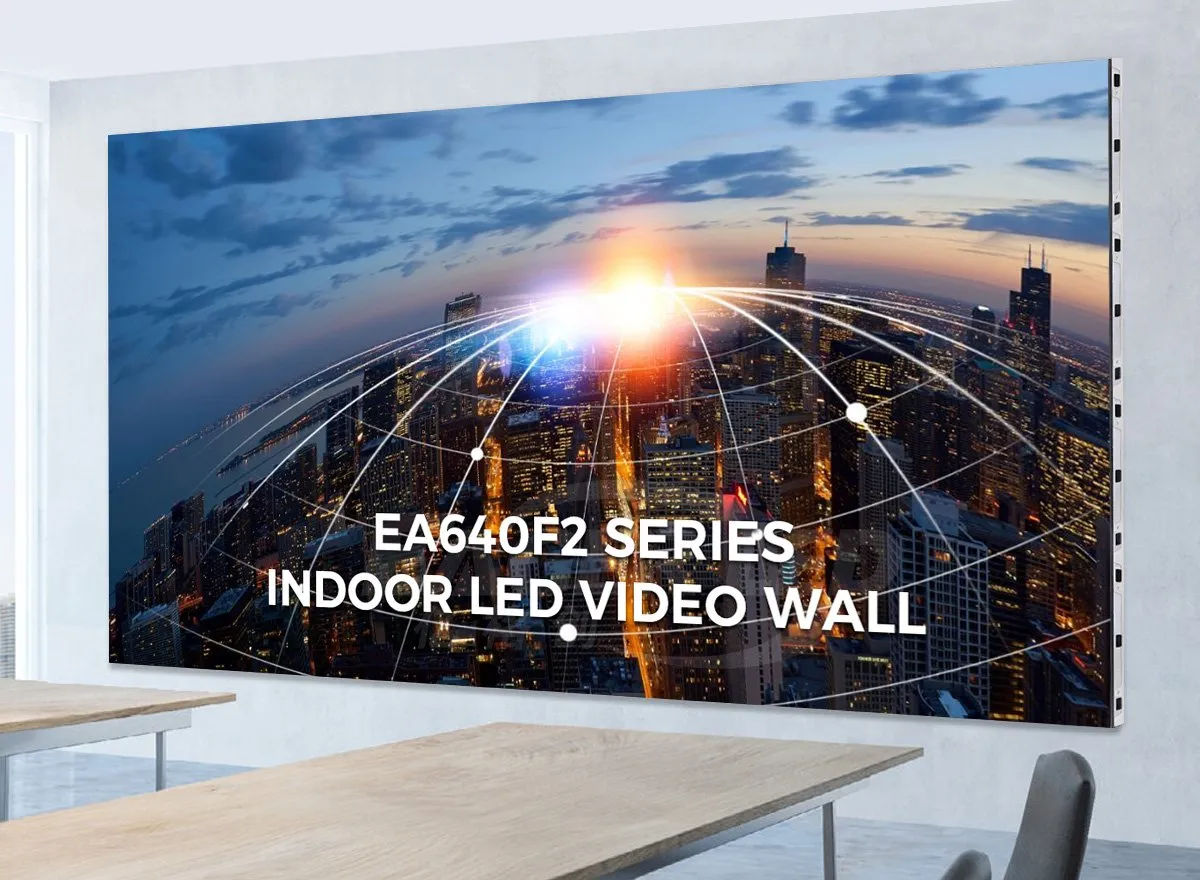
The EA640F2 indoor LED display uses a 640 × 480 mm cabinet format and supports front access to modules, power supplies, and receiving cards. Its listed module format is 320 × 160 mm. Check the selected pitch and cabinet count to establish the finished wall dimensions and resolution.
This format is worth considering where service access is limited. Ask for a drawing that shows the mounting frame, cable routes, and component removal path. Confirm the proposed module technology and current configuration rather than treating every EA640F2 quotation as identical.
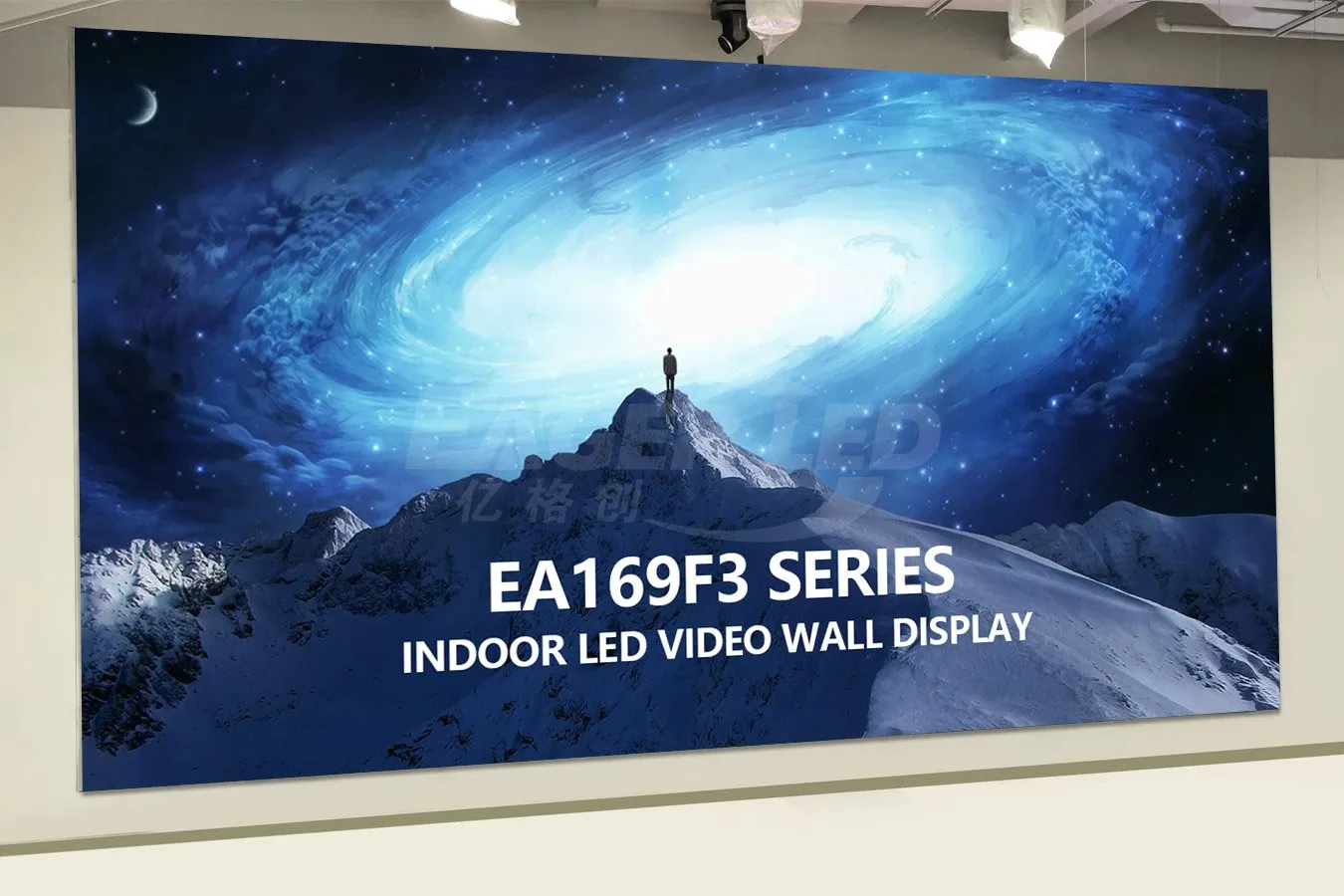
02. EA169F3 indoor LED video wall for widescreen layouts
The EA169F3 indoor LED video wall has a published 600 × 337.5 mm cabinet format, giving each cabinet a 16:9 aspect ratio. The product page describes front-service construction and plug-in module connections. These features can support a tidy installation, subject to the final mounting and service plan.
A 16:9 cabinet does not automatically provide Full HD or 4K resolution. Ask for exact pixels per cabinet and the arrangement across the wall. Verify the resulting indoor LED display with presentation text and video at its native output resolution.
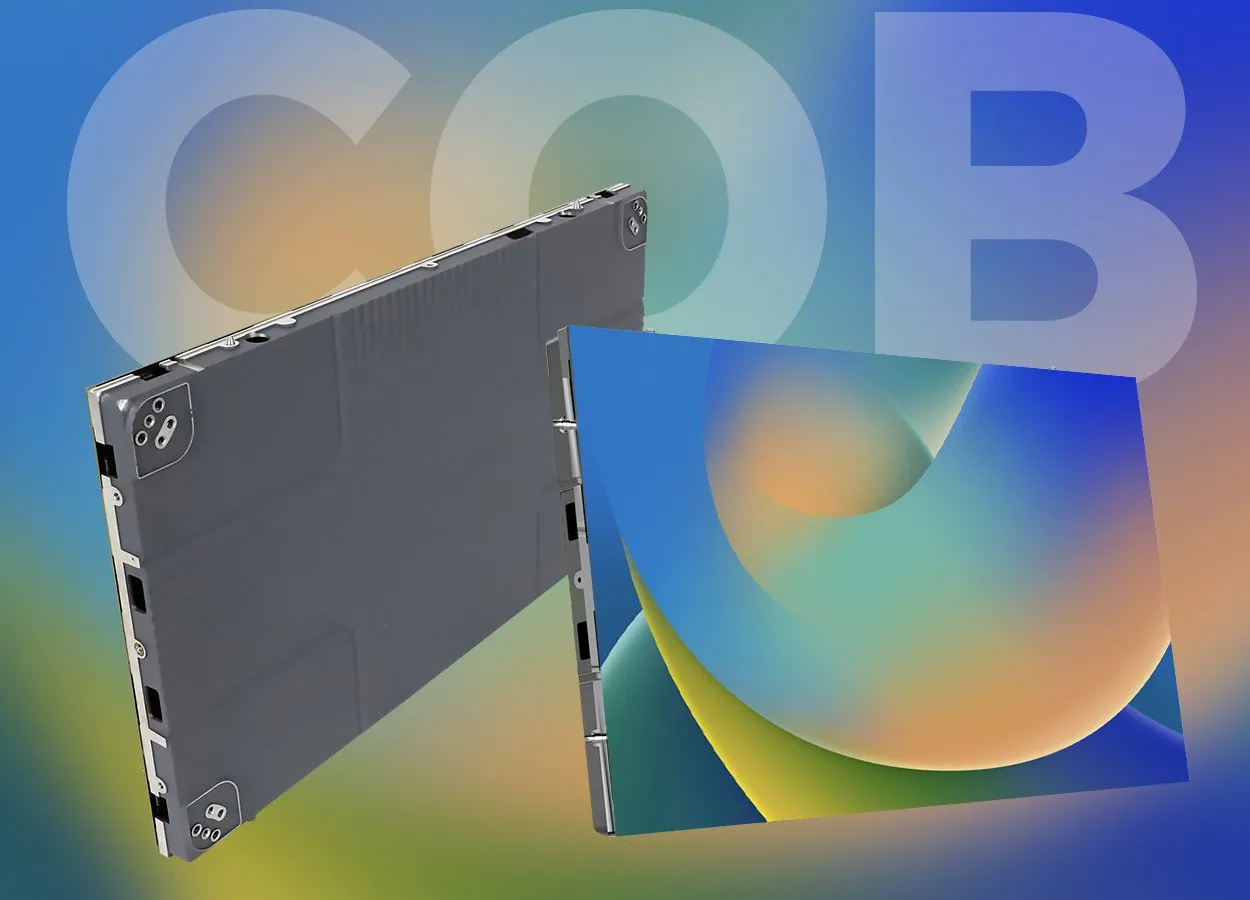
03. EA600COB1 indoor COB LED display
The EA600COB1 indoor COB LED display combines COB construction with a 16:9 cabinet format and front maintenance. Its product page lists a 30 mm cabinet thickness. Allow additional space for the structure, cabling, ventilation, and the service procedure when planning the complete installation.
For close viewing, compare the proposed indoor LED display sample with other shortlisted technologies using dark gradients and small text. Confirm replacement-module availability and required service tools. COB construction alone does not establish camera performance, operating consumption, or the quality of calibration.
6. Indoor LED Display FAQ
01. How do you ensure high-quality visuals on an indoor LED screen?
Match pitch and native resolution to viewing distance and content, then verify calibration, module uniformity, alignment, and low-brightness detail. Test your indoor LED screen using actual slides, dark gradients, and video. If cameras are involved, approve recorded footage from the intended camera and shutter settings.
02. What is the best resolution for an indoor LED display?
The best resolution is the one that makes your content readable within the available screen size and budget. Calculate pixels from physical dimensions and exact pitch. A 4.8 × 2.7 m P2.5 indoor LED display has a calculated 1920 × 1080 canvas; a compatible cabinet arrangement must still be confirmed.
03. Is COB always better than SMD for indoor use?
No. COB can be attractive for fine-pitch applications and an encapsulated surface, while SMD offers many established configurations. Compare the complete indoor LED display, including reflections, low-gray performance, repair arrangements, spare availability, and installed cost. The technology label alone cannot identify the best choice.
04. How much does an indoor LED display cost?
Cost depends on area, pitch, module technology, processing, installation, and support scope. Request a current project quotation with all inclusions and exclusions. Compare the complete indoor LED display system and its operating costs; a panel-only price is insufficient for a reliable project budget.
05. What should a retail store check before ordering?
Measure the closest customer viewing position, available wall area, daylight, and opening hours. Check reflections, content scheduling, physical access by the public, and maintenance space. Ask for a demonstration of product imagery and text on the proposed indoor LED display under comparable store lighting.
06. Can an indoor LED display be repaired from the front?
Some systems allow front access to modules, power supplies, and receiving cards; others provide only partial access. Verify the exact cabinet design and required tools. The installed indoor LED display must leave enough working space for safe component removal, replacement, and recalibration.
7. In Conclusion: Choose an Indoor LED Display You Can Verify
Choose an indoor LED display by proving that it meets the room’s needs: readable content, appropriate brightness, uniform images, reliable operation, and practical maintenance. Compare equivalent quotations, test the proposed configuration, and agree on acceptance criteria before ordering.
For a project-specific recommendation, contact EagerLED with your screen dimensions, closest viewing distance, content examples, room photographs, daily operating hours, camera requirements, installation location, and budget. These details make it possible to specify an indoor LED display around measurable requirements and provide a quotation you can assess confidently.