

A COB LED display is a direct-view LED screen that mounts bare LED chips on a circuit board and encapsulates them together, instead of using individually packaged surface-mount lamps. Also called a COB LED screen or chip-on-board LED display, it is often considered for fine-pitch indoor video walls where viewers sit close to detailed content.
The practical benefits of a COB LED display can include a protected emitting surface, compact pixel spacing, and good black uniformity. These benefits depend on the complete product: encapsulation, driver electronics, calibration, cabinet design, and installation all matter. COB packaging alone does not guarantee lower power, outdoor suitability, or artifact-free camera footage.
This guide explains the technology, compares COB with SMD and GOB, and shows how to assess pitch, native resolution, maintenance, and project cost. It includes an EagerLED product example and questions to resolve before ordering a COB LED display.
Contents
2. COB LED Display Technology Features
3. Advantages and Disadvantages of COB LED Displays
4. COB vs SMD vs GOB: Key Differences
5. COB LED Display Specifications, Pixel Pitch and Price
6. Applications of COB LED Displays
7. EagerLED COB LED Display: EA600COB1
8. Frequently Asked Questions
9. Conclusion
1. What Is a COB LED Display?
In a COB LED display, red, green, and blue light-emitting dies form the pixels directly on the substrate. A protective encapsulant covers the array. The finished modules are assembled into cabinets with power supplies, driver electronics, and receiving cards; multiple cabinets create the video wall.
01. Chip-on-Board Packaging in Plain Language
A conventional SMD screen uses separately packaged LED lamps soldered to a board. COB removes those individual lamp housings. This changes the pixel surface and assembly process, but does not remove every solder joint or electronic failure mechanism from the display. A COB LED display still requires sound PCB design, dependable connections, and controlled manufacturing.
02. Modules, Cabinets, and the Complete Screen
A module is the replaceable display section; a cabinet is the larger mechanical assembly. A COB display screen may contain many of each. Ask for the exact module and cabinet pixel counts, since nominal pitch labels are sometimes rounded. The completed wall must fit both the available opening and the resolution required by presentations, dashboards, or video.
03. What Flip-Chip COB Means
Flip-chip construction connects the die through contacts facing the substrate, avoiding the fine bonding wires used in wire-bond designs. It removes that specific failure mechanism and changes the thermal path. It is not a complete reliability rating. Compare module test evidence, operating conditions, repair arrangements, and warranty coverage alongside the bonding method.
2. COB LED Display Technology Features
01. Fine Pitch and Native Resolution
A COB LED display can accommodate dense pixel arrays without individual lamp housings. Smaller pitch increases pixel count for a fixed screen area. However, readable text depends on native resolution, font size, scaling, contrast, and viewing distance together. Request an actual pixel map rather than relying on a “4K compatible” label.
02. Contrast and Surface Uniformity
The encapsulated surface of a COB LED display can provide a consistent dark background between emitting pixels. Its appearance depends on surface finish and room lighting. Compare samples displaying black, low gray, white, and skin tones under the intended lighting. Check reflections and differences between modules from several viewing angles. Packaging names alone cannot establish which sample has the best contrast.
03. Power and Heat
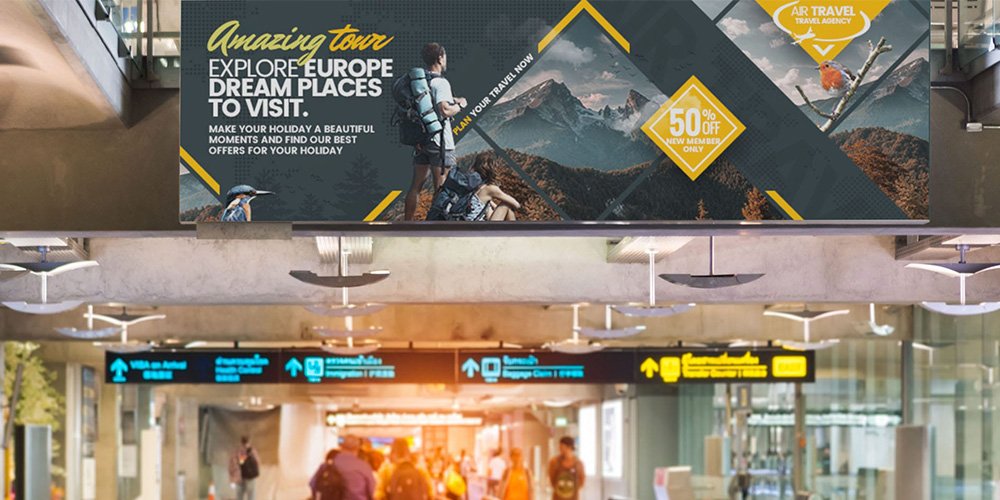
Thermal performance depends on die attachment, PCB materials, cabinet construction, airflow, and drive settings. For a COB LED display, request maximum electrical load for infrastructure planning and measured operating power at the intended brightness and content. A dark dashboard and full-white presentation can produce different loads. Keep the specified ventilation clearances even with front-service cabinets.
04. Protection and Cleaning
Encapsulation protects the emitting face, but a COB LED display is not automatically waterproof or impact-proof. The IEC 60529 IP classification concerns enclosure protection. Confirm which surfaces and assembled configuration a supplier’s rating covers. Use the manufacturer’s cleaning procedure; do not assume a damp cloth, solvent, or pressure spray is permitted. Surface protection does not establish rear-cabinet, connector, or condensation resistance.
3. Advantages and Disadvantages of COB LED Displays
01. Where COB Offers Value
A COB LED display is worth evaluating when exposed lamps would be vulnerable to incidental contact, when the closest seats demand fine pitch, or when surface consistency is especially noticeable. Encapsulation can make routine surface care easier under an approved cleaning procedure. Front-access modules can also simplify service in installations without a rear corridor.
02. Disadvantages and Practical Limits
The limitations of a COB LED display include product-dependent repair procedures, potential replacement-module color matching, and the need for trained handling. A damaged surface may require module exchange on site even when specialist factory repair is possible. Ask what happens after warranty expiry and whether matching spares remain available.
Cost is another project-specific issue. COB does not occupy a fixed price position against every SMD or GOB configuration. Compare equivalent pitch, brightness, electronics, cabinet quality, spares, and service scope. A finer pitch that the audience cannot benefit from adds expense without necessarily improving the project outcome.
4. COB vs SMD vs GOB: Key Differences
COB, SMD, and GOB describe different construction choices. A COB LED display mounts bare chips on the board. SMD uses individually packaged lamps. GOB generally applies protective encapsulation over an SMD assembly. None of these labels independently specifies the complete wall’s brightness, weather resistance, or lifetime.
01. SMD: Individually Packaged Lamps
SMD is available across many indoor, outdoor, and rental applications. Some designs allow individual lamp repair by trained technicians. Exposed lamps require careful handling, but performance still depends on the product and installation. Do not assume that an SMD wall is unsuitable simply because viewers sit close.
02. GOB: Protection Over the Assembly
GOB adds a protective layer while retaining packaged LEDs beneath it. Resin properties, application quality, and repair processes affect optical performance and serviceability. GOB does not automatically make an indoor cabinet outdoor-ready. Compare actual samples and documented environmental limits with the proposed COB LED display.
03. Compare at the Same Pixel Pitch
Compare technologies at equivalent native resolution and operating brightness. Otherwise, a difference attributed to COB may actually come from finer pitch or better calibration. Use EagerLED’s pixel pitch selection guide to shortlist candidates, then inspect the real content from the closest relevant seat.
04. Contact, Cleaning, and Surface Finish
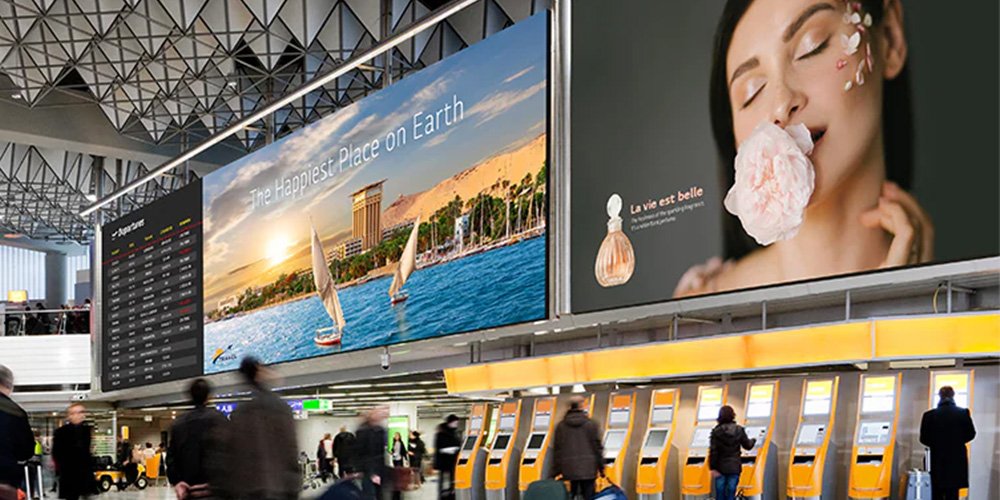
For a public-facing COB LED display, evaluate the approved contact and cleaning conditions. A protected surface can still be scratched or damaged. Check seams and reflections with overhead lights switched on. Discuss barriers or mounting height where people, luggage, or cleaning equipment can strike the wall.
05. Repair and Spare Modules
Module replacement is a common on-site service approach for a COB LED display. Specialist die-level repair may be possible, depending on the module design and supplier capability. Specify who performs each repair, turnaround time, transport costs, and recalibration. Keep matched spares and the calibration files needed to integrate a replacement into the existing wall.
06. Total Cost of Ownership
Compare purchase, processing, mounting, electrical work, commissioning, energy, spares, and service over the same planned operating period. Do not assume fewer service visits without evidence for the exact product and conditions. EagerLED’s LED screen buying guide provides a broader procurement checklist, while the COB versus SMD comparison focuses on packaging choices.
| Decision factor | COB | SMD | GOB |
|---|---|---|---|
| Construction | Bare dies with collective encapsulation | Individually packaged LED lamps | Typically encapsulation over SMD lamps |
| Surface handling | Protected emitting surface; limits vary | Exposed lamps need careful handling | Protective layer; limits vary |
| On-site service | Often module exchange | Module exchange or skilled lamp repair | Depends on encapsulant and repair process |
| Image comparison | Test black uniformity and low gray | Test black uniformity and low gray | Test black uniformity and low gray |
| Outdoor suitability | Requires a documented outdoor system | Requires a documented outdoor system | Requires a documented outdoor system |
| Price comparison | Obtain an equivalent-scope quotation | Obtain an equivalent-scope quotation | Obtain an equivalent-scope quotation |
Choose a COB LED display when its tested performance and service plan fit the room. If protective coating is the main requirement, compare it with the alternatives described in the COB versus GOB guide. Avoid universal rankings: a well-specified alternative can be a better purchase than an unsuitable COB configuration.
5. COB LED Display Specifications, Pixel Pitch and Price
Specify a COB LED display from the room and content outward: viewing positions, available dimensions, native pixels, operating brightness, camera requirements, and service access. This sequence prevents a nominal specification from becoming a poor real-world fit.
01. Match Pitch, Size, and Viewing Distance
Pixel pitch measures neighboring pixel centers in millimeters. For preliminary screening, the pitch number in millimeters is sometimes matched to viewing distance in meters. This is a planning convention, not a guarantee of invisible pixels or comfortable reading. Test detailed text from the nearest seat and check text size from the farthest seat.
For a square pixel grid, horizontal pixels approximately equal screen width in millimeters divided by exact pitch. As a calculated example, a 4,800 mm wide screen at exactly 1.25 mm pitch has 3,840 horizontal pixels. Its height must also supply the required vertical pixels. Confirm the buildable cabinet array before describing a COB LED display as native 4K.
02. Brightness, Refresh Rate, and Scan Mode
Brightness is specified in cd/m², also called nits. Choose an operating level suited to ambient light and prolonged viewing, and inspect low-gray detail after dimming. A bright maximum specification does not establish good image quality at everyday settings.
Refresh frequency, source frame rate, and scan duty are different quantities. A high refresh figure alone cannot guarantee clean camera footage. NovaStar’s camera-shooting control guidance describes coordinating display timing with camera shutter settings to alleviate scan lines. Test the actual camera, frame rate, shutter, and brightness. Moiré is a separate spatial interaction that also requires camera-position and content testing.
03. How to Budget for a COB LED Display
There is no verified universal price for a COB LED display in this guide. Obtain a dated, itemized quotation stating currency, quantity, pitch, delivery terms, and exclusions. Online per-square-meter prices can cover different products and omit processing, structure, freight, taxes, or commissioning. They should not substitute for a project quotation.
04. What Moves the Final Price
Finer pitch increases pixel density: halving pitch quadruples pixel count for the same area, but does not automatically quadruple total project cost. Driver electronics, cabinet construction, redundancy, spares, and local installation also matter. Use the following table to prevent low panel pricing from hiding missing project scope.
| Budget item | What to request | Why it changes the comparison |
|---|---|---|
| Display hardware | Exact pitch, cabinet quantity, native resolution, module type | Establishes an equivalent image and physical size |
| Control system | Processor, receiving cards, inputs, pixel capacity, redundancy | A 4K input does not prove a native 4K wall |
| Structure and installation | Mount, alignment, access, load verification, labor | Site conditions can materially change installed cost |
| Power and cooling | Maximum load, typical operating power, distribution and airflow | Separates infrastructure needs from everyday energy use |
| Spares and service | Matched modules, calibration files, warranty and repair route | Determines downtime and replacement support |
| Delivery and commissioning | Freight, taxes, acceptance tests and training | Clarifies what is included in the final handover |
For an operating-cost estimate, multiply measured average kW by daily operating hours, annual operating days, and the local electricity tariff. Include cooling separately when relevant. Label assumptions clearly and compare a COB LED display and its alternatives at the same brightness and content.
6. Applications of COB LED Displays
A COB LED display can serve many indoor settings. The right configuration depends on the viewing task and maintenance needs, rather than the application label alone.
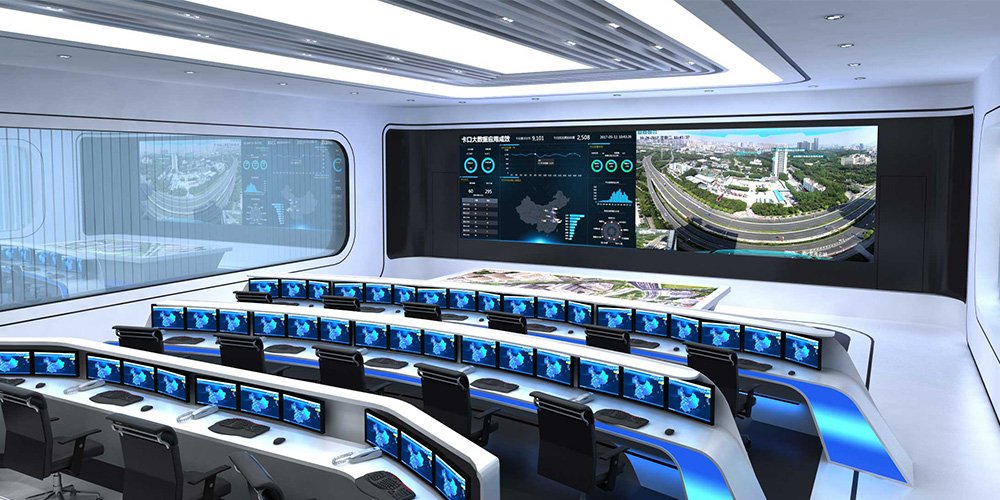
01. Control Rooms and Command Centers
Assess dense dashboards, maps, and multiple video feeds at the intended operator positions. Specify continuous-operation requirements, signal redundancy, restart behavior, and replacement access. For a COB LED display used over long shifts, evaluate brightness comfort and low-gray stability as well as peak output.
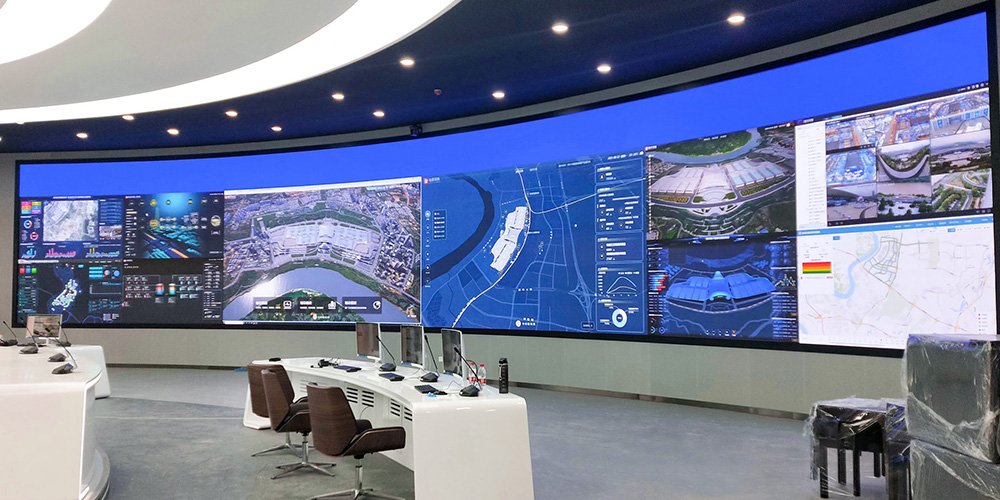
02. Boardrooms, Training Rooms, and Education
For meeting spaces, inspect spreadsheets, slide text, and video calls on a COB LED display at actual seating distances. A 16:9 cabinet does not make every assembled wall 16:9; the horizontal and vertical cabinet counts determine the final ratio. Confirm content scaling and audio-system integration. The indoor screen specification checklist helps turn room requirements into a clear equipment brief.
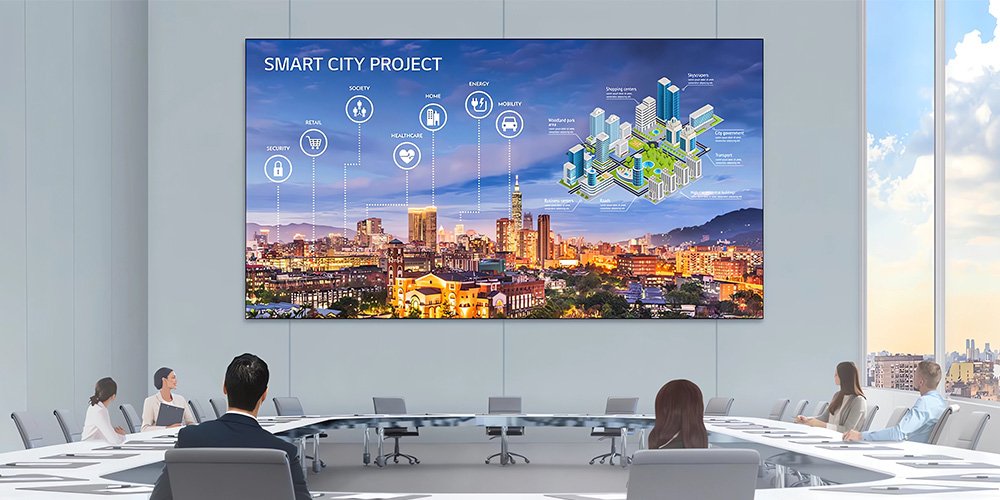
03. Broadcast and Camera-Facing Walls
A COB LED display still needs an on-camera test. Evaluate slow pans, moving graphics, low brightness, and the planned camera angles. Separate scan banding from moiré and reflection problems, because they require different adjustments. Keep the accepted processor and camera settings in the handover documentation.
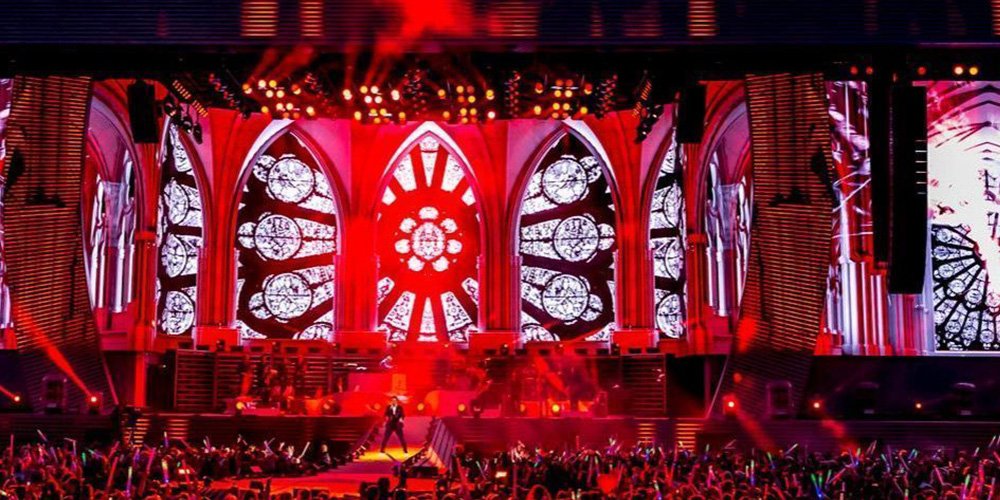
04. Retail, Hospitality, and Signage
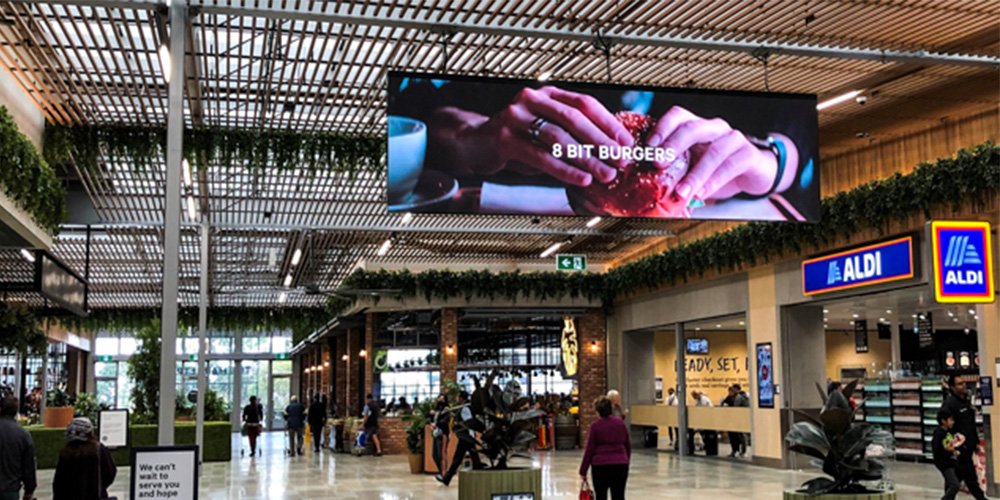
In lobbies, shops, and transport interiors, compare reflections under actual lighting and check readability from changing angles. A COB LED display near public traffic also needs a realistic cleaning and contact-protection plan. Do not identify an installation’s packaging technology from a scene photograph alone; confirm the supplied module model.
05. When to Consider Another Option
If viewing is distant, a coarser-pitch system may meet the brief at a lower installed cost. Outdoor exposure requires a product designed for the specified weather and thermal conditions. Rental use adds transport and rigging requirements. Select a COB LED display only when the actual cabinet, service plan, and image tests satisfy those needs.
| Application | Main acceptance task | Evidence to request |
|---|---|---|
| Control room | Readable dashboards during long shifts | Content test, operating brightness, redundancy and cooling plan |
| Meeting room | Clear small text and video calls | Nearest/farthest-seat test, native resolution and camera trial |
| Studio | Stable image on the planned cameras | Shutter and timing tests, moiré review, low-gray footage |
| Public interior | Readable image and manageable surface care | Lighting sample, cleaning instructions, service access |
| Rental or outdoor project | Survive the specified operating environment | Exact cabinet ratings, handling design, support procedures |
7. EagerLED COB LED Display: EA600COB1
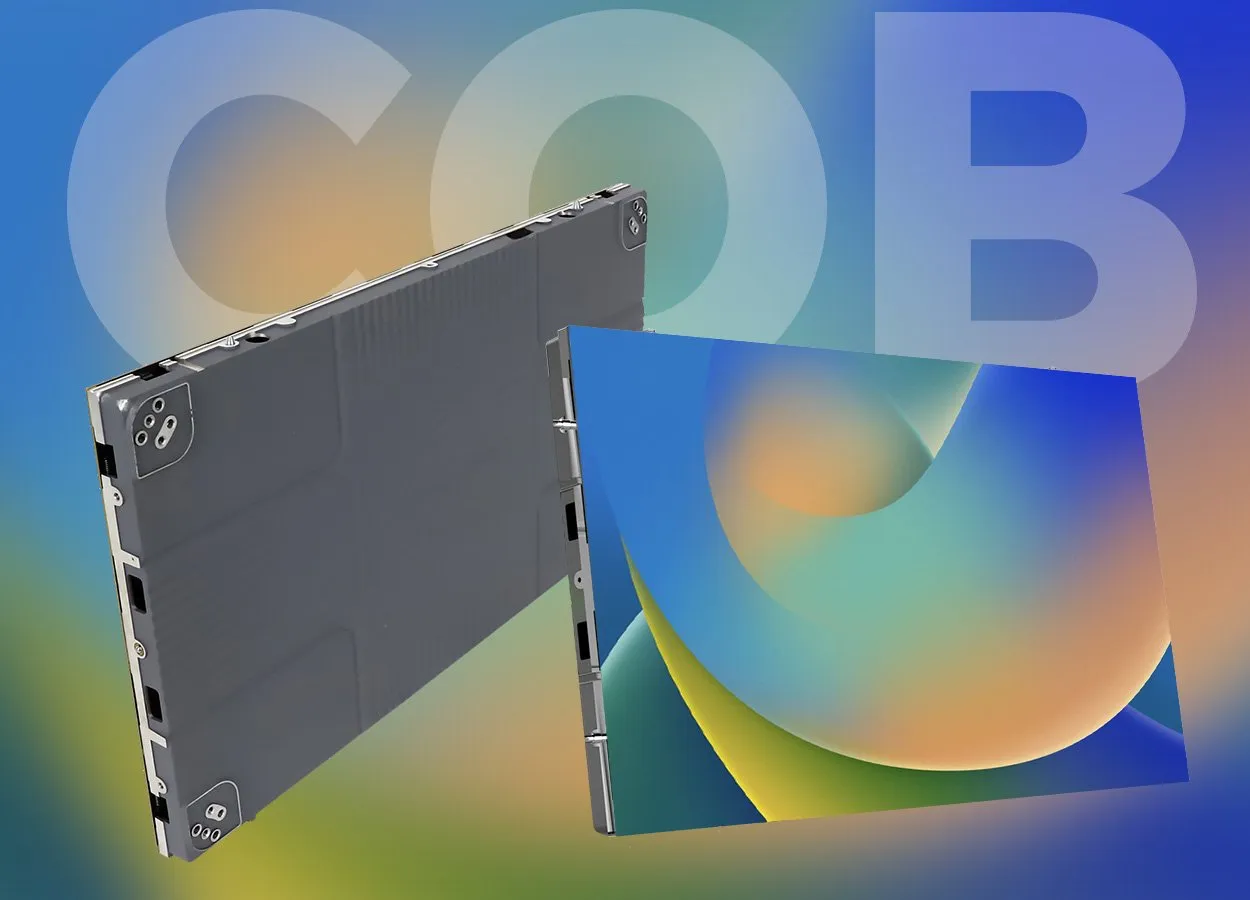
The EA600COB1 indoor COB LED display is an EagerLED product example with published pitch options and front-service construction. Use its product specification as a starting point for a configuration-specific quotation.
01. Published Series Specifications
The product page lists a 600 × 337.5 mm cabinet, 5.1 kg cabinet weight, and P0.78, P0.93, P1.25, and P1.56 options. These are model-specific manufacturer figures, not specifications that apply to every COB LED display. Confirm exact module resolution and cabinet layout before calculating the complete screen.
02. Front Service and Plug-In Modules
The product page describes front maintenance and plug-and-play module power/data connections. Here “wireless module” refers to the internal connector arrangement, not Wi-Fi video delivery or a wall that needs no power or signal cabling. Confirm the approved removal tool, safe isolation procedure, and access to power supplies and receiving cards.
03. Resolve Specification Questions Before Ordering
Request the current signed datasheet for the exact COB LED display configuration. Calculate the complete pixel map from confirmed module resolution and cabinet layout. Nominal pitch labels may be rounded, so exact dimensions and pixel counts should govern the installation drawing. Confirm those values in writing before approving the order.
| Published EA600COB1 item | Product-page value | Buyer verification |
|---|---|---|
| Pixel options | P0.78 / P0.93 / P1.25 / P1.56 | Confirm exact pitch and module/cabinet pixel counts |
| Cabinet | 600 × 337.5 mm; 5.1 kg | Verify mounting and complete installed weight |
| Brightness | 500–800 cd/m² | Specify operating brightness and low-gray performance |
| Refresh frequency | ≥3,840 Hz | Test the intended camera and driver settings |
| Scan duty by pitch order | 1/64 / 1/60 / 1/60 / 1/54 | Confirm receiving-card configuration for the chosen variant |
| Published power | 500 W/m² maximum; 165–260 W/m² average | Request measurement conditions and project electrical design |
| Protection grade | IP54 | Confirm scope, test documentation, and indoor limits |
| Maintenance | Front service | Confirm tools, spare modules and calibration procedure |
Source: EA600COB1 product page checked on October 20, 2026. Published values require confirmation for the ordered configuration; the average-power test conditions and protection-rating scope are not fully explained in the table.
8. Frequently Asked Questions
01. What is the difference between a COB LED screen and a COB LED display?
In direct-view video-wall purchasing, the terms usually describe the same product category. Clarify that you need an RGB video display rather than a COB lighting module. Include wall dimensions, content resolution, and viewing distance in the request so suppliers quote the correct system.
02. Can a COB LED display accept 4K video without being native 4K?
Yes. A processor can accept a 4K source and scale it to a smaller physical pixel canvas. If pixel-for-pixel presentation is required, specify the completed wall resolution and signal workflow. Check both horizontal and vertical pixel counts, not just the processor input specification.
03. Is a COB LED display always better than SMD or GOB?
No. Compare samples at equivalent pitch, size, brightness, and content. Surface protection can favor an encapsulated design, while repair arrangements, cabinet features, and price may favor another option. Choose the complete system that passes the room-specific acceptance tests.
04. How much does a COB LED display cost?
The useful price is a dated quotation for the specified wall and installation scope. Ask for hardware, processing, structure, electrical work, commissioning, delivery, and spares separately. Compare identical requirements and clarify taxes and warranty exclusions before accepting a per-square-meter figure.
05. Can failed COB pixels be repaired?
On-site service often replaces the affected module. Factory-level die repair may be available for some designs, so ask the manufacturer about its actual process. Keep compatible spares and calibration data, and confirm how repaired or replacement modules will be matched to the existing wall.
06. Will COB eliminate moiré in video recordings?
No. Packaging alone cannot eliminate the interaction between the LED pixel grid and camera sampling. Test framing, distance, focus, and content with the intended camera. Diagnose timing-related scan lines separately and coordinate shutter and display settings with the control-system supplier.
07. Can an indoor COB LED display be installed outdoors?
Only if the complete specified system is designed and documented for those conditions. Front encapsulation or an indoor IP rating alone does not establish suitability for rain, sun, condensation, or outdoor thermal loads. Request an outdoor-rated product and an installation design matched to the site.
9. Conclusion
A COB LED display combines bare-chip packaging with a collectively protected emitting surface. It is a strong candidate for fine-pitch indoor applications, but the right purchase depends on measured image quality, usable native resolution, environmental limits, and a credible service plan.
Start with viewing positions and content, compare equivalent configurations, and validate cameras and low-brightness performance before acceptance. To discuss a COB LED display for your project, request a configuration-specific quotation with wall dimensions, nearest viewing distance, operating hours, room lighting, and installation location.