

LED display handover is the transfer of a verified system, usable project records and operating knowledge to the people who will run it. A screen showing a test image is only one piece of that transfer. Buyers also need to know which configuration was accepted, who can operate it and where unresolved work is recorded.
This guide is for buyers, distributors, AV integrators and project contractors preparing the end of an installation project. It organizes document delivery, practical training, witnessed demonstrations and support responsibilities. Technical commissioning still follows the approved project requirements and the documentation for the supplied equipment.
The tables are proposed project worksheets, not a certification scheme or a statement of EagerLED contract terms. Adapt them to the agreed scope. An effective LED display handover makes the everyday operating path clear while preserving the evidence that specialist teams need for future service.
1. Agree the LED display handover scope and owners
Begin with the intended operating use. A reception screen showing scheduled information, an event screen receiving live sources and a meeting-space display can have different daily routines. List the actual tasks the owner expects to perform. Use those tasks to define demonstrations and documents instead of collecting a folder of unrelated manuals.
For LED display handover, distinguish equipment delivery, installation completion, technical verification and operator readiness. These milestones may occur on different dates. Record their status separately so that a delivered cabinet does not appear to have passed a site test that has not happened.
| Responsibility | Named owner to record | Evidence of completion |
|---|---|---|
| Installed system records | Integrator document coordinator | Issued register with revisions and locations. |
| Technical verification | Authorized commissioning lead | Results linked to agreed requirements. |
| Routine operation | Customer operator representative | Observed tasks and remaining training needs. |
| Account administration | Customer’s nominated administrator | Approved access transfer and recovery ownership. |
| Open-item closure | Responsible project manager | Action, due date and retest evidence. |
| Ongoing support | Agreed service contact | Reporting route and scope confirmed. |
A named owner is more useful than a department label. Include a deputy or a team contact where staff rotate. Clarify which decisions that person can make and who approves changes outside normal operation. A distributor may coordinate the process, while a local installer retains responsibility for site-specific records.
Plan LED display handover before the commissioning team leaves. Reserve time for document correction and operator practice. If the customer cannot provide an operator on the proposed date, record the training as outstanding and agree a new session rather than treating attendance by an unrelated visitor as completion.

2. Assemble a document pack someone can use
Build the LED display handover pack around the installed system. A product brochure can explain a model, but it does not identify the serial numbers, cable destinations, source assignments or approved settings of the delivered project. Keep general reference documents separate from records describing the actual installation.
Create a short index with a document title, revision, responsible author, issue date and location. Use filenames that make sense outside the original designer’s computer. An operator should be able to locate the startup guide without opening every file. A service technician should be able to distinguish the accepted configuration from an obsolete proposal.
A practical LED display handover receipt can list each delivered item as received, opened and checked, or still outstanding. These are separate states. For example, a drawing may have arrived but still show the original cable route after an on-site change. Assign the correction to its author and retain the superseded version in the archive. Give the recipient a corrected index when the new revision is issued, so the status is visible without searching through email attachments.
| Deliverable | Minimum useful content | Recipient check |
|---|---|---|
| Equipment register | Model, identifier, location and supplied quantity | Matches installed equipment and supplied spares. |
| As-installed drawings | Screen layout, signal paths and cable labels | Revision reflects changes made on site. |
| Operating guide | Approved daily tasks, normal state and help route | Actual operator can follow it. |
| Configuration package | Applicable files, versions and restoration responsibility | Authorized recipient can locate and identify files. |
| Verification results | Requirement, method, conditions and outcome | Exceptions are visible and traceable. |
| Service information | Contacts, agreed scope and reporting requirements | Customer knows where to request support. |
During LED display handover, open a sample of the delivered files on the recipient’s approved computer. A folder existing on a transfer drive does not establish that the customer can access or read it. Check drawing legibility, links, file permissions and any required application. Resolve missing fonts or inaccessible project folders before the team disperses.
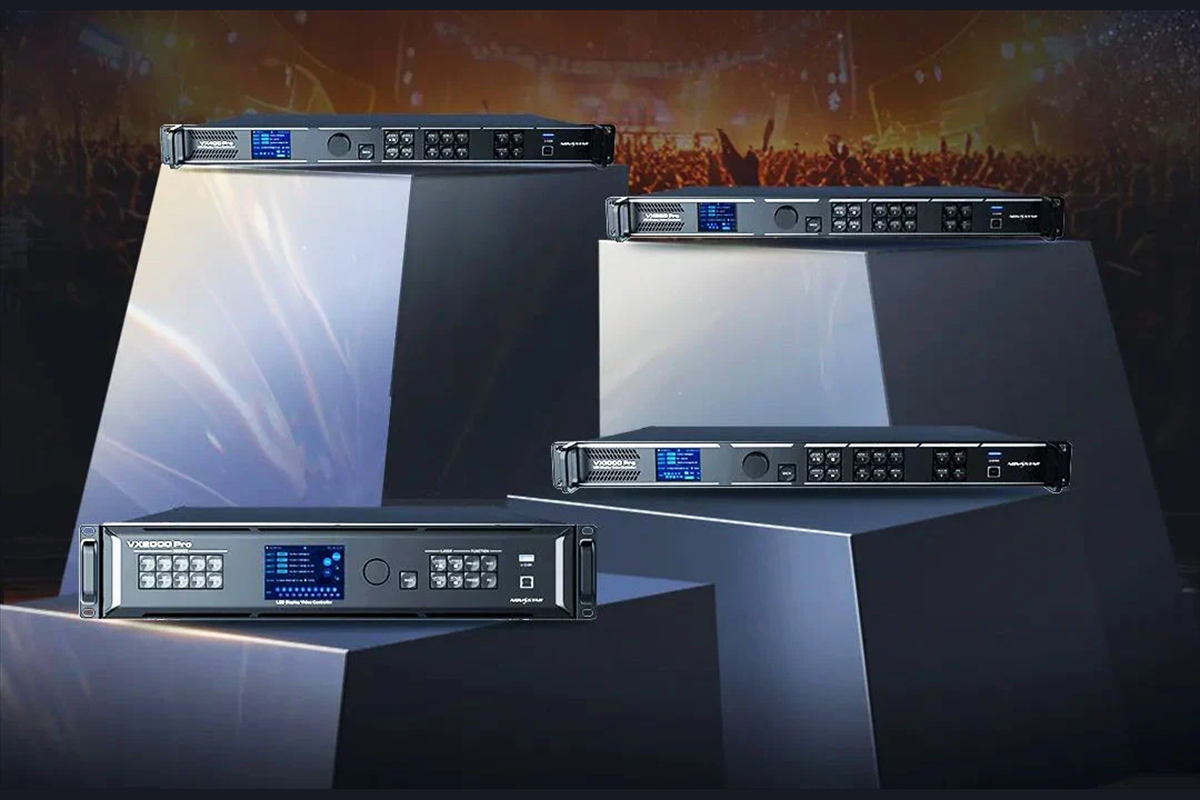
List controller and software versions as recorded at verification. The same product family may include different models and interfaces. EagerLED’s rental LED display range provides product context; the project register must identify the exact supplied configuration. Do not substitute a generic web page for the approved equipment list.
A configuration file also needs context: the system it belongs to, its creation date, the relevant hardware and the party authorized to use it. This article does not prescribe a restore procedure. Use the matching manufacturer instructions and the project’s controlled recovery method when a qualified person needs to restore settings.
For LED display handover, record where sensitive access information is managed without putting passwords in a general PDF. Use the customer’s approved access-transfer method. Confirm that account recovery and any relevant license administration belong to the intended organization and that the authorized administrator can perform the required routine tasks.
3. Demonstrate operator readiness with real tasks
LED display handover training should follow the operator’s working day. Start from the normal approved state and ask the participant to perform a routine task. A trainer explaining menus is useful preparation, but an observed operator task provides clearer evidence of whether the instructions can be followed independently.
Select exercises that the installed system actually supports. These might include choosing an approved input, presenting a test document, updating scheduled material where that function is provided, returning to the normal display state and reporting a visible problem. Do not promise publishing, monitoring or remote-control features that are absent from the supplied configuration.
| Exercise | Observation to record | Follow-up if incomplete |
|---|---|---|
| Find the operating guide | Participant opens the current version. | Correct access or simplify the index. |
| Select the intended source | Approved content appears on the correct screen. | Clarify source labels and repeat the exercise. |
| Return to normal operation | Participant restores the agreed everyday state. | Revise the relevant instruction step. |
| Recognize an abnormal result | Participant describes the visible symptom accurately. | Add a simple symptom example. |
| Request support | Participant identifies contact and required information. | Update the contact card and practice again. |
Separate operator tasks from engineering tasks in LED display handover. An ordinary user may need source selection and basic status recognition. That does not automatically authorize changes to receiving-card parameters, cabinet wiring or structural components. State the boundary using the site’s own roles and approved procedures.
Use a realistic piece of customer-approved sample content. Tiny text, an unexpected aspect ratio or an unsuitable source can expose an instruction gap that a full-screen photograph hides. Record what content and input conditions were used. If a test is outside the accepted scope, mark it as an observation rather than silently changing the acceptance requirements.
A useful LED display handover session includes time for questions after each exercise. Ask the participant to explain what they would do if the expected picture did not appear. The answer should lead to approved checks and the support route, not improvised physical intervention. Revise confusing instructions while the trainer can still observe the problem.
Record participant roles, date, guide revision, demonstrated tasks and tasks requiring another session. A recording can help future staff if everyone involved has approved it, but the recording should supplement an accessible written guide. Remove obsolete recordings from the current index when the operating interface changes.
4. Record what was witnessed and what remains open
Keep LED display handover acceptance traceable to the agreed requirements. For each demonstration, identify the requirement, system state, method, result and witness. Where the project has numerical acceptance criteria, retain the measurement conditions and instruments required by the approved procedure. A photograph alone cannot establish every performance characteristic.
Distinguish a successful technical test from a successful operational demonstration. An engineering team may have verified the signal path, while the customer’s operator still needs a usable source-selection guide. Both records matter, but they answer different questions. Keep their status visible in the same closeout register.
| Finding | Record immediately | Closure evidence |
|---|---|---|
| Drawing label differs from installed label | Affected drawing, cable and responsible author | Corrected revision checked against installation. |
| Operator cannot complete a routine task | Task, observed difficulty and training owner | Repeat demonstration using revised guidance. |
| Specified test not yet performed | Requirement, reason and planned test date | Witnessed result under agreed conditions. |
| Accessory or spare is missing | Item reference, quantity and responsible supplier | Receipt and acceptance of the correct item. |
| Result differs from agreed requirement | Actual result and decision owner | Corrective work and required retest or approved resolution. |
During LED display handover, use precise findings. “Needs improvement” gives the next technician little to work with. “Input label in the operating guide differs from the controller label” identifies a correctable discrepancy. Add a photo or screenshot when it clarifies the issue, avoiding confidential customer content.
Do not erase an original failed result when a later retest passes. Keep the corrective action and final result linked to it. That history explains which configuration was accepted and helps prevent an old drawing or settings package from being reissued by mistake.
LED display handover records should show which items are closed, open or awaiting a decision. The parties responsible for the contract decide the effect of outstanding items on formal acceptance. A worksheet cannot establish payment terms, warranty commencement or permission to operate an incomplete system.
5. Transfer support responsibilities before the first incident
Complete LED display handover with a support contact card. State whom the operator contacts, what information to provide and where the request is recorded. Include the equipment or project identifier so that support staff can find the right records without asking the operator to identify internal components.
A useful first report includes the time, affected area, selected source, visible symptom and any recent authorized change. Ask for an appropriate image when helpful. Avoid turning the reporting checklist into a demand for unsafe access, electrical intervention or disclosure of customer passwords.
Clarify service coverage as part of LED display handover. Record the agreed contact hours, escalation route and responsibilities for diagnosis, site attendance, parts and transport where applicable. These details must come from the actual agreement. A response target and a repair-completion commitment are different promises and should not be conflated.
Transfer the accepted spare-parts list with its storage location and custodian. The person who can locate a replacement is not necessarily authorized to fit it. Link the list to the approved item identity and service process. For inventory planning, see the dedicated LED display spare-parts guide.
Before closing LED display handover, ask the receiving team to find one service document and explain the escalation path. This short exercise tests whether the information is usable after the project team departs. Correct missing contact details and inaccessible folders while the people responsible are available.
6. Keep the accepted baseline useful after installation
LED display handover establishes a starting record, not a reason to stop maintaining documentation. Assign a custodian for drawings, equipment identities, operating instructions and configuration references. When an authorized change occurs, identify which records it affects and who approves the new issued version.
Use a simple change entry: date, reason, equipment affected, responsible person, revised files and verification performed. For example, replacing a source computer might require a new input instruction and an operational check, while a cabinet-component change may need a specialist compatibility review. The actual scope determines the required checks.
Retain the LED display handover baseline as a labeled historical record. Keep the current issued package clearly separate so that an operator does not accidentally follow an older guide. Avoid a folder filled with files named “final,” “final-new” and “final-latest” without an index explaining which one applies.
Review the instructions when staff roles change. A new operator should receive the current guide and repeat the relevant tasks. Treat repeated support questions as evidence that a label, instruction or training exercise may need improvement. Record the revision instead of relying on an informal explanation remembered by only one person.
7. LED display handover FAQ
Who should sign the handover record?
Name the parties authorized under the project arrangements and identify what each signature confirms. An operator may confirm training attendance and observed tasks, while a project representative handles formal acceptance. LED display handover should not imply that a participant has authority beyond their assigned role.
Is a PDF manual enough?
A manual is useful, but the owner also needs the installed-system records and any agreed configuration deliverables. Check that the recipient can open the files and find the current instructions. LED display handover is stronger when document access is demonstrated rather than assumed from a delivery email.
Can training be completed remotely?
Remote LED display handover training may suit supported operating tasks if the participant can access the actual system and the trainer can observe the result. Define the tasks and evidence in advance. Physical inspection or specialist work requiring site attendance must retain its own appropriate verification method.
Does receiving configuration files mean operators can restore them?
No. Possession of a file does not establish competence, compatibility or authorization to apply it. LED display handover should identify the responsible technical role, applicable equipment and approved recovery procedure. Operators need to know how to request that assistance.
Does handover automatically start the warranty?
Read the actual supply and service agreements for the relevant start date and conditions. Do not infer them from a generic LED display handover checklist or a training session. Record the agreed warranty information with the project documents and direct unresolved commercial questions to the responsible parties.
What if some items remain open?
Record each item, responsible party, intended completion date and required closure evidence. LED display handover should keep unresolved work visible. The authorized project owners determine the resulting acceptance status under the agreed requirements; do not silently mark an unperformed test as passed.
How should staff turnover be handled?
Keep LED display handover ownership attached to a current role and maintained contact route. Give new operators access to the issued guide and repeat the relevant practical exercises. Update the training record and remove obsolete instructions from the active index without losing the historical project record.
8. Conclusion
A useful LED display handover leaves the receiving team with an identifiable installed system, accessible records, demonstrated operating tasks and a clear support route. Prepare the document register early, witness the agreed tasks and retain the evidence behind each closed item. Keep outstanding work and responsibilities explicit.
For an EagerLED project, contact the EagerLED team with the intended application, supplied equipment, installation responsibilities and required training and document deliverables. Agree the scope before the final visit so that LED display handover can be checked against a practical, shared list.