

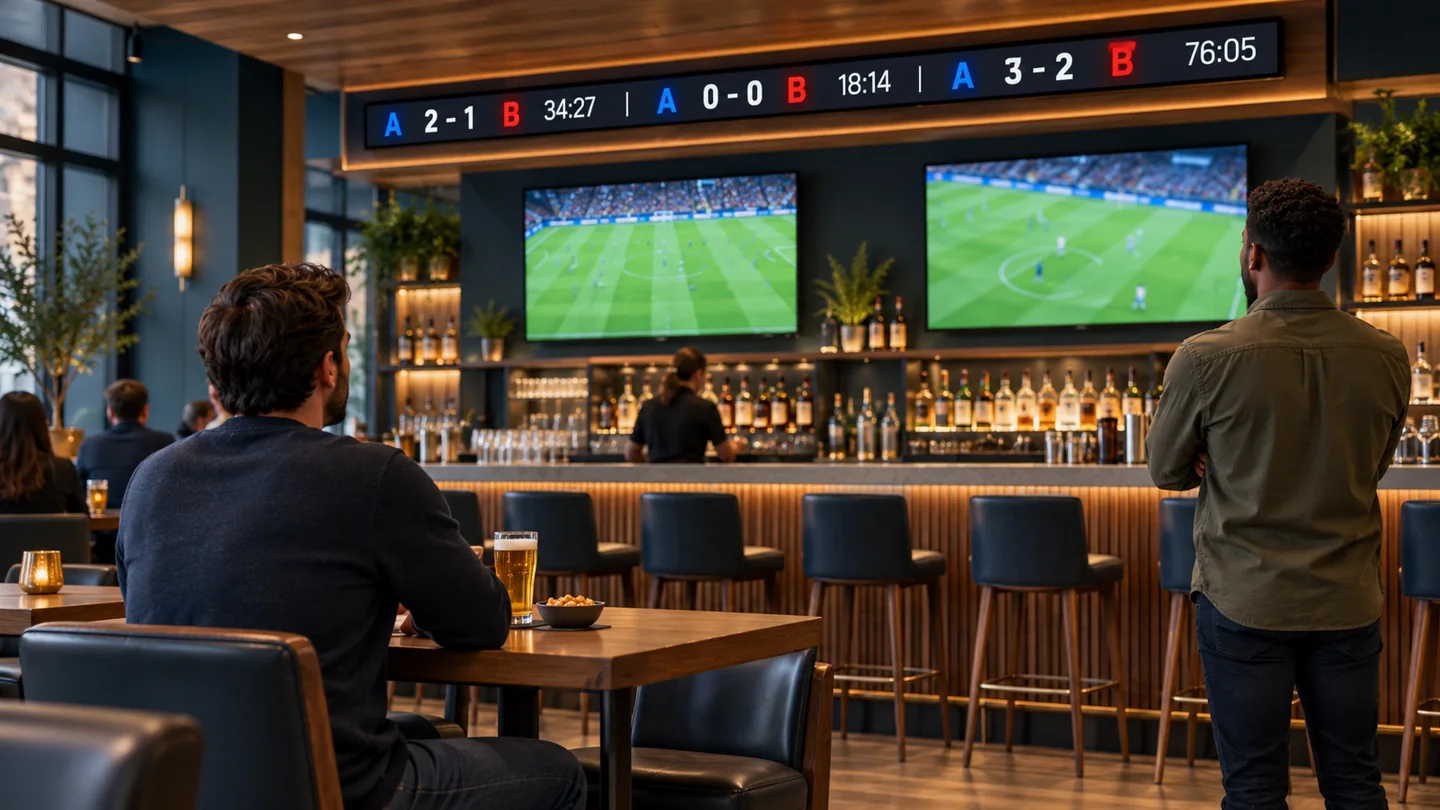
An LED sports ticker needs four things to work reliably in a sports bar: permission to display the selected data, software that turns it into readable score messages, a display suited to the room, and a clear response when updates stop. Buying the screen alone does not establish the other three. Define the complete service before comparing hardware proposals.
This guide is for a bar operations manager planning a new installation. It focuses on several simultaneous games, viewing from seats and walkways, and the controls a shift supervisor will actually use. It does not assume that a general digital signage player includes a licensed sports feed or that every indoor LED cabinet fits a narrow ribbon.
Start with the leagues your guests follow and the places where they will read the information. Then ask suppliers to demonstrate a normal busy evening and a failed data connection. Those two demonstrations reveal more about an LED sports ticker than an animation running from a prepared video file.
1. Define the LED sports ticker operating scope
A ticker is a pixel-based information display. Decorative strips can illuminate a shelf or ceiling, but they do not provide the addressable image area, content software, and data handling needed for scores. Describe the intended result as readable information: which matches, which fields, how often each appears, and what happens outside game hours.
Decide whether the installation follows one continuous route or several separate viewing zones. A long ribbon above the bar may serve people facing the counter while remaining invisible from booths. Two shorter displays may serve those locations more effectively. The LED sports ticker layout should follow the audience rather than simply use every available wall.
01. Assign a purpose to each screen
Keep the main televisions responsible for the live broadcast. Let the ticker answer questions about other games, the selected game’s status, or the next scheduled event. Avoid covering the television picture with a second moving layer that makes both displays harder to follow. In a quiet dining zone, consider stationary score cards instead of continuous motion.
Write a short operating description for the supplier. For example, a hypothetical venue might prioritize its local team, rotate other selected games, and switch to tomorrow’s schedule after the last result. This is a proposed workflow, not a statement about any particular product. Ask the integrator to show how it would be configured and who can change it.
02. Separate the deliverables in the quotation
The LED sports ticker quotation should identify display hardware, mounting, power, data connectivity, player, software, sports coverage, commissioning, and support. Identify recurring charges separately from the installation price. A service described as “included” needs an included period, renewal basis, and a statement of what stops if it is not renewed.
Use the indoor LED screen range to discuss the display environment, then request a configuration suitable for the required ribbon dimensions. A general indoor product page does not by itself confirm a complete ticker application, content subscription, or narrow-format assembly.
2. Separate data access from display permission
Before ordering an LED sports ticker, obtain written confirmation that the proposed service covers your actual venue use. Tell the data provider that scores will appear publicly inside a commercial sports bar. Include the number of locations, territories, sports, competitions, display types, and whether promotional messages will appear alongside the scores.
Do not infer those permissions from a free trial, an available API key, or a consumer sports application. Ask the provider to identify the applicable agreement and any restrictions on commercial presentation, redistribution, branding, attribution, or combining content. Team marks and photographs may have different permissions from the score data itself. Obtain clarification before putting them in a template.
01. Identify who owns each part of the service
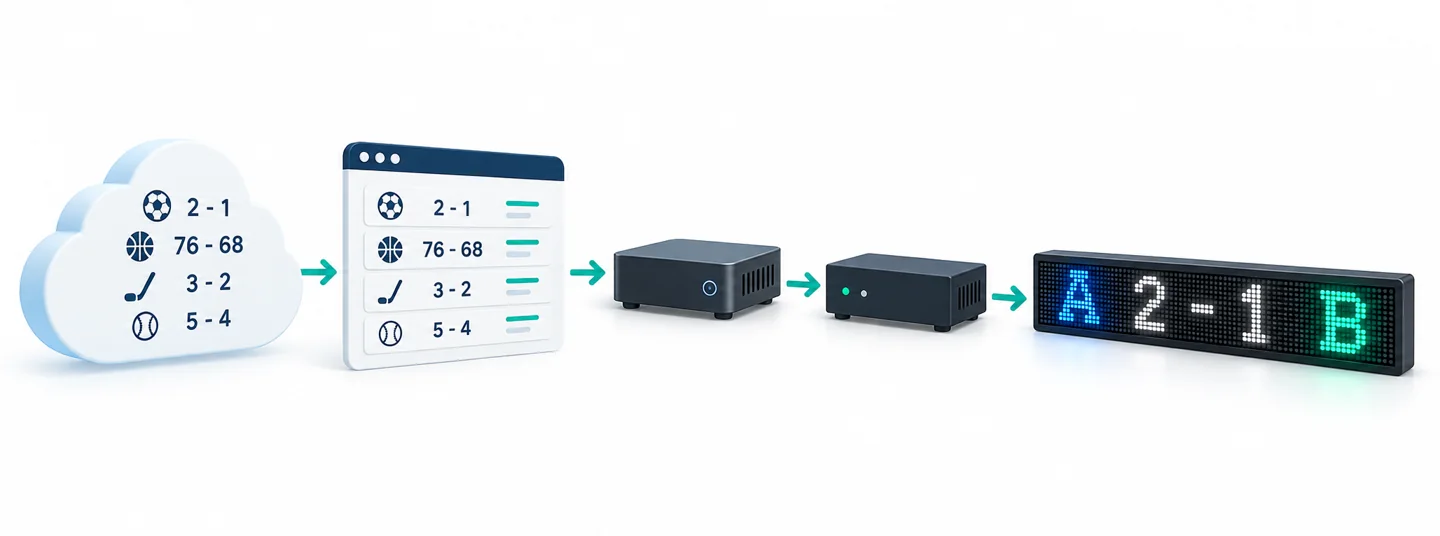
The data source, formatting application, media player, controller, and LED modules perform different jobs. When the LED sports ticker shows an old score, the panel can be functioning perfectly. A useful proposal names the party responsible for each stage and provides a support contact who can coordinate across those boundaries.
Ask whether the player receives a finished video stream, a hosted webpage, or structured data rendered locally. These designs have different network and troubleshooting requirements. The operator does not need to write integration code, but should know whether changing a layout requires the software supplier, the installer, or an ordinary staff login.
| Quotation item | Evidence to request | Decision it supports |
|---|---|---|
| Competition coverage | A list of included leagues, seasons, and live versus final-only coverage | Whether guests’ preferred games are actually supported |
| Venue display use | Written confirmation for the named premises, territories, and commercial presentation | Whether the proposed use fits the supplied permission |
| Content templates | A working example using long names, overtime, and postponed games | Whether the design handles more than ordinary short scores |
| Recurring services | Separate software, data, hosting, and remote-support terms | The operating budget and consequences of cancellation |
| Service ownership | A responsibility list and escalation contact for each component | Who responds when the display works but information is wrong |
02. Distinguish freshness from polling speed
A request interval is not a promise that every score arrives that quickly. Upstream coverage, event processing, caching, network delivery, and the display queue all affect what a guest sees. Sports data documentation distinguishes cache lifetimes from actual updates; coverage can also vary by competition. Ask for an end-to-end demonstration using the coverage you intend to buy.
For the LED sports ticker, record the difference between an event timestamp, the last successful receipt, and the time a message appears. A system may contact its server successfully while repeatedly receiving unchanged or incomplete information. The acceptance plan should distinguish a quiet match from a disconnected feed without making staff inspect technical logs.
3. Plan several games without an endless queue
Start with a limited list of sports and competitions. A venue rarely needs every available event in every session. Let the LED sports ticker schedule reflect the advertised program, local audience, and opening hours. Give staff a way to select a relevant group without rebuilding individual messages throughout the evening.
Agree on the fields that make each item understandable: competition, identifiable teams, score, and match state. Include a period, inning, or game clock only when supplied and appropriate to that sport. Do not use one generic clock rule for all games, and do not keep a clock counting down locally unless the integration explicitly supports that behavior.
01. Budget the return time
Consider how long someone waits to see the same match again. In a hypothetical sequence of eight cards shown for six seconds each, the basic loop lasts forty-eight seconds before transitions or other messages. Those numbers are an illustration, not recommended timing. Test whether the real audience can read each card and whether the return interval meets the venue’s expectations.
For a scrolling LED sports ticker, message length also affects that interval. A long team name or a detailed status can delay everything behind it. Ask for a preview of the longest expected message, not just a short demonstration score. If the loop becomes too long, reduce the selected events or simplify the fields before accelerating the text.
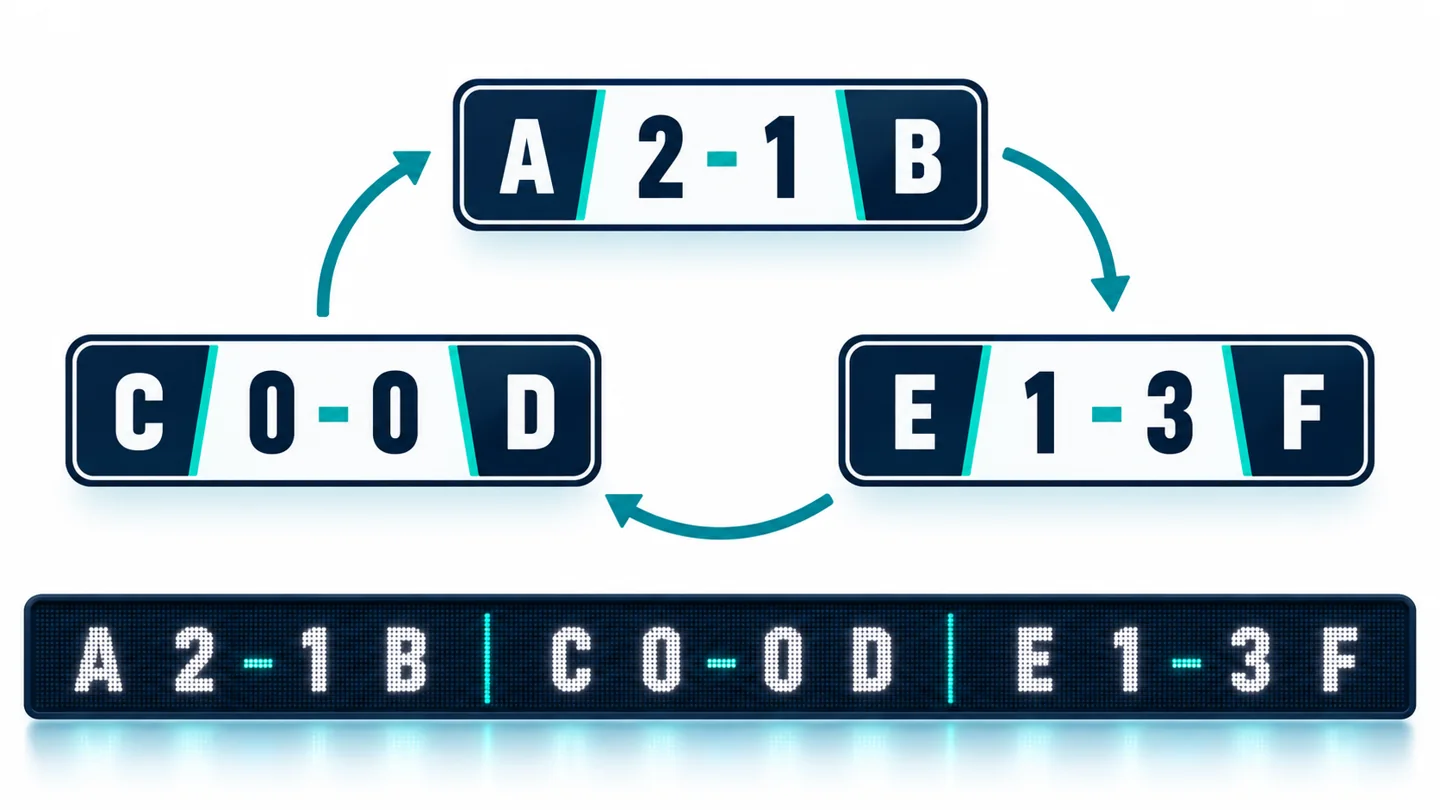
02. Define priority without hiding everything else
A local game can receive more frequent appearances, but specify how other selected matches remain visible. Decide whether a final result stays in rotation, moves to a separate results segment, or disappears after an agreed period. Treat delayed, abandoned, and postponed matches explicitly so an old fixture does not look like a game about to start.
Keep house promotions in a separately controlled sequence with an owner and expiry time. First confirm that combining them with the data presentation is permitted. An LED sports ticker that devotes most of its loop to unexpired old promotions will disappoint guests even when every score is correct. Review the actual loop during a busy-session rehearsal.
4. Test reading from the actual room
Measure the proposed active image height as well as the overall length. Text needs enough vertical pixels to preserve letter shapes and enough physical height to be read from the intended seats. Pixel pitch, font design, spacing, contrast, viewing angle, and motion interact. A single distance-to-pitch shortcut cannot validate the finished LED sports ticker.
Ask for a representative sample at the proposed pixel dimensions and normal operating brightness. If the final installation is not available, define which conditions the sample can demonstrate and which require on-site acceptance. A desktop simulation can reveal a clipped name; it cannot prove readability from a stool beneath a bright ceiling light.
01. Walk the normal guest routes
Check the entrance, bar seats, booths, standing areas, and routes between them. Read a complete message while moving at an ordinary pace. Then repeat while seated and looking toward the far end of the display. Pay attention to columns, television edges, pendant lights, and people standing between the reader and the ribbon.
Test the LED sports ticker with both the room’s brighter daytime setting and its evening lighting. Avoid treating maximum panel brightness as the normal setting. The goal is comfortable, consistent reading without distracting glare. Photograph test locations and record the accepted operating settings so later adjustments can be compared against a known baseline.
02. Check difficult content, not only attractive content
Use long team names, similar abbreviations, tied scores, multiple-digit results, and explicit status labels. Make home and away positions consistent within each template. Do not make red and green the only indicators of a change; use words, symbols, or positioning that remain understandable when color differences are hard to distinguish.
Ask the supplier to demonstrate corners and seams with moving text if the ribbon changes direction. A word should not become unreadable as it crosses a joint or disappears around an obstructed return. The LED sports ticker service plan should also preserve access to modules, power supplies, and connections after furniture and trim are installed.
5. Specify stale-data and recovery behavior
The wrong response to an interrupted feed is to keep presenting the last received information as live indefinitely. Define a visible fallback before installation. Depending on the agreed service, the LED sports ticker might display an update-unavailable notice, label retained results with their last update, or switch to approved non-live content.
Choose the stale-data threshold with the provider for the actual feed and coverage level. Do not copy an arbitrary timeout from a different sport or service. The system should distinguish data freshness from display connectivity, and staff should have a simple way to see which part needs attention without revealing account credentials to guests.
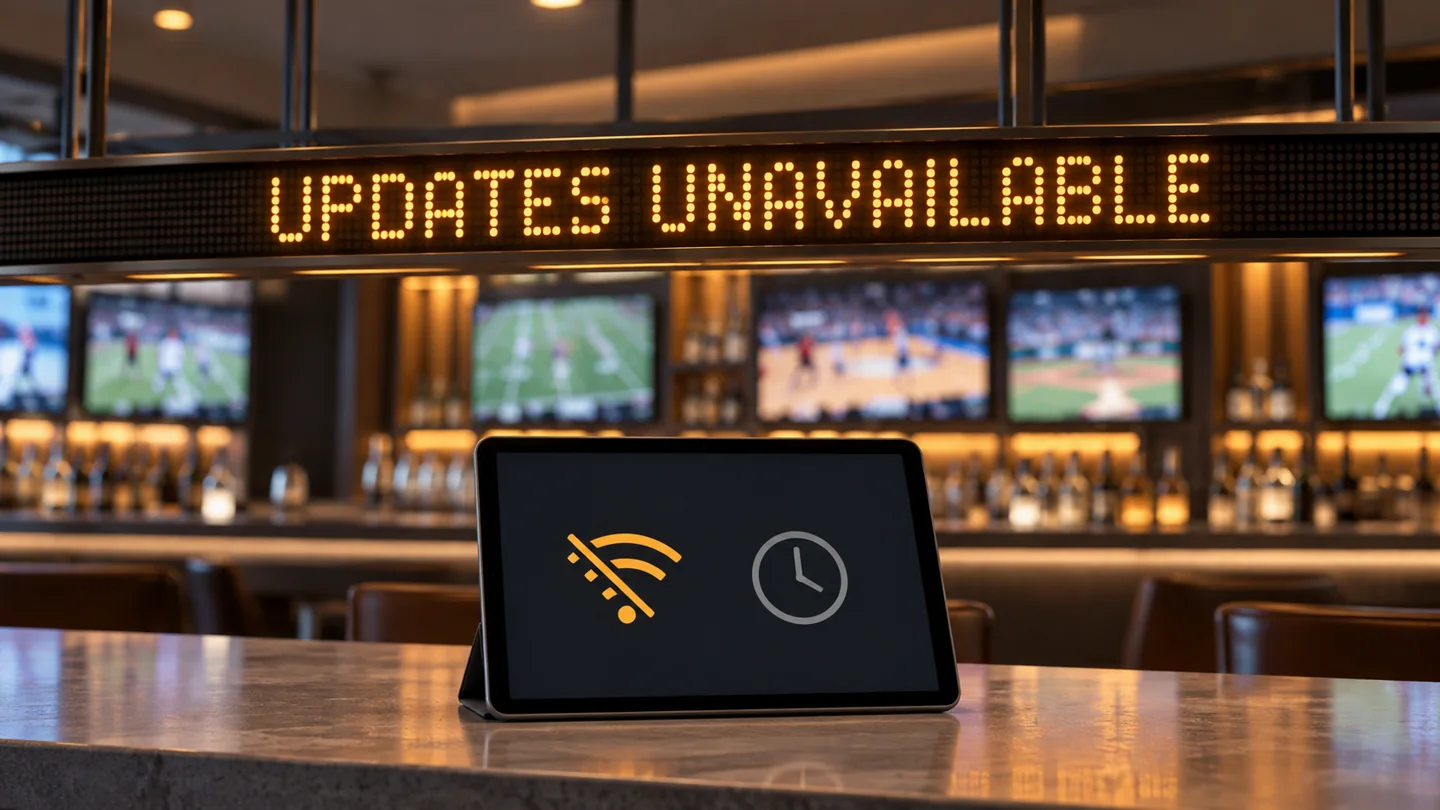
| Test scenario | Expected guest-facing behavior | Staff action and recovery evidence |
|---|---|---|
| Venue internet connection interrupted | Agreed fallback appears instead of an indefinite live claim | Supervisor sees the alert; restored connectivity returns current information |
| One competition stops updating | Affected items are labeled or withheld without unnecessarily hiding healthy games | Support identifies the coverage issue and confirms the corrected event state |
| Player restarts | The agreed startup content appears without exposed configuration screens | Saved schedule and authorized data connection recover correctly |
| Schedule changes after opening | Postponed or rescheduled status replaces the outdated start message | Staff verify the event identity and revised local time |
| Service subscription expires | Behavior matches the contract and does not imply unavailable live coverage | Account owner receives the renewal notice and knows the reinstatement procedure |
Run these tests in a planned commissioning window, with the installer controlling the relevant test conditions. Do not ask bar staff to disconnect unfamiliar electrical equipment. Record the visible result, recovery time observed during that test, and unresolved exceptions. A successful rehearsal is evidence about the tested configuration, not a guarantee of uninterrupted service.
Keep ordinary panel maintenance separate from data troubleshooting. The site-specific LED maintenance guide explains how to organize service responsibilities and records. For an LED sports ticker, add the application owner and data provider to that contact list so a content problem does not trigger unnecessary hardware replacement.
6. Accept the system with the shift team
Have the people who open and close the venue perform the routine workflow. They should select an approved competition group, confirm local start times, identify an unavailable update, and apply the agreed fallback. The LED sports ticker is ready for handover when the staff can complete these tasks using the supplied instructions.
Keep administrative controls with the account owner. Give shift staff only the permissions needed for normal operation. Record where subscriptions, support details, and recovery files are maintained without printing passwords in a public-facing checklist. Establish who approves a new league package or changes to the recurring service.
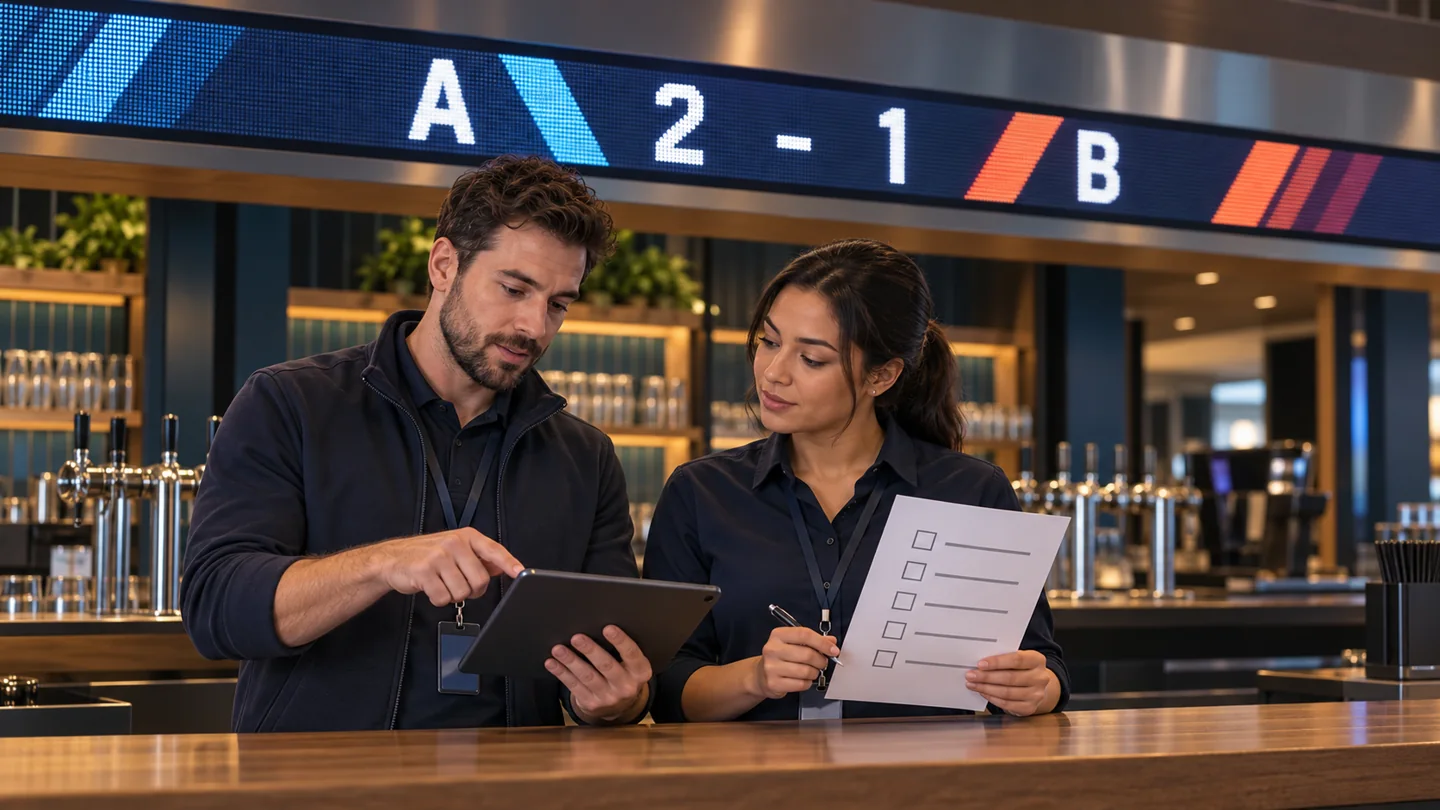
Provide a concise opening checklist: correct schedule, readable content, expected brightness, no stale alert, and no expired house message. At closing, follow the equipment supplier’s agreed shutdown procedure. After a software or template change, repeat the relevant reading and failure tests instead of assuming the original acceptance result still applies.
Keep a dated configuration record with the installed dimensions, player and controller identification, accepted templates, service coverage, and test outcomes. This makes an LED sports ticker easier to support when the original installer is unavailable or a manager changes. Record unresolved limitations explicitly rather than leaving them as verbal qualifications to a signed handover.
Frequently asked questions
Can an LED sports ticker show information before a television broadcast catches up?
It can, depending on the data service and broadcast delay. Ask whether the application supports an intentional presentation delay for the venue’s viewing experience. Test that setting against the actual broadcast source; avoid promising exact synchronization across different channels or streams.
What happens when no selected games are in progress?
Choose an approved fallback schedule, such as upcoming fixtures, clearly labeled final results, or permitted house information. Give retained results an appropriate date so yesterday’s game does not look current. Confirm that the application switches states automatically and lets staff recognize the current mode.
Can one subscription serve several branches?
That depends on the service agreement. Give the provider the actual number of locations and displays, and ask which accounts and permissions cover them. Also confirm whether each branch can choose its own competitions and local time settings without changing the other sites.
Should the ticker rely on the guest Wi-Fi network?
Ask the venue’s IT provider to specify an appropriate connection for the player and its update service. Guest access conditions, captive portals, and traffic policies may interrupt unattended equipment. Test the chosen connection through the normal opening cycle and agree how support access will work.
Can the venue move an existing ticker to a different wall?
Recheck mounting, power, active dimensions, cable routes, viewing positions, and maintenance access. A previously accepted display may become difficult to read at a different height or angle. Update the layout and operating record, then repeat the relevant acceptance tests before returning it to normal service.
Prepare a useful project brief
For an LED sports ticker proposal, provide room photographs, proposed display dimensions, seating and walking routes, viewing distances, lighting conditions, and the competitions you want to show. Add the required data permissions, operating schedule, staff controls, and failure behavior. Identify any existing player or content contract so suppliers can define the integration boundary.
Discuss the display and installation requirements with EagerLED. Request a written hardware scope and identify which software and data services must be supplied or confirmed separately. Agree on the sample demonstration and on-site acceptance checklist before approving the complete system.