P2.5 LED panels use a 2.5 mm pixel pitch: the center-to-center spacing between adjacent pixels. At that spacing, a display has 400 pixels per linear meter and 160,000 pixels per square meter. These figures describe pixel density; they do not automatically make every P2.5 LED screen Full HD or 4K.
This guide explains how to choose P2.5 LED panels for meeting rooms, retail spaces, auditoriums and other indoor installations. You will learn how to calculate resolution, compare pitches, assess viewing distance and request a complete project quotation. It also covers practical purchasing questions for international buyers sourcing from Shenzhen, China.
P2.5 LED panel quick facts
- Pixel pitch: 2.5 mm, giving 160,000 pixels/m².
- Common module sizes: 320 × 160 mm (128 × 64 pixels) and 160 × 160 mm (64 × 64 pixels).
- Viewing distance: About 2.5 m is a starting point; verify with the actual content and nearest seat.
- Native Full HD: 4.8 × 2.7 m of active area at exact P2.5, subject to cabinet layout.
Table of contents
1. What are P2.5 LED panels?
A P2.5 LED display is a direct-view screen built from small LED pixels. The LEDs produce the image themselves, unlike an LCD panel that uses a backlight. Installers join modules and cabinets to form a larger display with the required width, height and pixel count.
01. Pixel pitch, modules and cabinets
The term “P2.5 LED panel” can refer to different products in a quotation. A module is the replaceable board carrying the LEDs and driver electronics. A cabinet holds several modules, power supplies and receiving electronics. A complete video wall adds the supporting structure, control system, power distribution and installation work.
Always ask which of these is included in the price. Two products advertised as P2.5 LED panels may have identical pixel spacing but different dimensions, brightness, protective construction and maintenance arrangements. A low module price cannot be compared directly with the installed cost of a working screen.
| Item | Value or example | What buyers should verify |
|---|---|---|
| Pixel pitch | 2.5 mm | Exact pitch, not a rounded P2.6 label |
| Pixel density | 160,000 pixels/m² | Calculated as (1,000 ÷ 2.5)² |
| 320 × 160 mm module | 128 × 64 pixels | Module dimensions and connector compatibility |
| 160 × 160 mm module | 64 × 64 pixels | Actual module layout and spare-part match |
| 640 × 480 mm active cabinet | 256 × 192 pixels | Active area and cabinet drawing |
| 480 × 480 mm active cabinet | 192 × 192 pixels | Offered model and exact pitch configuration |
| Brightness, refresh and power | Model-dependent | Signed specification at the intended operating settings |
02. Calculate native resolution before choosing screen size
Use this calculation for P2.5 LED panels: horizontal pixels = active width in millimeters ÷ 2.5. Apply the same calculation to height. A 3,200 × 1,920 mm active screen therefore provides 1,280 × 768 pixels. A processor may accept a 1920 × 1080 source, but it must scale or crop that source to fit this smaller physical pixel grid.
A native 1920 × 1080 P2.5 LED display requires an active area of 4,800 × 2,700 mm, approximately 15.75 × 8.86 ft. Native 3840 × 2160 requires 9,600 × 5,400 mm. These are mathematical targets, not a promise that every standard cabinet can assemble to those exact dimensions.
For example, a wall made from 640 × 480 mm cabinets must use whole cabinets. Four cabinets across and three high produce 2,560 × 1,440 mm and 1,024 × 576 pixels at P2.5. The shape is 16:9, but the resolution is not Full HD. Check both aspect ratio and native resolution on the approved layout.
2. Types of P2.5 LED panels
P2.5 LED panels are available in several mechanical formats. Pixel pitch alone does not identify whether a product is suitable for a permanent wall, a touring event or a curved installation. Select the construction first, then compare the proposed electronics and image performance.
01. Fixed indoor P2.5 LED displays
Fixed indoor cabinets suit meeting rooms, shops and building interiors where the screen stays in place. Front-service designs allow modules and selected components to be removed from the room side. This can reduce the need for a rear maintenance corridor, although ventilation, tool clearance and access to building connections still need planning.
For P2.5 LED panels in shallow wall recesses, request a sectional drawing showing cabinet depth, brackets, cable routing and heat clearance. “Front service” should specify whether it covers modules only or also power supplies, receiving cards and connection boards.
02. Rental and flexible configurations
Rental P2.5 LED panels need handling features appropriate for repeated assembly: alignment hardware, serviceable locks, protective transport cases and a documented rigging arrangement. A fixed-installation cabinet should not be assumed suitable for hanging simply because it is light. Ask the supplier to identify the approved mounting system.
Flexible modules support curved surfaces such as columns or concave feature walls. Their bend radius, support frame and permitted direction of curvature are product-specific. They are not generally foldable like paper. Specify the finished radius and request a drawing that shows module joints, mounting points and service access.
03. Indoor versus outdoor construction
An indoor P2.5 LED screen is not automatically suitable outdoors. Weather exposure, sunlight, condensation, operating temperature and corrosion resistance require a separately specified product. Even a covered entrance may expose rear electronics to moisture or wind-driven rain.
Ask for the front and rear ingress-protection ratings of the complete installed assembly. Brightness and an IP rating describe different properties: a bright screen is not necessarily weather-resistant. Outdoor P2.5 LED panels should be evaluated with their enclosure, connectors, drainage and thermal design, rather than by the LED module alone.
3. P2.5 LED panel applications
The best application for P2.5 LED panels depends on what people need to see. Large photographs tolerate a different viewing arrangement from dense spreadsheets, small subtitles or live operational data. Use actual content during evaluation instead of relying exclusively on colorful demonstration videos.
01. Meeting rooms, auditoriums and stages
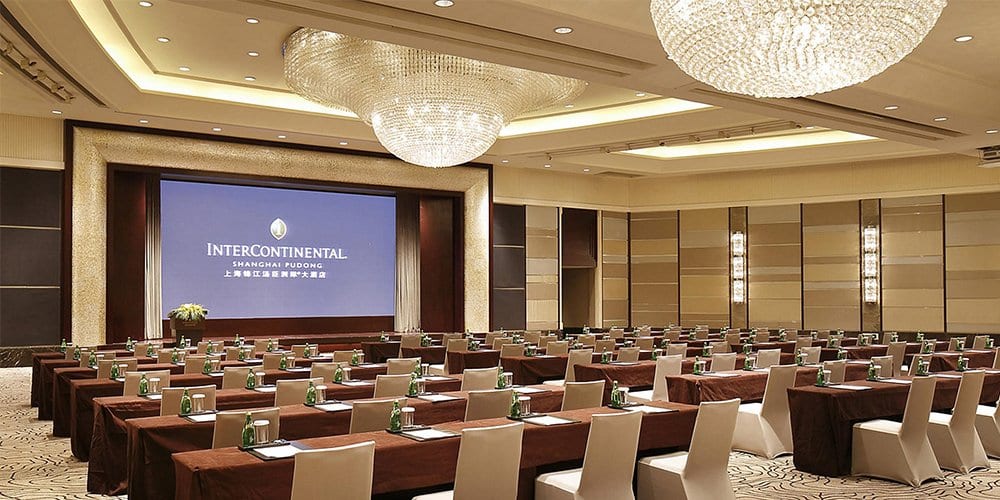
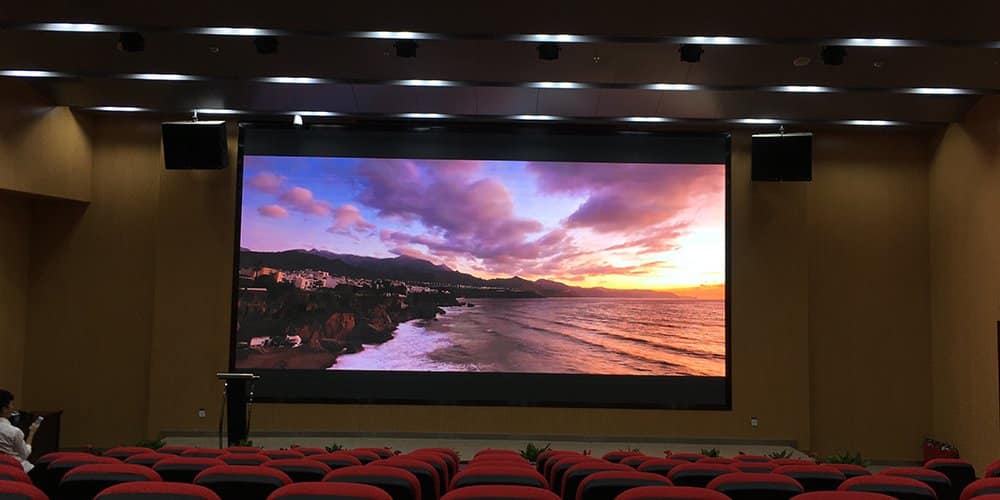
In conference rooms, verify that the smallest presentation text remains readable from the farthest seat while individual pixels are acceptable from the nearest seat. A P2.5 LED display can work well in a larger room, but a compact boardroom with close viewers may justify a finer pitch.
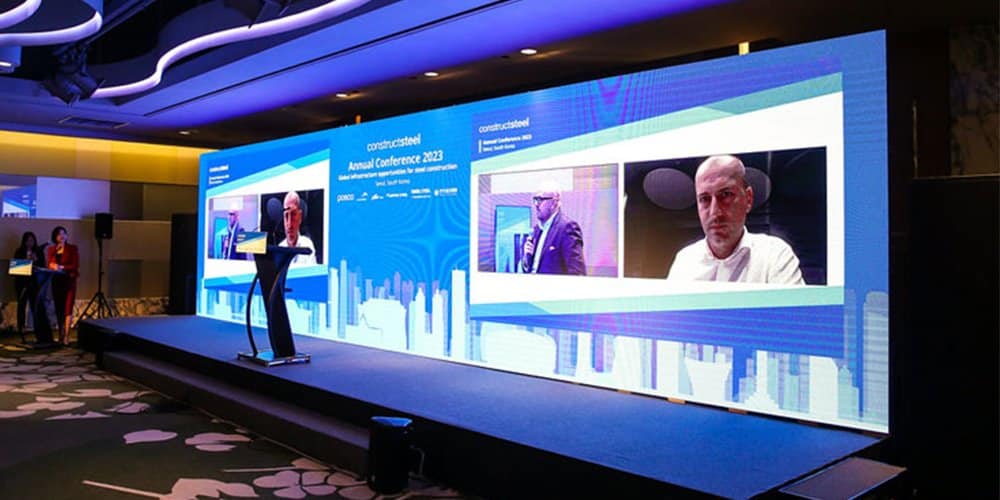
For auditoriums and stages, check the camera feed as well as the view from the audience. A quoted refresh rate does not guarantee band-free recording with every shutter setting. Test the proposed P2.5 LED panels with the actual camera frame rate, exposure and shooting distance, including dim scenes. For one first-party example, see EagerLED’s P2.5 indoor church display project in the United States, which used P2.5 indoor modules for two screens.
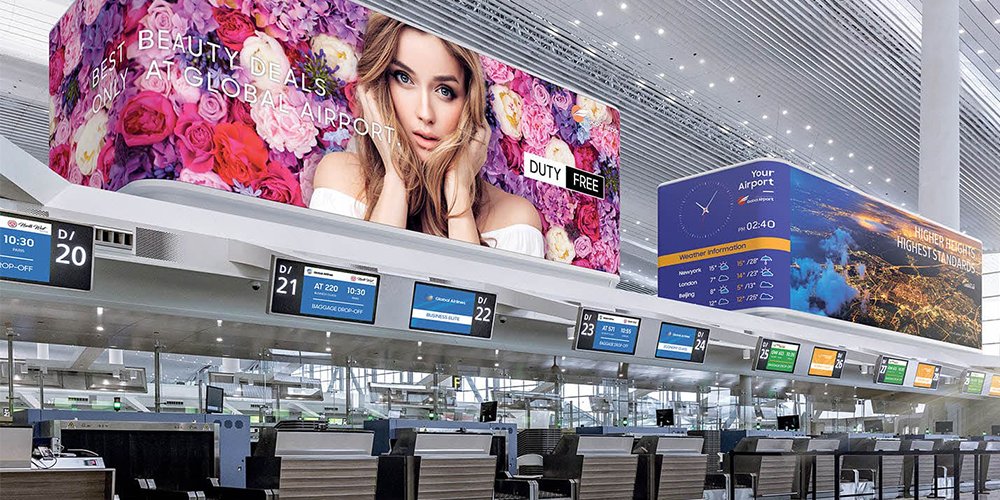
02. Retail, airports and indoor LED posters
Retail content needs a clear message, strong contrast and sensible brightness for its surroundings. Restaurant menus need a readable text size and an update workflow that staff can manage. Choosing P2.5 LED panels does not by itself solve content scheduling, network access or remote support.
An indoor LED poster is a packaged display format rather than a different pixel-pitch technology. For a P2.5 poster, confirm its native resolution, base stability, available inputs and whether playback uses a local media player or a managed network. Compare EagerLED’s LED poster display options when portability matters more than a large permanent wall.
At airports, distinguish advertising from operational information. Advertising emphasizes visual impact; flight or wayfinding information requires clear text, dependable updates and an agreed response to signal loss. Ask how the P2.5 LED screen behaves when the source or network becomes unavailable.
03. Sports venues, lobbies and exhibition spaces
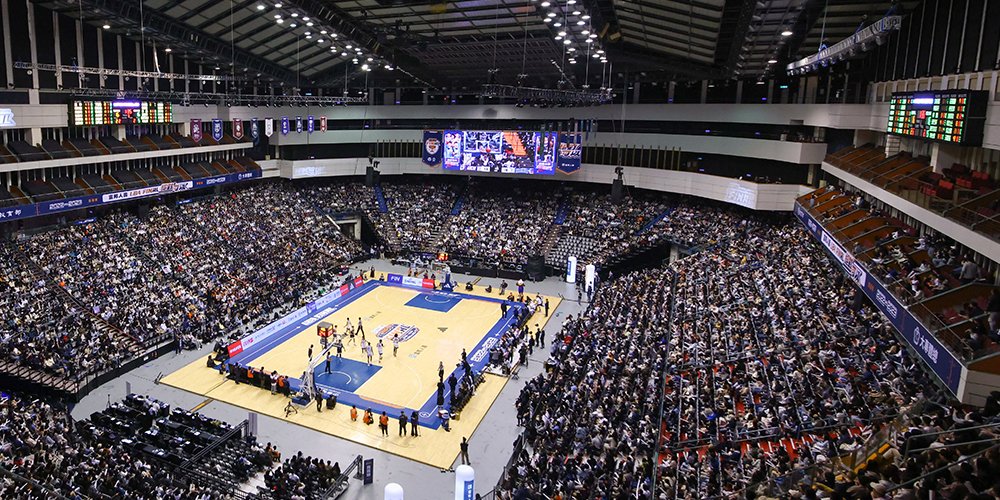
In a sports venue, P2.5 LED panels may suit nearby hospitality areas or indoor concourses. A distant main scoreboard can have different pitch requirements. Base the selection on the audience zone, not on the stadium label alone.
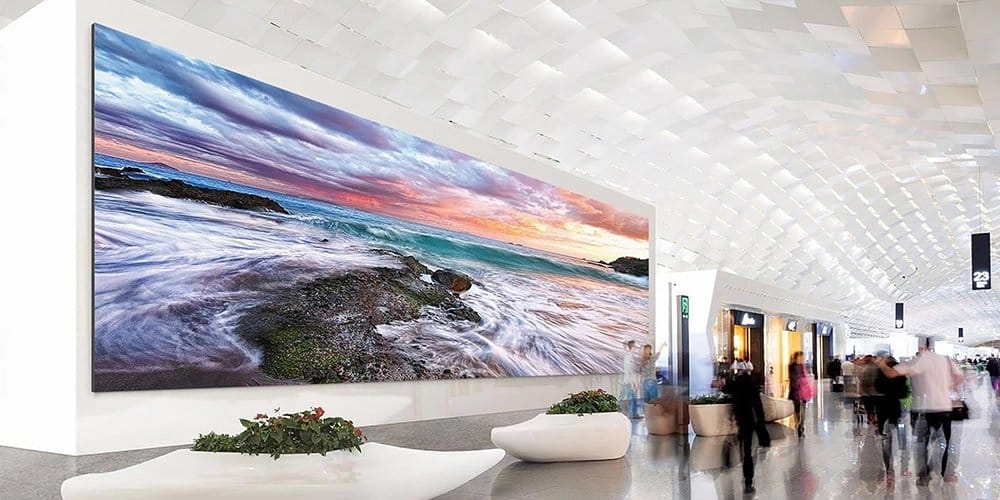
Lobby and exhibition displays benefit from careful content composition. Avoid placing essential text across architectural corners or behind furniture. For interactive installations, define sensor coverage and system latency separately; a P2.5 LED display is not inherently touch-enabled.
4. EagerLED P2.5 display options
Start a product comparison with cabinet dimensions and service access, then ask for confirmation of the exact P2.5 configuration. Specifications from another pitch in the same family should not be copied into the purchase specification for your P2.5 LED panels.
01. EA640F2 front-service indoor cabinet
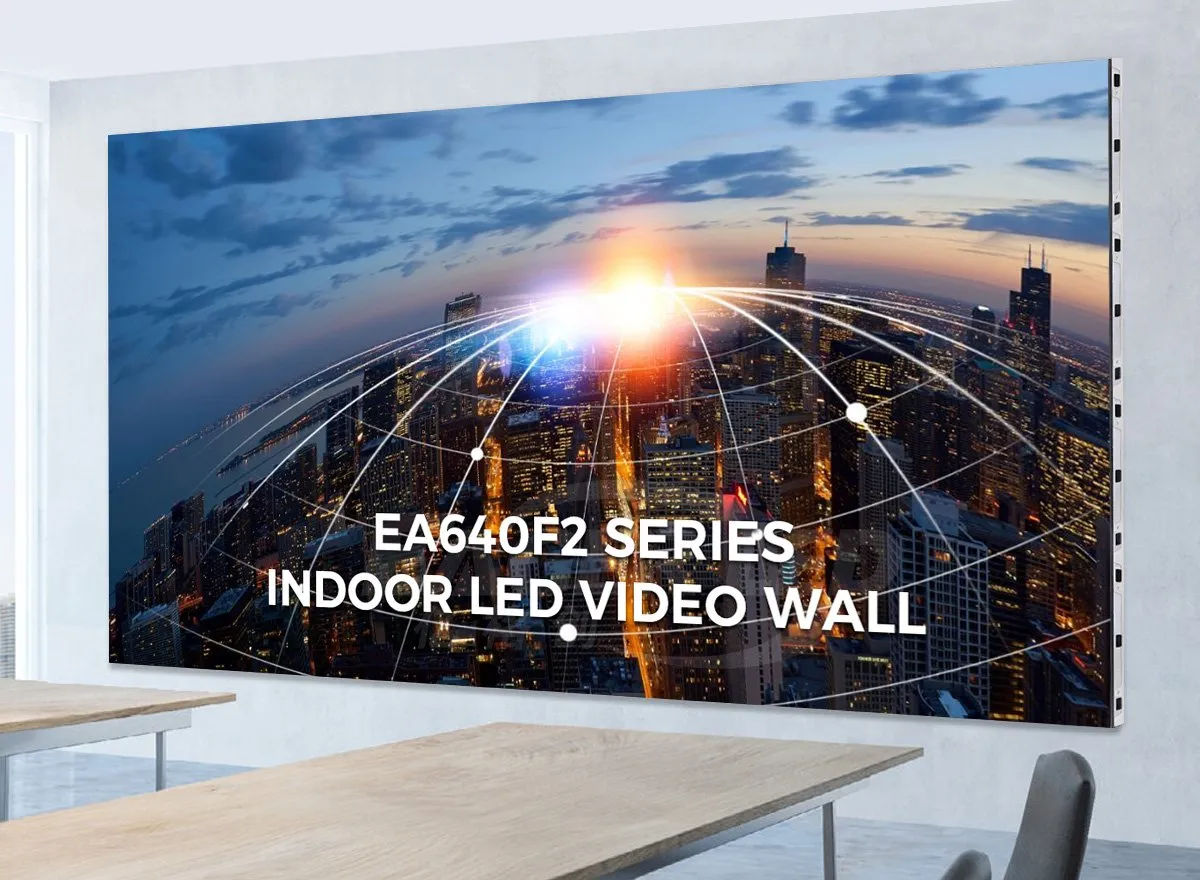
The EA640F2 indoor LED display uses a 640 × 480 mm cabinet and six 320 × 160 mm modules. Its published design provides front service, a 60 mm cabinet depth and a stated cabinet weight of 7.5 kg. Confirm the current configuration and accessories in the quotation.
At an exact 2.5 mm pitch, its active cabinet grid is 256 × 192 pixels. This makes cabinet-count calculations straightforward. A 4 × 3 cabinet layout gives a 16:9 wall; larger layouts should be checked against the available wall area, required resolution and controller capacity.
02. EA480F1 and alternative cabinet layouts
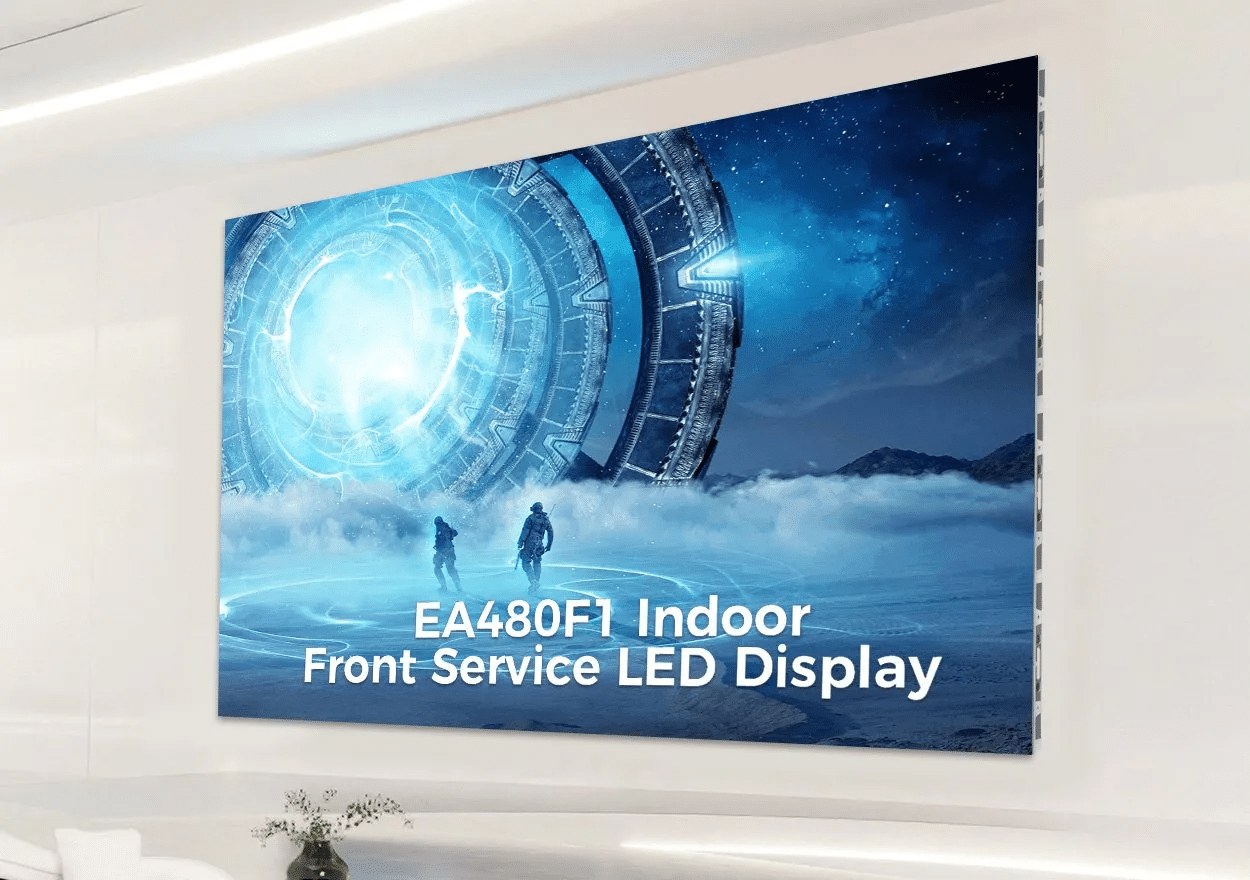
The EA480F1 uses a square 480 × 480 mm cabinet format. At exact P2.5, that active area corresponds to 192 × 192 pixels. Square cabinets offer a different layout increment from 640 × 480 mm cabinets, so compare the final screen dimensions rather than simply choosing the smaller enclosure.
For current EA480F1 availability and configuration, consult EagerLED’s indoor LED screen range and request a model-specific quotation. When comparing P2.5 LED panels, include mounting depth and maintenance clearance in the drawing. The cabinet’s external dimensions alone do not describe the full installed depth.
5. P2.5 LED display purchasing tips
01. Compare P2, P2.5 and P3 using your content
For the same active screen area, smaller pixel pitch gives more physical pixels. P2 has 56.25% more pixels per square meter than P2.5; P2.5 has approximately 44% more than exact P3. These mathematical differences do not establish a fixed price difference or guarantee better color accuracy.
| Pitch | Pixels per m² | Active size for native 1920 × 1080 | Selection consideration |
|---|---|---|---|
| P2 | 250,000 | 3.84 × 2.16 m | More detail within a smaller wall |
| P2.5 | 160,000 | 4.80 × 2.70 m | Balance detail, size and project budget |
| P3 | Approximately 111,111 | 5.76 × 3.24 m | Evaluate where viewers are farther away |
These sizes are calculated from exact pitch, before cabinet-layout constraints. P3.076 and P2.604 are different pitches and need their own calculations. Request the exact active dimensions and pixel map for any quoted P2.5 LED screen.
For initial planning, approximately 2.5 m, or 8.2 ft, is a commonly used close-viewing starting point for P2.5 LED panels. It is not a universal distance at which pixels disappear. Content detail, eyesight, brightness and personal expectations all matter. Test a sample at the nearest seat and at several longer distances before approving the pitch.
02. Compare complete project costs
There is no single reliable price for P2.5 LED panels without a defined configuration. Module-only listings, cabinet prices and turnkey installation quotes cover different scopes. Request a dated quotation that states currency, quantity, payment terms, delivery basis and exclusions.
| Cost item | Information to request | Why it matters |
|---|---|---|
| Display hardware | Pitch, cabinet count, active size and native resolution | Establishes a comparable display scope |
| Control system | Processor, sender, receivers, inputs and pixel capacity | Confirms the intended sources can be displayed |
| Structure and electrical work | Mounting frame, distribution, cables and installation | Prevents major site costs being omitted |
| Spares and calibration | Matched modules, receiving cards, power supplies and files | Supports repairs and image consistency |
| Logistics | Packaging, freight, insurance and delivery destination | Separates factory price from delivered cost |
| Support | Warranty scope, labor, return freight and response arrangements | Makes service responsibilities explicit |
For operating costs, use measured average consumption at your intended brightness and content. As an illustration only, a 10 m² display averaging 150 W/m² uses 1.5 kW. At eight hours daily, that is 12 kWh per day, before external processing or cooling. Multiply by your local electricity tariff. This example is not an EagerLED product rating.
Electrical design must use the manufacturer’s maximum demand, inrush information and installation requirements. Average video power is unsuitable for sizing the supply. Ask the installer to document power distribution, grounding, isolation and access for maintenance.
03. Verify image quality and maintainability
Evaluate P2.5 LED panels at the brightness you will actually use. Check low-gray gradients, neutral white, skin tones and uniform backgrounds. A bright showroom demonstration can hide uneven low-brightness performance that becomes distracting in a dim meeting room.
Refresh rate, source frame rate and grayscale are separate specifications. Ask which combination the proposed driver IC, scan configuration and receiving system can deliver simultaneously. For filmed events, use a camera test rather than treating “3840 Hz” as a blanket guarantee.
Agree on an acceptance procedure before production. It should cover damaged pixels, cabinet alignment, visible seams, color matching, input switching and signal recovery. Keep a record of the approved sample, firmware versions and configuration files. Matched spare modules and calibration data help maintain consistency when a repair is needed later.
For P2.5 LED panels running long daily schedules, ask how technicians reach each replaceable component without dismantling surrounding finishes. Record ventilation requirements and cleaning instructions. Service access and spare-part availability can matter more over the project lifetime than a small difference in initial cabinet cost.
04. Plan delivery and local installation
EagerLED is based in Shenzhen, China. When requesting P2.5 LED panels for an overseas installation, identify the destination country and city, available wall dimensions, closest viewer, mains supply and required completion date. Ask who handles freight, import arrangements, on-site assembly and commissioning.
| Destination | Useful information to provide | Confirm in the quotation |
|---|---|---|
| United States and Canada | Dimensions in feet/inches plus millimeters; venue power details | Installer requirements, documentation and delivery scope |
| United Kingdom and Germany | Site drawings, operating hours and local installer contact | Model-specific documentation and service arrangements |
| United Arab Emirates | Indoor/outdoor location, sunlight exposure and room cooling | Operating conditions, thermal plan and shipment schedule |
| Brazil and other destinations | City, preferred quotation currency and receiving arrangements | Freight, import responsibilities and commissioning support |
This planning list does not imply local stock or a local EagerLED office in each country. Request written confirmation of available support and the documents required by your venue and local installer. Climate and site conditions should be evaluated for the actual installation, rather than assumed from the country name.
6. P2.5 LED panel FAQs
01. What does P2.5 mean in an LED display?
P2.5 means 2.5 mm between the centers of adjacent pixels. P2.5 LED panels therefore have 400 pixels per linear meter and 160,000 pixels per square meter. The final screen resolution depends on its active width and height.
02. What is the best viewing distance for P2.5 LED panels?
About 2.5 m is a useful initial close-viewing reference, not a universal optimum. Test your smallest text and normal video content at the closest and farthest seats. If nearby viewers notice distracting pixel structure, compare a finer pitch or revise the viewing arrangement.
03. Is a P2.5 LED screen Full HD or 4K?
Only if it has the required physical pixels. Exact P2.5 needs 4.8 × 2.7 m of active area for 1920 × 1080 and 9.6 × 5.4 m for 3840 × 2160. Standard modules and cabinets can constrain the buildable dimensions.
04. Are P2.5 LED panels better than P3?
P2.5 has more pixels in the same area than exact P3, which can help with smaller text and closer viewing. P3 may still meet the needs of more distant audiences. Compare the complete system, actual content and installed cost rather than pitch alone.
05. Can indoor P2.5 LED panels be used outdoors?
Only when the complete product is specifically designed and rated for the exposure. Indoor construction should not be repurposed based on pitch or brightness alone. Confirm environmental protection, connectors, temperature limits and thermal management for the intended site.
06. How much does a P2.5 LED display cost?
Ask for a project quotation covering the display, controls, structure, installation, spares and delivery. A bare module price is not a complete video-wall price. Provide screen size, viewing distance, application and destination to obtain a meaningful comparison.
07. Can a P2.5 indoor LED poster be used at home?
It can be considered, but assess close-viewing image quality, operating brightness, heat, noise, base stability and playback connections. A commercial poster is not automatically a substitute for a household television. Demonstrate the product with the intended content before purchasing.
7. Conclusion: choose P2.5 LED panels around the project
P2.5 LED panels can provide useful detail for indoor video walls when screen size, viewing distance and content are matched carefully. Start with the required pixel count, verify a buildable cabinet layout, then compare image quality, maintenance access and complete project cost.
To discuss an EagerLED P2.5 LED display, send your project requirements to EagerLED. Include active width and height, installation city, closest viewer, sample content and target completion date. These details allow the proposed screen and quotation to be checked against your actual needs.