

A high resolution LED display is a modular video wall with enough physical pixels for its size and viewing distance to show text, charts, and video clearly. Pixel pitch—the center-to-center distance between neighbouring pixels—is the first specification to check, but pitch alone does not guarantee 1080p or 4K. The finished wall’s width and height determine its actual pixel count.
This guide explains the calculation, helps you compare common indoor pitches, and lists the questions to ask before ordering. It focuses on direct-view LED video walls used in meeting rooms, control rooms, retail spaces, and studios.
1. What is a high resolution LED display?
A direct-view LED display forms an image from red, green, and blue light-emitting elements. Cabinets and modules join to form a larger wall. Pixel pitch, shown as P1.25 or P2, is the distance between pixel centers in millimeters. On the same size wall, a smaller pitch fits more pixels and can show finer detail.
“High resolution” is relative to the installed wall. A P1.25 wall has more pixels than a P2 wall of the same physical size. Yet a sufficiently large P2 wall can still reach Full HD or 4K. Ask for the finished native resolution in pixels, not just a pitch label or a claim that the processor accepts a 4K signal. Accepting 4K input does not mean the wall contains 3840 × 2160 physical pixels.
A high resolution LED display should be specified by its complete native pixel matrix, active width and height, and the content it must show. This makes two quotations comparable even when their pitch labels differ. The total pixel count alone does not describe the canvas shape: a wide ribbon screen and a 16:9 wall can have similar pixel totals but serve very different material.
Fine pitch is most useful when viewers sit close enough to read small text or inspect detailed graphics. For distant audiences, a coarser pitch may achieve the same useful visual detail at a lower project cost.
2. How to calculate LED wall resolution
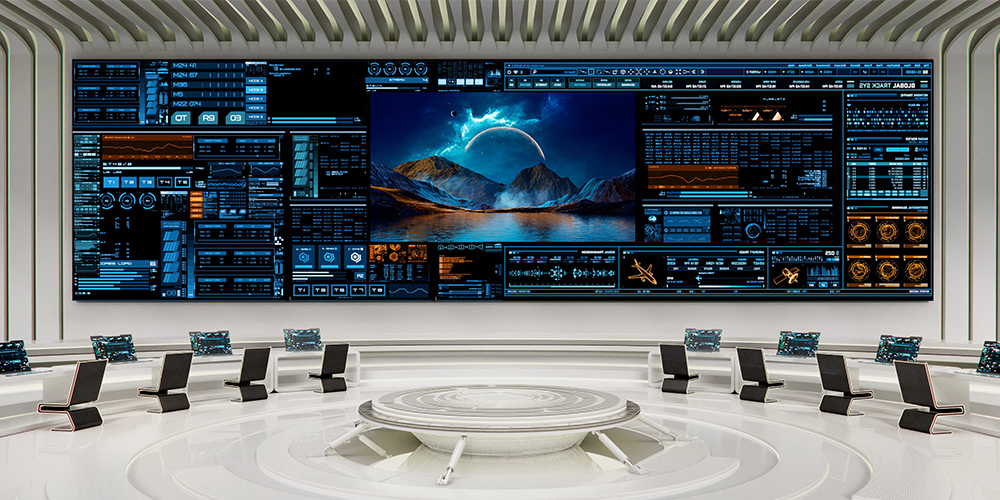
Divide each wall dimension in millimeters by the pixel pitch in millimeters. In a real cabinet layout, use the manufacturer’s exact module and cabinet pixel counts because seams, standard cabinet sizes, and non-integer pitches can affect the final result.
- Horizontal pixels ≈ wall width (mm) ÷ pixel pitch (mm)
- Vertical pixels ≈ wall height (mm) ÷ pixel pitch (mm)
Example: A 3.84 m × 2.16 m wall at P2 has approximately 1920 × 1080 pixels: 3840 ÷ 2 = 1920 and 2160 ÷ 2 = 1080. That is a native Full HD canvas. A native 3840 × 2160 canvas at P2 would need about 7.68 m × 4.32 m. At P1.25, the same 4K pixel count needs about 4.80 m × 2.70 m, subject to practical cabinet dimensions.
| Pixel pitch | Pixels per meter | Typical decision |
|---|---|---|
| P1.25 | 800 | Close viewing and fine text |
| P1.86 | 538 | Meeting rooms and detailed presentations |
| P2 | 500 | General indoor video walls |
| P2.5 | 400 | Larger walls viewed farther away |
For a high resolution LED display, first estimate from width and pitch, then confirm the order from cabinet pixels. Before approving a high resolution LED display, multiply the exact pixels per cabinet by the number of cabinets horizontally and vertically. A rounded pitch value can produce an approximate answer, while the cabinet matrix establishes the deliverable answer. Also ask for the processor’s output width, height and total loading limits. A source accepted at 4K may be scaled or cropped before it reaches the wall.
These are calculation examples, not guaranteed viewing distances or a product quotation. For a deeper explanation of native pixel counts and video formats, see EagerLED’s LED display resolution guide.
3. Choose the pitch for your viewing distance and content
Begin with the nearest viewer, the smallest text or detail they must read, and the wall’s available dimensions. A common early planning heuristic is roughly one meter of viewing distance per millimeter of pitch—for example, P2 around two meters. Treat that only as a starting point. Visual acuity, contrast, content size, ambient light, and the quality of the display can change the result. Request a sample or a viewing test at the actual closest distance before approval.
01. Meeting rooms and control rooms
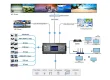
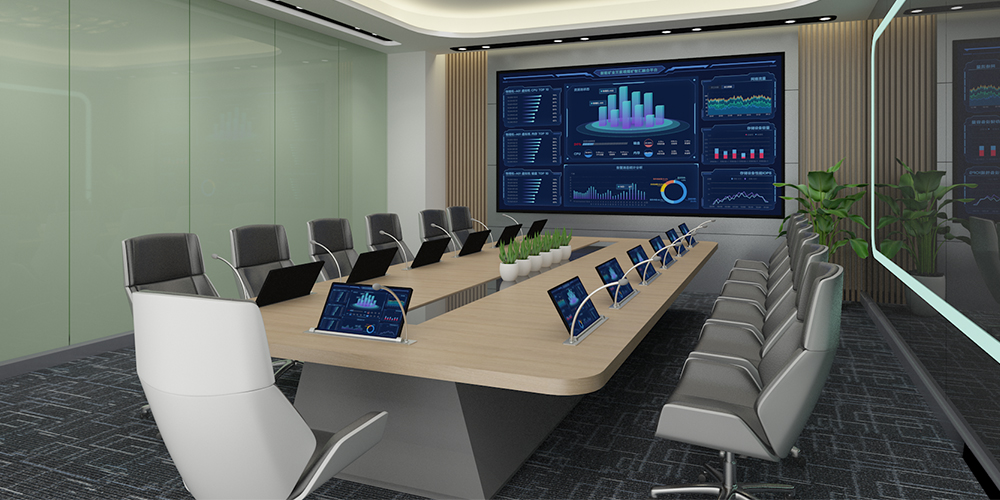
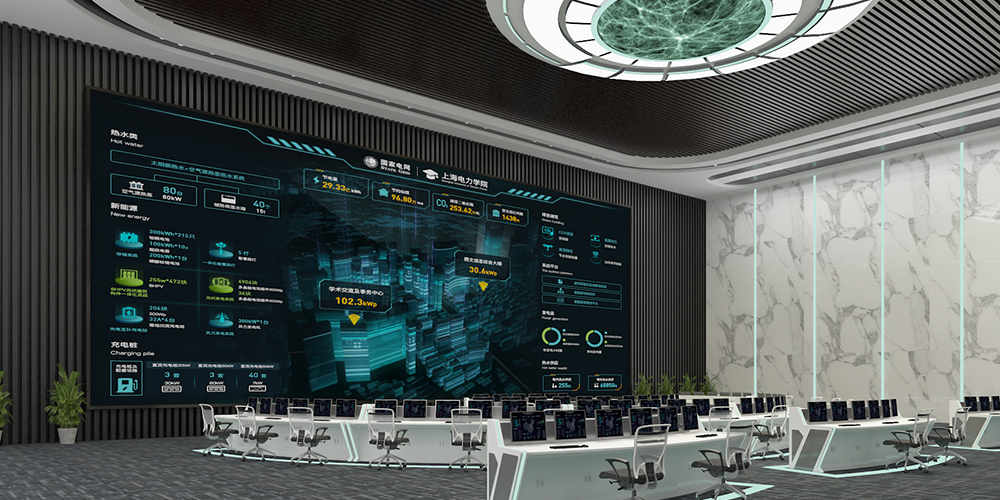
Spreadsheet cells, camera feeds, dashboards, and presentation text favor a smaller pitch than cinematic video viewed from the same seat. Calculate whether the proposed wall can show the required source at native size. Confirm that the control system supports your input sources, window layouts, and switching workflow.
02. Retail, exhibitions, and studios
Retail walls may need enough brightness to remain legible near windows, while studios need stable camera performance. Specify ambient-light conditions and test the wall with the intended camera frame rate and shutter settings. Refresh rate is relevant, but a high number alone does not guarantee a clean image on camera; scan mode, processor settings, and camera configuration also matter.
For close indoor installations, compare the real cabinet depth, service access, wall structure, and replacement-module process alongside image quality. A front-service design can avoid a rear maintenance corridor where space is tight.
03. Run a content and camera acceptance test
For a high resolution LED display, ask the supplier to show the proposed cabinet array at the planned operating brightness. Bring a slide with the smallest text your audience must read, a spreadsheet, a gray gradient, a skin-tone image and a short motion clip. Stand at the nearest seat and at the side of the room. Record the exact processor output, wall pixel map, brightness and calibration settings. A showroom wall built from another pitch or cabinet cannot prove the result of your order.
If a camera will film the screen, use the intended camera and shutter settings during the demonstration. Check panning and dark scenes as well as a static image. Compare the recorded footage with what people see directly; moiré and banding may appear only on camera. Put an agreed test procedure and correction path in the purchase specification.
4. Specifications to confirm before buying
- Finished native resolution: Request the exact horizontal and vertical pixel count for the proposed cabinet array. Confirm whether your source will be displayed pixel-for-pixel or scaled.
- Pitch and viewing test: Compare two candidate pitches at the nearest seat using your own text, charts, and video. Choose the coarsest pitch that still meets the required detail.
- Brightness and contrast: Match brightness to indoor lighting and ask for the test method. Avoid treating one brightness or contrast number as a universal property of all LED technologies.
- Refresh, grayscale, and camera performance: Ask for the configured refresh rate and grayscale at the brightness you will actually use. For filming, conduct a camera test.
- Cabinet layout and service: Get a dimensioned drawing showing aspect ratio, total depth, weight, mounting structure, ventilation, cable paths, and front or rear service access.
- Operating cost and support: Request typical and maximum power figures, spare modules from the same batch, warranty terms, controller details, and an itemized installed quote.
A high resolution LED display quote should document exactly what the installer will deliver. For a high resolution LED display proposal, separate maximum electrical demand from expected operating consumption. The former helps the electrical designer size circuits; the latter supports an energy budget under stated brightness and content assumptions. Require both measurement conditions in writing. Include mounting, signal processing, spares, calibration and operator training when comparing installed cost.
LED is modular and can create a large image without the visible bezels of a tiled LCD wall, but performance and cost vary by product and installation. Compare complete proposals rather than generic claims such as “8K-ready,” “seamless,” or “energy saving.”
5. Two EagerLED options to compare
For a high resolution LED display shortlist, compare exact cabinet and pitch variants rather than product families alone. The EA640H1 indoor LED wall is a front-service, 640 × 480 mm cabinet system offered in P1.25 to P2.5. Its product page lists at least 3,840 Hz refresh, 14-bit grayscale, and brightness that varies by pitch. Use the published variant specification when calculating your proposed array.
The EA640F2 indoor LED display is another EagerLED indoor option to compare. Compare its current pitch, cabinet, maintenance, and electrical specifications with your brief before choosing between the two. Do not assume the models have identical performance.
For an actionable quote, send EagerLED the wall width and height, nearest and farthest viewing distances, content resolution, installation location, and whether cameras will record the screen. Ask the team to return the cabinet layout and exact native pixel count with the itemized proposal.
6. Frequently asked questions
01. Is P1.25 always better than P2?
No. P1.25 provides more pixels in the same area and can help at close viewing distances, but P2 may deliver enough visible detail for a larger wall or more distant audience. Compare both against the actual content and viewing position.
02. Does a 4K input make an LED wall a 4K display?
No. A processor can accept and scale a 4K signal onto a lower-resolution wall. Native 4K requires 3840 × 2160 physical pixels in the installed canvas.
03. What pitch should a meeting room use?
Start from the closest seat and the smallest text people must read. Calculate the native wall resolution for available dimensions, then test candidate pitches in person. There is no single pitch that suits every room.
04. What should I provide to get an accurate quote?
Provide physical wall dimensions, nearest viewing distance, installation surface, lighting conditions, source devices, content format, service-access limits, and delivery location. Request a cabinet drawing, pixel count, controller specification, power estimate, spare parts, and warranty details.
7. Plan a Verifiable High Resolution LED Display Specification
Specify the wall dimensions and nearest viewer first, verify native resolution second, and compare complete installation proposals before ordering. Send the smallest text or dashboard sample, room lighting conditions, camera details and service-access limits with your brief. Ask for a cabinet layout, native pixel map, controller capacity and a demonstration using the agreed test material. Contact EagerLED for a configuration and itemized quote that identifies the selected model and what the installation includes.