The NovaStar TB60 is a multimedia player and LED sending device for fixed commercial displays. It can play scheduled content from its internal storage or show an external HDMI source, with up to 2.3 million pixels of LED loading through four Gigabit Ethernet outputs. Its suitability depends on the finished pixel map, the selected operating mode, the receiving hardware and the installation environment. A 4K video file can be decoded for playback; that does not make the attached LED wall a 4K canvas.
This guide is for an AV integrator specifying a shop, lobby or information screen. It corrects several claims in the previous version of this article: the current TB60 datasheet lists one 4K video stream or two 1080p streams, not two 4K or six 1080p streams; its HDMI ports are specified as HDMI 1.3 in the October 2025 specification; and the old fixed US$400 price was not a current, configuration-specific quotation. Check the hardware revision and the matching NovaStar document before purchase.
Start with the active width and height in pixels, then choose the sending and backup port plan. Keep the processor, media player, LED receiver, video source and cloud service as separate items in the bill of materials. The NovaStar TB60 can reduce the number of boxes in a signage system, but it does not remove the need for a compatible screen, safe power distribution or a local service plan.
1. What the NovaStar TB60 does
The NovaStar TB60 combines a media player with the sending function that moves image data to a compatible LED receiving-card chain. In asynchronous mode, the internal Android-based player presents stored or published content. In synchronous mode, the HDMI input supplies live video and can be scaled to the configured screen within the documented limits. This is useful for a store that normally runs scheduled promotions but occasionally needs a live source. An integrator should verify the mode-switch procedure with the operator before handover.
NovaStar describes uses such as fixed advertising screens, retail displays and chain-store networks. These are application categories, not proof that one configuration fits every screen. Confirm what the venue needs to show, who changes the playlist, whether internet access is available and what should happen when a source or network fails. If a site requires a video switcher, several independently arranged live inputs or application software running on the screen controller, compare a different processor architecture.
2. NovaStar TB60 specifications and their limits
The figures below are from NovaStar’s TB60 Multimedia Player Specifications, version 1.2.2, published in 2025. Earlier documents show different storage and connector details, so a supplier should attach the datasheet that applies to the offered unit. The table separates video decoding, HDMI signal limits and LED loading because those numbers answer different design questions.
| Item | Documented figure | Design implication |
|---|---|---|
| LED load | Up to 2,300,000 pixels; maximum width and height 4096 pixels each | The total and each dimension must fit; port mapping also matters. |
| LED outputs | Four Gigabit Ethernet ports, or two primary plus two backup | Backup ports do not double the active pixel budget. |
| HDMI input and loop output | HDMI 1.3; up to 1920 × 1200 at 60 Hz on the listed ports | Check the external source and custom timing before promising a particular live signal. |
| Media playback | One 4K, two 1080p, four 720p, four 480p or six 360p videos in the specified decoding combinations | Only H.264, H.265/HEVC and VP9 are listed for one 4K stream; test actual files. |
| System and storage | Android 11; quad-core ARM A55 at 1.8 GHz; 1 GB RAM and 32 GB internal storage | Storage is for media and system use, not a guarantee that arbitrary Android apps are supported. |
| Power and environment | 100–240 V~, 50/60 Hz; 18 W maximum device consumption; IP20 | The NovaStar TB60 itself needs a protected location; the LED wall has a separate electrical load and IP rating. |
The specified 18 W is for the NovaStar TB60 device, not the complete LED display. Ask for the screen’s maximum input power by cabinet and the expected operating consumption at the intended brightness. A controller may operate in an outdoor sign system while remaining inside a dry, protected equipment enclosure; IP20 is not a rating for exposure to rain. The datasheet lists operation from −20 to +60 °C (−4 to +140 °F), with non-condensing humidity, but enclosure ventilation and local conditions still need review.
01. Decode resolution is not display resolution
A 3840 × 2160 video contains more than eight million source pixels, while the NovaStar TB60 can drive at most 2.3 million LED pixels. The player scales content to the mapped wall. For a wall built as 1920 × 1080 pixels, the active load is 2,073,600 pixels, within the total budget. A proposed 2048 × 1152 wall contains 2,359,296 pixels and exceeds it, even though each dimension is below 4096. Treat this calculation as a preliminary filter; the final cabinet matrix, per-port allocation and receiver compatibility decide whether the configuration works.
3. Connections and operating modes
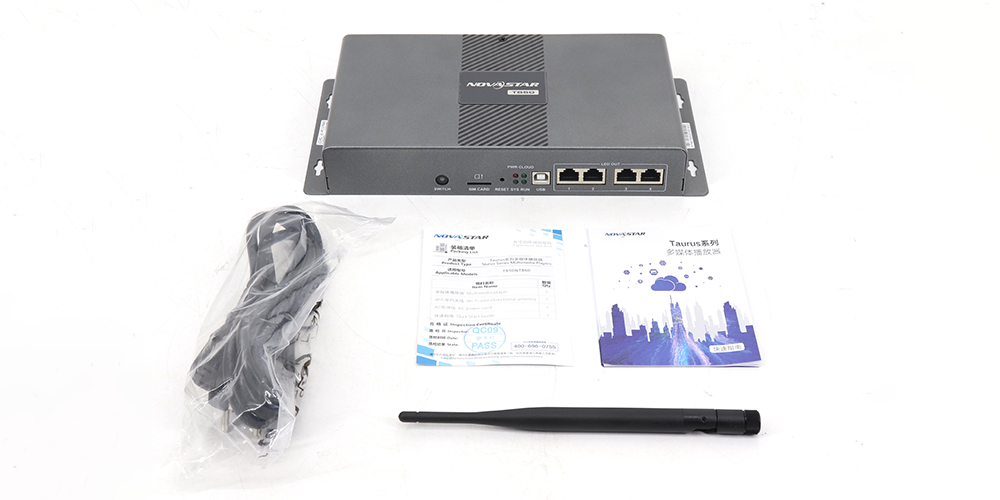
The front and rear panel matter when the player is mounted inside a sign cabinet. Four LED OUT sockets carry screen data. A separate Gigabit Ethernet control socket connects to the publishing network or a computer. HDMI IN accepts an external source in synchronous mode, while HDMI OUT can loop a signal to another device within its own resolution limits. USB Type A supports media playback, storage expansion and approved upgrade packages; USB Type B connects a control computer. Two sensor sockets can connect supported brightness or temperature and humidity accessories.

01. Use the internal player for scheduled content
In asynchronous mode, approved media plays from the internal system or an attached USB device after the display and playlist are configured. Publishing can be done from a supported computer or mobile workflow; internet-based management requires the correct account, network access and service configuration. Establish who is allowed to publish and keep a copy of the approved content. Test a full daily schedule, time zone and restart behavior rather than assuming that a successful single-file playback proves the whole operation.
02. Use HDMI for a live source
In synchronous mode the NovaStar TB60 takes the HDMI input as the source. The manufacturer lists up to 1920 × 1200 at 60 Hz for HDMI input, with extra conditions for custom resolutions and full-screen scaling. Check the laptop, media player or switcher’s actual output timing and HDCP behavior. If a feed is blank, verify the mode, cable and source timing before changing the receiver map. Do not describe 4K file decoding as 4K HDMI input.
03. Treat network and 4G as separate options
The player supports wired networking and Wi-Fi access-point and station modes together. Its optional 4G module is not included as standard hardware in the cited datasheet. Where several networks are available, the published priority is wired, then Wi-Fi, then 4G. A remote rollout needs a site network plan, approved update method and a recovery route if the cloud connection drops. The local display should be tested with internet temporarily unavailable so the operator knows what content remains visible.
4. Plan the LED wall and four output ports
Start with the cabinet drawing and calculate the exact active pixel width and height. Multiply them for the total load, then map cabinets to ports according to the supported receiver chain. Do not divide 2.3 million by four and assume any port can take that number in every wiring pattern. The controller, sending settings, receiving cards, cable length and chosen redundancy plan must be approved together. Keep the configuration file and a labeled as-built cable plan.
For example, a proposed 6 m (19.7 ft) by 3 m (9.8 ft) display at an exact 3 mm pitch would calculate to 2000 × 1000 pixels, or 2 million pixels, before rounding to buildable cabinets. This is an arithmetic illustration, not a TB60 package specification. The finished wall might need a slightly different size to match cabinet dimensions. The pixel map should be supplied by the display vendor and tested against the actual LED content.
Using two outputs as primary and two as backup protects against some output-path faults when the receiving system is wired for that mode. It does not make the player itself redundant or replace a backup power supply. For a critical public-information screen, ask whether a second player, alternate source and documented switching procedure are required. Acceptance should include a deliberate loss-of-signal test, not just a successful first boot.
5. TB30, TB50 and TB60: choose by the project
NovaStar’s current comparison page lists the TB30 at 650,000 pixels, the TB50 at 1.3 million and the NovaStar TB60 at 2.3 million. The comparison is a starting point, since a buyer also needs to check input mode, output ports, storage, control workflow and the availability of the exact product revision. A larger pixel rating does not improve a small screen that already fits a smaller model.
| Decision | TB30 | TB50 | TB60 |
|---|---|---|---|
| Published maximum load | 650,000 pixels | 1,300,000 pixels | 2,300,000 pixels |
| Typical reason to shortlist | Compact scheduled display | Medium wall with a suitable live-source requirement | Larger mapped wall that still fits one player |
| Check before ordering | Source and receiver plan | HDMI mode and output mapping | Four-port mapping, backup choice and full source workflow |
The NovaStar TB60 is not automatically the economical choice when the display uses far fewer than 2.3 million pixels. Conversely, a wall above the NovaStar TB60 limit needs another design, not a promise that 4K media decoding will make up the difference. If the site needs several independently positioned live feeds, select a processor for that source architecture. Our TB20 Plus setup guide and H5 splicer guide explain two different control scopes.

6. Set up and commission the NovaStar TB60
Before power-on, agree the display’s cabinet arrangement, pixel matrix, sending and receiving hardware, power budget, control-network route and service access. Install the player in an enclosure suitable for its IP20 rating and the actual site. Label every Ethernet output and verify that data and control sockets cannot be confused during maintenance. A qualified installer should approve mains power, protection and mounting for the complete LED system.
01. Build and save a known-good screen configuration
Connect a local computer through the approved control path, discover the player with the compatible NovaStar software and configure the exact LED receiving-card and cabinet map. Use the supplier’s approved receiver files for the module and driver combination; pixel pitch alone is insufficient to choose them. Send the configuration, test color order and scan mapping, then save a backup of the working file outside the device. Record the firmware, software and receiver versions used at acceptance.
02. Test content, switching and recovery
Publish a short approved playlist containing text, a photograph, a dark scene and motion. Confirm the complete canvas is visible, that small text is legible from the nearest expected viewer and that brightness can be reduced without unacceptable color shifts. Then switch to the planned HDMI input and back, checking source detection and scaling. Restart the player and verify the correct operating mode and playlist return. If the installation uses cloud updates, test both an authorized update and the loss of network access.
For multiple displays intended to show synchronized content, the NovaStar TB60 supports time-based and optional hardware synchronization methods. GPS synchronization requires the specified 4G module; RF synchronization requires the specified RF module. Ask the vendor to demonstrate the exact method and content combination. Do not promise frame-accurate playback across a fleet merely because each player has a network connection.
7. Manual, firmware and troubleshooting
For a NovaStar TB60 manual, ask for the current quick start guide and the specifications matching the unit’s hardware revision. The official NovaStar download center also lists TB60 firmware and release notes. Firmware should be chosen by exact model and documented upgrade path, not by copying a file from a similar T60, TB50 or an unrelated archive. Back up the active configuration and scheduled content before a controlled update, and keep a rollback plan with the integrator. This article does not host or recommend an unverified installer.
If the screen is black, first check player power and the active synchronous or asynchronous mode. Next confirm whether the source is visible to the player and whether the LED data outputs are mapped to the actual receiver chains. A green network status does not prove the LED output is correctly configured. If only part of the wall is missing, compare the last working cabinet, data cable and mapped port with the as-built diagram. If media stutters, use a file encoded within the documented codec, frame-rate and bitrate limits; test playback locally before blaming the network.
For remote-update problems, check whether the device is reachable on its control network, whether the publishing account has permission and whether the content transfer completed. Preserve the working schedule while troubleshooting. A repeated factory reset can erase useful configuration evidence, so document status lights, software versions and recent changes first. The LED black-screen checklist separates control, data and cabinet faults.
8. Price and purchase scope
A reliable NovaStar TB60 price must identify the product revision, any 4G or RF options, software or cloud-service terms, warranty, tax, freight and quantity. The older version of this page stated an approximate US$400 figure without a dated, verified quote; that figure has been removed. A player-only price cannot be compared with a complete LED wall proposal. Request line items for the NovaStar TB60, receiving cards, LED cabinets, processor accessories, power distribution, cables, spares and commissioning.
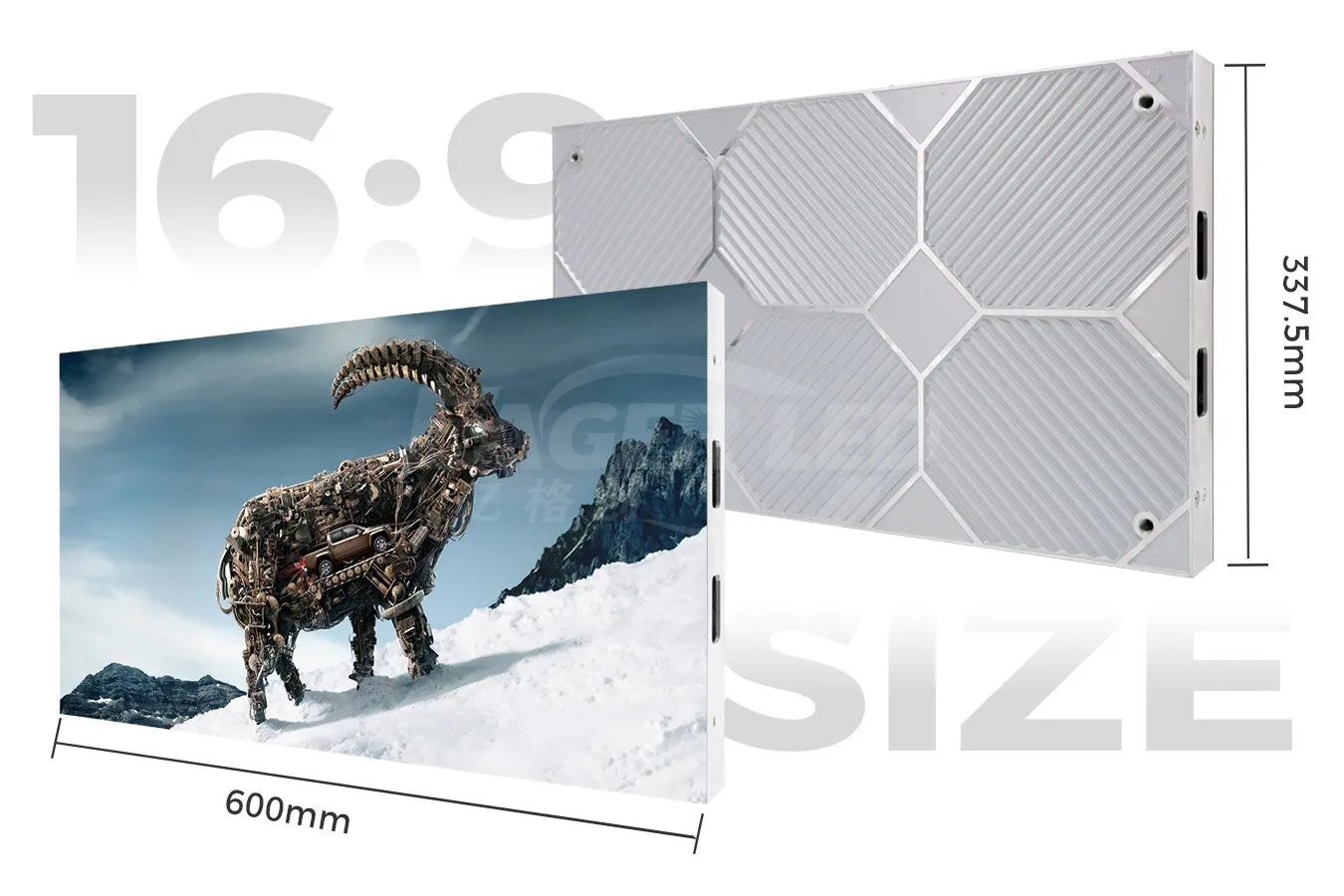
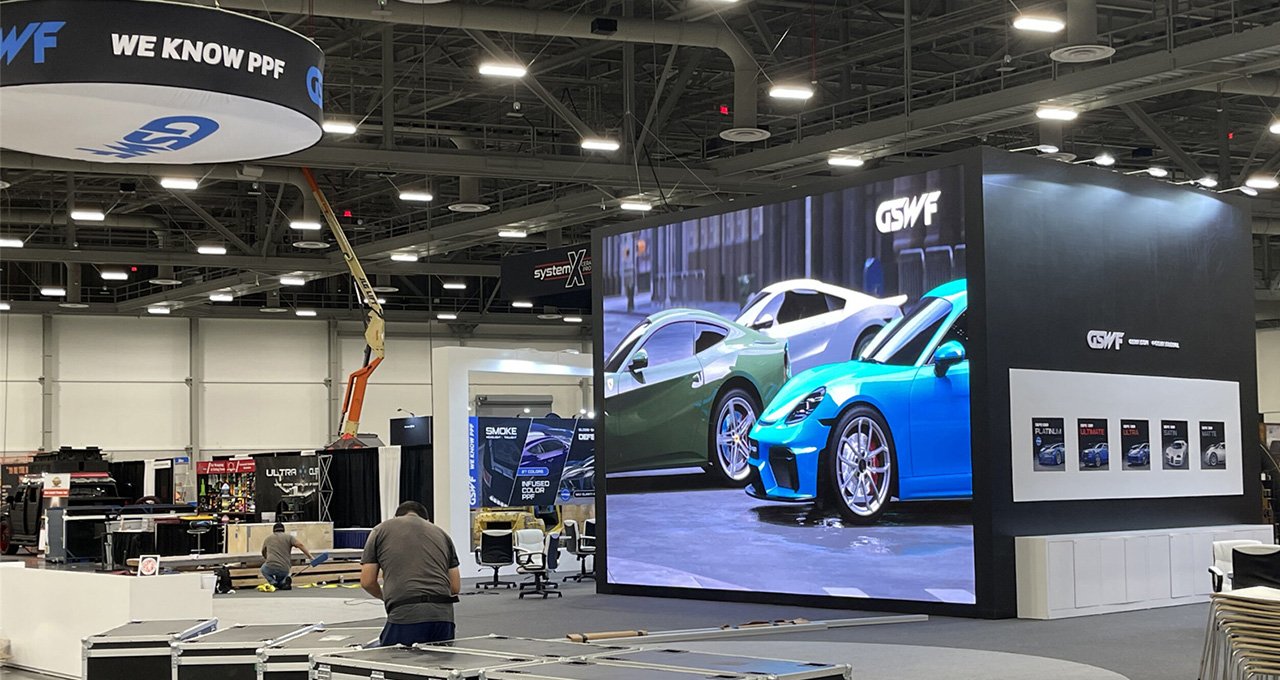
Give each supplier the same pixel canvas, screen dimensions, expected content, live HDMI requirement, networking plan and delivery destination. Ask which company is responsible for screen mapping, content setup and on-site support. If a quotation uses a substitute controller, have the bidder explain how it meets the exact pixel load, source modes and support plan. For a fixed installation, EagerLED indoor LED screens can be specified with the control equipment as a complete proposal.
9. NovaStar TB60 FAQs
01. Can the NovaStar TB60 play a 4K file on a 2.3-million-pixel wall?
Yes, within the documented file and codec limits. Decoding a 4K source and driving an LED wall are different capabilities. The player scales the source to the finished pixel map, which must remain within its 2.3-million-pixel LED output budget.
02. Does the NovaStar TB60 include a 4G modem?
No. The cited NovaStar specification says the device ships without a 4G module. A supported module must be purchased and configured separately if cellular connectivity is required.
03. Can all four Ethernet outputs be used as backups?
The documented choices are four primary outputs, or two primary outputs with two configured as backup. On the NovaStar TB60, the backup arrangement does not double the number of active pixels and must be supported by the receiver wiring and project design.
04. Is the NovaStar TB60 weatherproof?
No. The NovaStar TB60 device is rated IP20 in the cited datasheet. For an outdoor screen, place the player in a suitable protected location and separately verify the LED cabinet, connectors, structure and electrical installation.
05. Where should I obtain TB60 firmware?
Use the official NovaStar download center or ask the supplying integrator for the exact package, release notes and procedure for the installed hardware. For the NovaStar TB60, back up the working configuration first. Do not load a similarly named T60 or TB50 package without written compatibility confirmation.
10. Request a compatible display proposal
Send the active width and height, cabinet or module model, intended viewing distance, content files, live-source requirement, network conditions and installation location. Tell us whether two output paths must be backed up and whether remote publishing is required. EagerLED can then check the wall’s pixel map and receiver compatibility, identify the appropriate controller scope and provide a line-item proposal. Share your NovaStar TB60 project requirements for a configuration-specific quotation.
Source note: Hardware figures and mode limits were checked against NovaStar’s TB60 Multimedia Player Specifications V1.2.2 and its TB10 Plus/TB20 Plus/TB30/TB50/TB60 comparison, reviewed November 17, 2026. Confirm the revision supplied for your order.