

A poster LED display turns a static advertising position into a programmable screen for product launches, offers, directions, and video. For retailers and event teams, the important question is whether the screen will remain readable at the actual viewing distance, fit the available floor space, and support a dependable content workflow.
This guide explains how to specify a poster LED display for real advertising environments. It compares display technologies, works through pixel resolution and operating costs, and identifies the installation and acceptance checks that matter before ordering. Product examples refer to EagerLED configurations; brightness, protection, controller features, and accessories must be confirmed for the exact model supplied.
1. What Is a Poster LED Display?
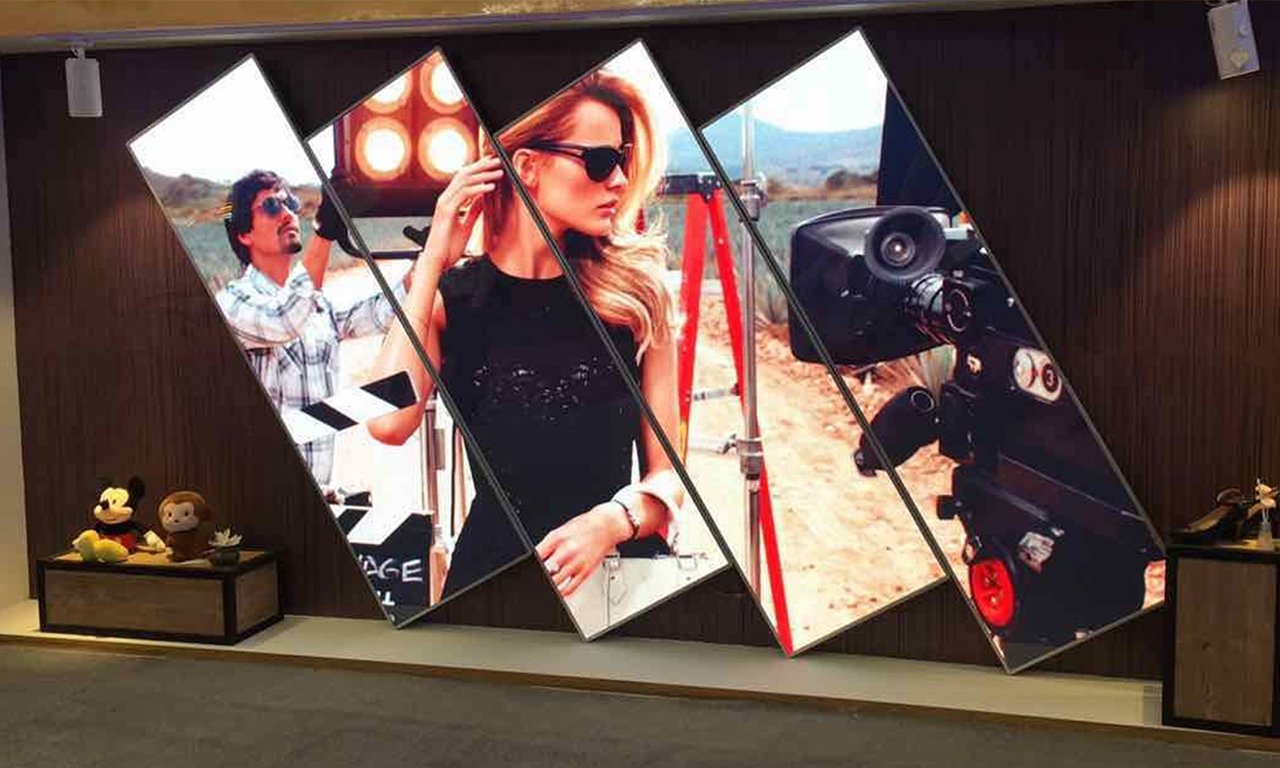
A poster LED display is a portrait-format direct-view LED screen that creates images with light-emitting pixels. It commonly combines LED modules, power supplies, receiving cards, a controller or media player, and a supporting cabinet. Freestanding versions use a base or bracket; some configurations support wall mounting, suspension, or joining several cabinets into a wider screen.
The terms LED poster screen, LED display poster, and LED posters often describe the same product category. However, a backlit printed poster is different: its LEDs illuminate a fixed graphic. An LCD digital poster also displays moving content, but uses a liquid-crystal panel rather than a modular direct-view LED surface. Clarifying the technology prevents misleading comparisons between similarly named products.
A poster LED display is useful when changing promotions and flexible placement justify powered signage. It does not automatically increase sales or eliminate operating costs. The business case depends on audience exposure, useful content, campaign frequency, and the ability to maintain the screen. Begin with a specific message and viewing position, then choose hardware that can deliver them.
2. Poster LED Display vs. LCD and Printed Posters
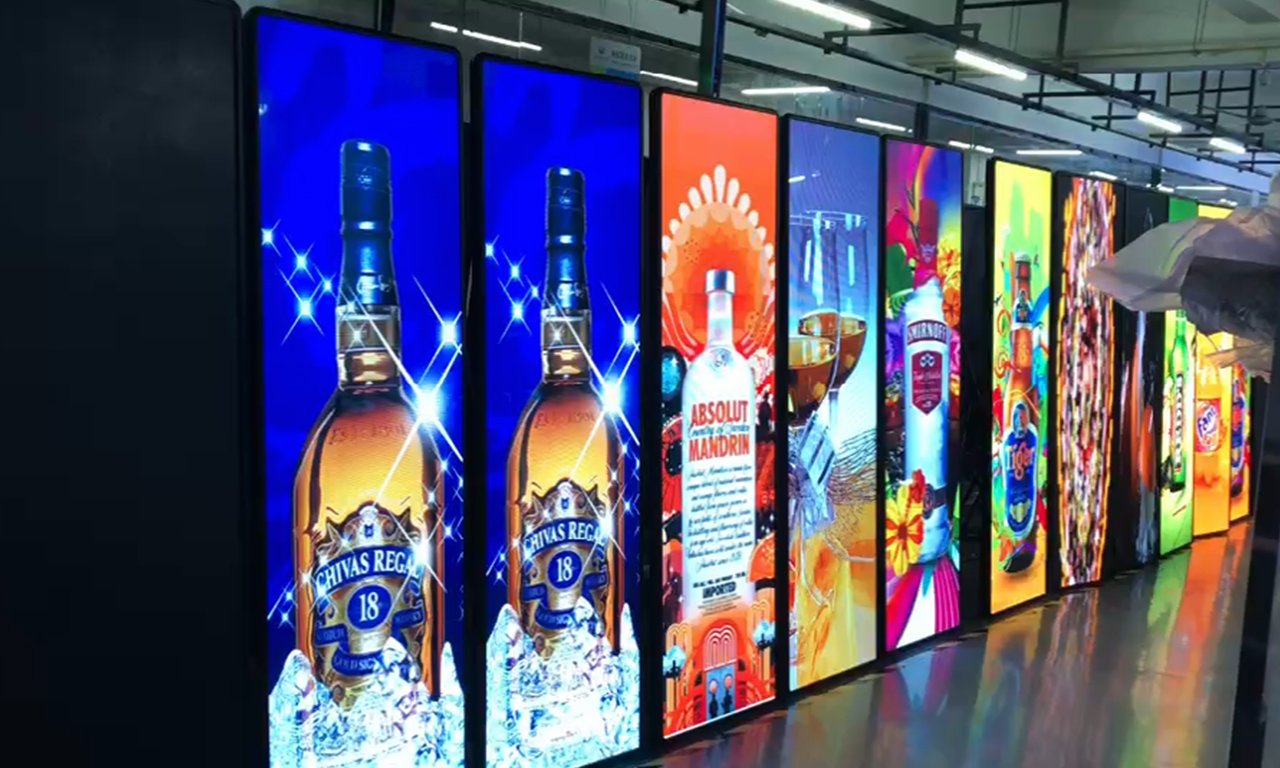
Choose the display technology around the content and viewing conditions. A poster LED display can offer modular service access and expansion, while a commercial LCD may provide more native pixels for small text at close range. Printed graphics remain practical for an unchanged message with no available electrical supply.
| Decision factor | Direct-view LED poster | Commercial LCD poster | Printed poster |
|---|---|---|---|
| Content changes | Digital playlists; controller dependent | Digital playlists; player dependent | Replace the printed graphic |
| Close-view detail | Depends on pixel pitch and pixel count | Often suitable for dense text; verify native resolution | Depends on print quality and type size |
| Larger combined image | Possible with compatible cabinets and control hardware | Panel borders affect a tiled image | Requires a larger print or multiple graphics |
| Maintenance | Modules and electronics may be individually serviceable | Panel and electronic service depends on design | Replace damaged or outdated print |
| Outdoor use | Requires a specified outdoor configuration | Requires an outdoor-rated system | Requires suitable print and mounting materials |
Compare the complete installation rather than the advertised diagonal. A tall, narrow screen and a standard widescreen monitor with the same diagonal have different usable areas. For a poster LED display, request active width, active height, base dimensions, overall height, and the native pixel matrix. These determine whether your artwork and physical location actually fit.
3. Pixel Pitch, Resolution, and Viewing Distance
01. Select poster LED display pitch for the viewing distance
Pixel pitch is the center-to-center spacing of adjacent pixels, measured in millimeters. A smaller pitch places more pixels within the same area. For a poster LED display, that generally allows finer detail, but the extra cost is worthwhile only when the audience can see it and the content needs it. A large product photograph has different requirements from a dense menu or timetable.
Do not treat a pitch-to-distance rule as a guaranteed readability standard. Ask for a demonstration using your smallest required text, viewed from the nearest and typical audience positions. Check the sides of the walking route too. People rarely stand directly in front of advertising long enough to study every detail. For additional terminology, see our pixel pitch and viewing distance guide.
02. Calculate native pixels before designing artwork
For an active display area, horizontal pixels = active width in millimeters ÷ pixel pitch in millimeters; calculate vertical pixels the same way. The following examples assume a 640 × 1920 mm active area and exact pitches. They are mathematical examples, not a list of configurations available in every product series.
| Exact pitch | Native pixel matrix | Total pixels | What to check |
|---|---|---|---|
| P1.25 | 512 × 1536 | 786,432 | Fine details and player loading capacity |
| P2 | 320 × 960 | 307,200 | Smallest text and image scaling |
| P2.5 | 256 × 768 | 196,608 | Simple graphics and readable typography |
| P4 | 160 × 480 | 76,800 | Large lettering and longer viewing distances |
A poster LED display with 256 × 768 physical pixels does not become a native 4K screen because its player accepts a 4K file. Input decoding, controller loading capacity, and physical resolution are separate specifications. Confirm all three, including maximum supported width and height. Use the actual module matrix for rounded pitch labels rather than assuming the printed pitch value is exact.
4. Brightness, Protection, and Image Quality
01. Match brightness and enclosure to the environment
Specify where the poster LED display will operate: a controlled indoor lobby, a bright glazed storefront, or an exposed outdoor position. Measure or document the light at the screen during the brightest operating period. A window-facing installation also needs consideration of reflections, heat buildup, and direct sunlight, even when rain cannot reach it.
Request brightness in cd/m², the adjustment range, and a demonstration at the intended operating setting. Maximum brightness alone is insufficient. An overly bright poster LED display can be uncomfortable in a dim room, while a screen that looks good in a showroom may wash out against daylight. Agree on manual or scheduled dimming and establish who can change it.
For an outdoor poster LED display, confirm the enclosure protection rating, its front and rear coverage, connector protection, drainage, operating temperature, and permitted installation orientation. A protective coating on LED modules does not establish weather resistance for the complete assembly. Likewise, wheels do not establish wind stability. Obtain installation requirements for the specific configuration.
02. Evaluate refresh, grayscale, and serviceability together
Refresh rate describes how frequently the LED driving system refreshes the image; it is different from the video frame rate. A high advertised refresh figure alone does not guarantee clean camera footage. Record your actual content with the intended camera settings and lighting to check banding, flicker, and moiré before an event.
Inspect dark gradients, neutral grays, skin tones, and low-brightness operation. Uneven color can be more distracting than a modest difference in pitch. For a poster LED display that travels frequently, ask how exposed LED packages are protected, how modules are removed, and whether replacement modules can be matched to the original batch and calibration.
5. Advertising Applications and Placement
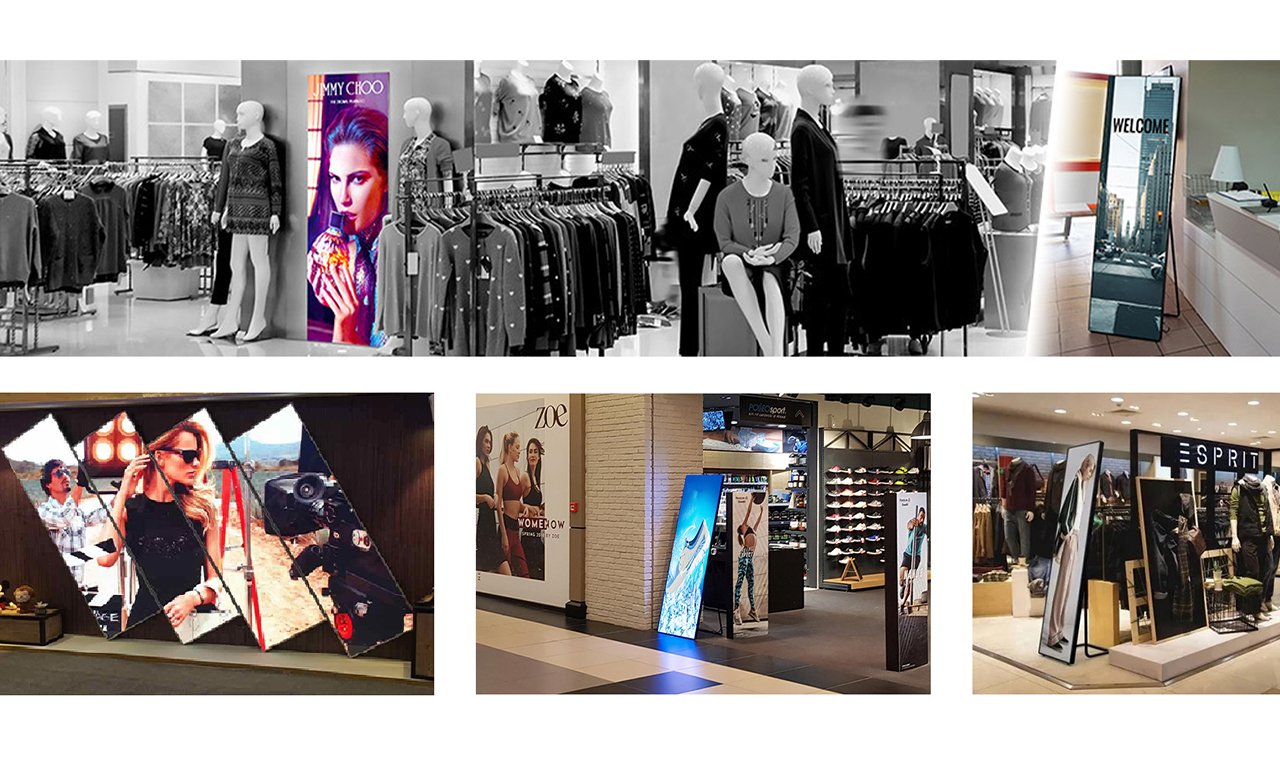
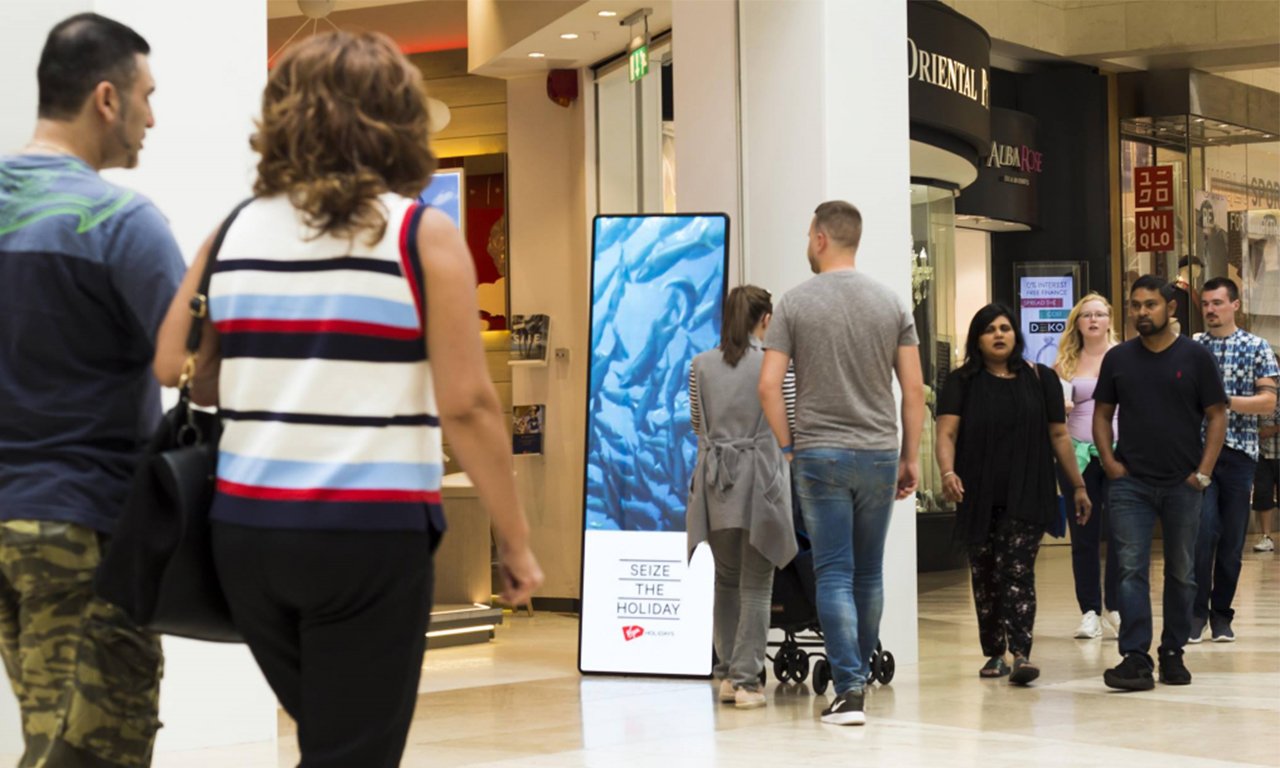
The best position for a poster LED display connects a relevant message with a decision point. Do not choose a location solely because a power socket is nearby. Walk the customer route, identify the approach direction, and test visibility when the space is occupied.
| Location | Useful content | Deployment check | Measurement |
|---|---|---|---|
| Retail entrance | One offer and a clear product image | Daylight visibility and clear pedestrian access | Offer redemption or tracked visits |
| Shopping mall | Store promotion and concise directions | Visibility from approaching walkways | Campaign response by location |
| Exhibition booth | Product demonstration and meeting invitation | Transport, setup time, cables, and camera appearance | Qualified enquiries per event |
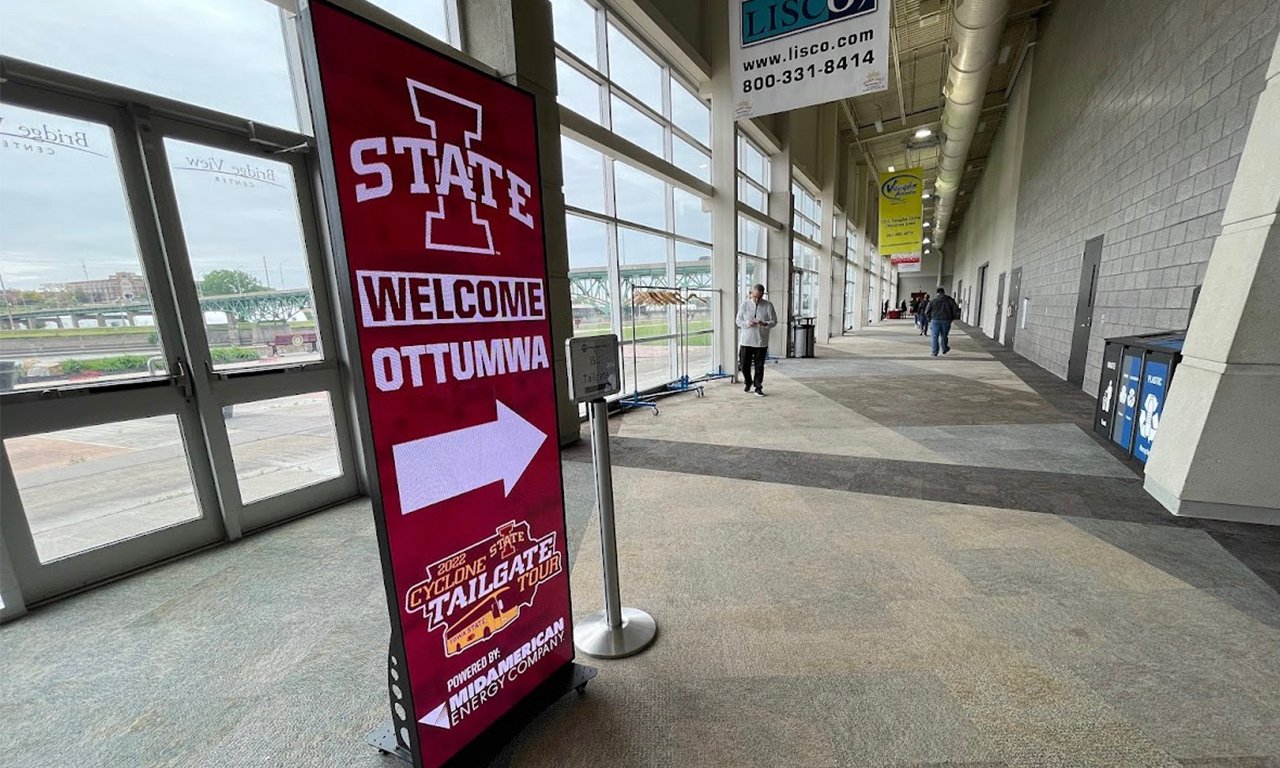
| Hotel or conference lobby | Session directions and scheduled notices | Readable text, quiet operation, and dimming | Information accuracy and visitor feedback |
For retail, keep the key message visible long enough for a walking customer to understand it. For exhibitions, prioritize fast assembly, a protected transport case, and a tested offline playlist. For a lobby, consider fan noise and nighttime brightness alongside image quality. A poster LED display should support the space without blocking circulation, exits, or staff sightlines.
Plan the complete footprint, including the stand, stabilizers, cables, and maintenance clearance. Lock casters where provided and follow the supplied stability instructions. Wall-mounted or suspended units require the specified brackets and an assessment of the supporting structure. A freestanding cabinet should never be assumed suitable for hanging simply because its dimensions are convenient.
6. Content Control and Multi-Screen Splicing
01. Choose a playback workflow staff can maintain
An asynchronous system stores a playlist locally and plays it without a continuously connected source computer. A synchronous system displays a live source through compatible control hardware. Some systems support both. Specify the controller model and required inputs instead of assuming every poster LED display includes HDMI, cloud access, or all mobile applications.
For a single shop, local publishing may be sufficient. For several locations, remote scheduling can reduce manual visits, but confirm account ownership, network requirements, user permissions, subscription costs, and behavior when connectivity fails. Request a demonstration of upload, scheduling, restart, and recovery. A poster LED display should return to approved content after a normal power interruption.
02. Design for the real canvas and test the joined screen
Build artwork at the native aspect ratio. A 640 × 1920 mm active surface has a 1:3 width-to-height ratio, which differs from a 9:16 social video. Reframe the content deliberately; stretching it distorts products and faces. Use short headlines, strong contrast, and enough empty space around the call to action.
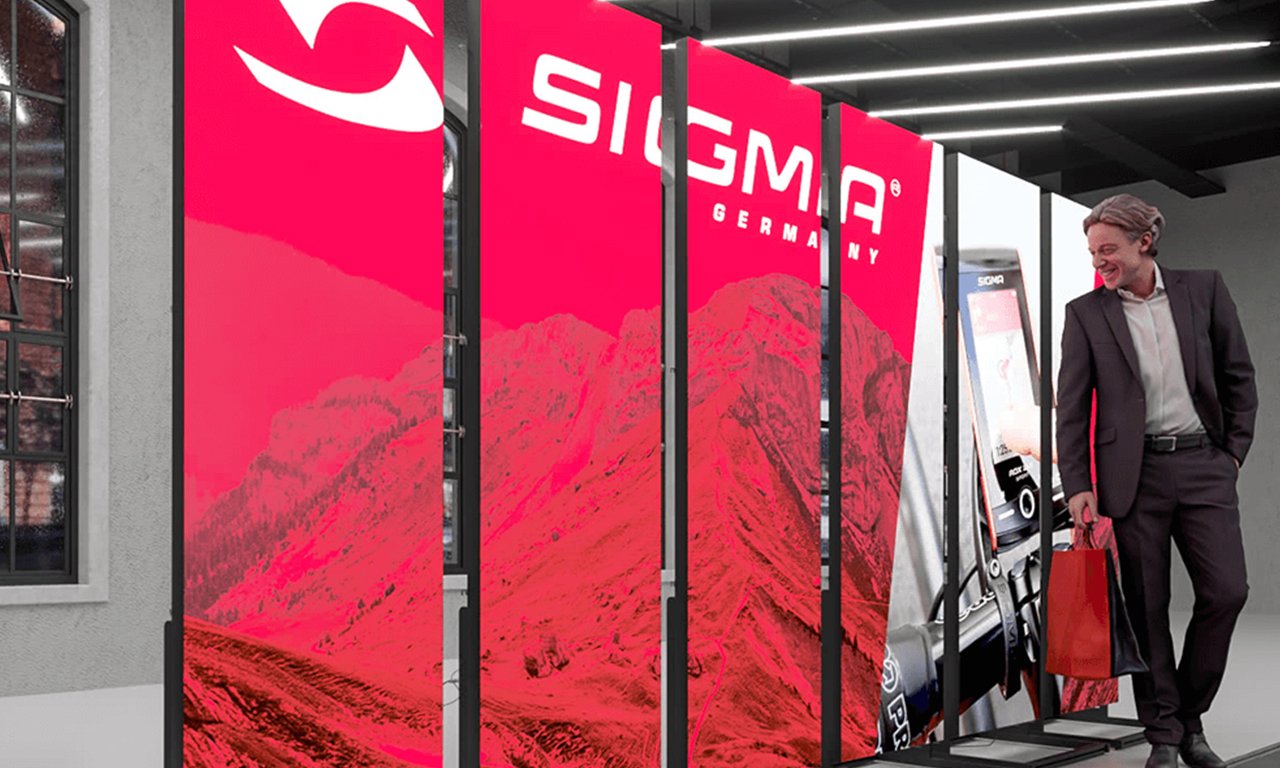
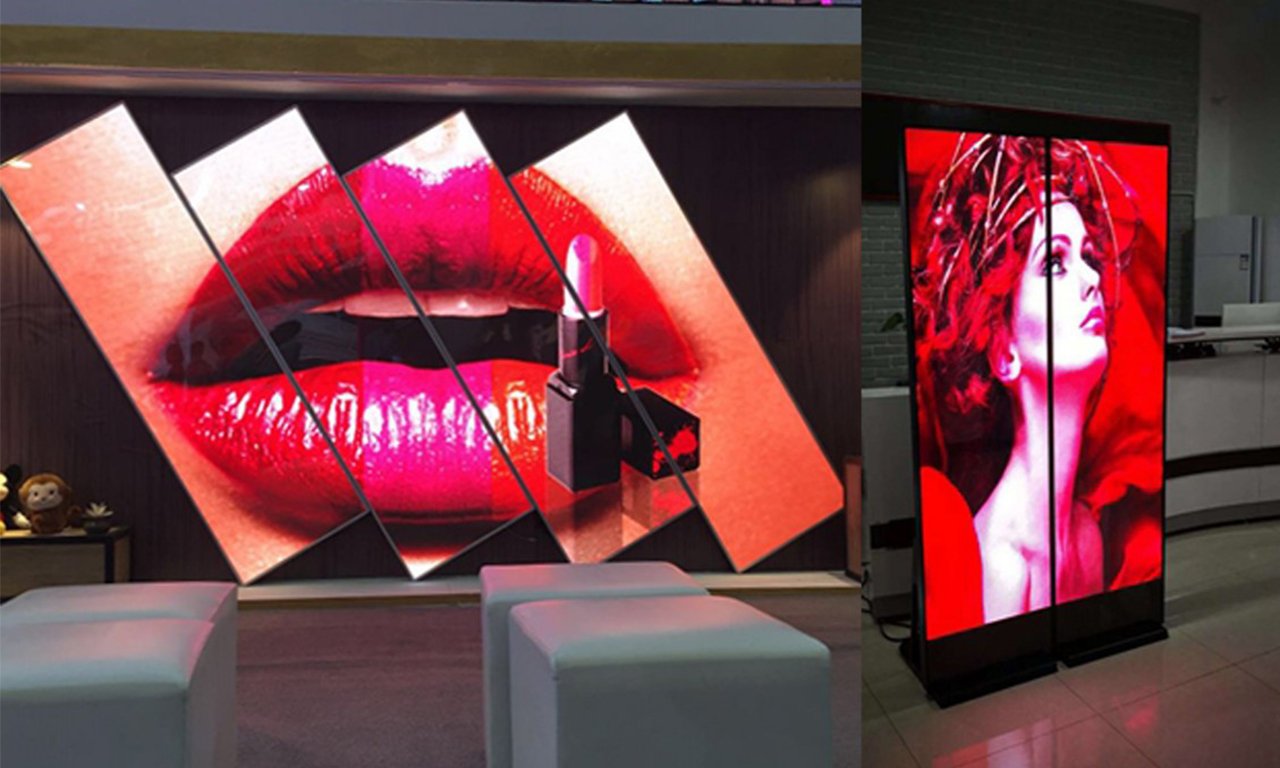
Multi-screen splicing requires compatible mechanics, pixel pitch, module layout, receiving-card configuration, and controller capacity. A poster LED display system also needs a defined playback method: independent messages, synchronized copies, or one image across the combined canvas. These are different outcomes. For example, three 256 × 768 screens joined horizontally form a 768 × 768 canvas when mapped as one image.
Ask the supplier to show the full intended combination with moving content crossing the joins. Check alignment, brightness matching, signal routing, and restart behavior. Signal redundancy must be designed and tested; it should not be described as a universal guarantee against black screens. Keep a copy of the approved mapping and configuration for future service.
7. Poster LED Display Price and Operating Costs
01. Compare complete quotations
The poster LED display price depends on pixel pitch, active size, indoor or outdoor construction, LED protection, controller, mechanics, quantity, and service scope. A bare cabinet price is not directly comparable with a delivered package that includes a stand, flight case, spare parts, setup, and training. Obtain current itemized quotations for the same specification rather than relying on a universal price range.
| Cost component | What the quote should identify | Reason it matters |
|---|---|---|
| Display hardware | Model, pitch, active area, modules, and quantity | Defines the image and physical configuration |
| Control package | Player, inputs, software, licenses, and accessories | Determines publishing and expansion capability |
| Installation and transport | Base, brackets, case, freight, and commissioning | Prevents incomplete delivery comparisons |
| Service | Spares, warranty exclusions, labor, and return freight | Defines downtime and repair responsibility |
| Operation | Measured average power, connectivity, and content work | Supports a realistic ownership budget |
02. Estimate energy with stated assumptions
Use energy in kWh = average power in kW × operating hours. As an illustration only, a poster LED display averaging 0.20 kW for 12 hours daily over 30 days uses 72 kWh. At an assumed electricity rate of $0.15/kWh, that is $10.80 for the month. These are calculation inputs, not an EagerLED consumption specification or an electricity tariff quotation.
Actual consumption changes with brightness, content, hardware, and duty cycle. Use measured average power for an operating budget, while a qualified installer uses the specified maximum load and applicable electrical requirements to plan supply capacity. Evaluate campaign response separately from energy use. A poster LED display becomes commercially useful through relevant messages and measured outcomes, not simply through being illuminated.
8. EagerLED Models and Purchase Checklist
01. Match the product architecture to the job
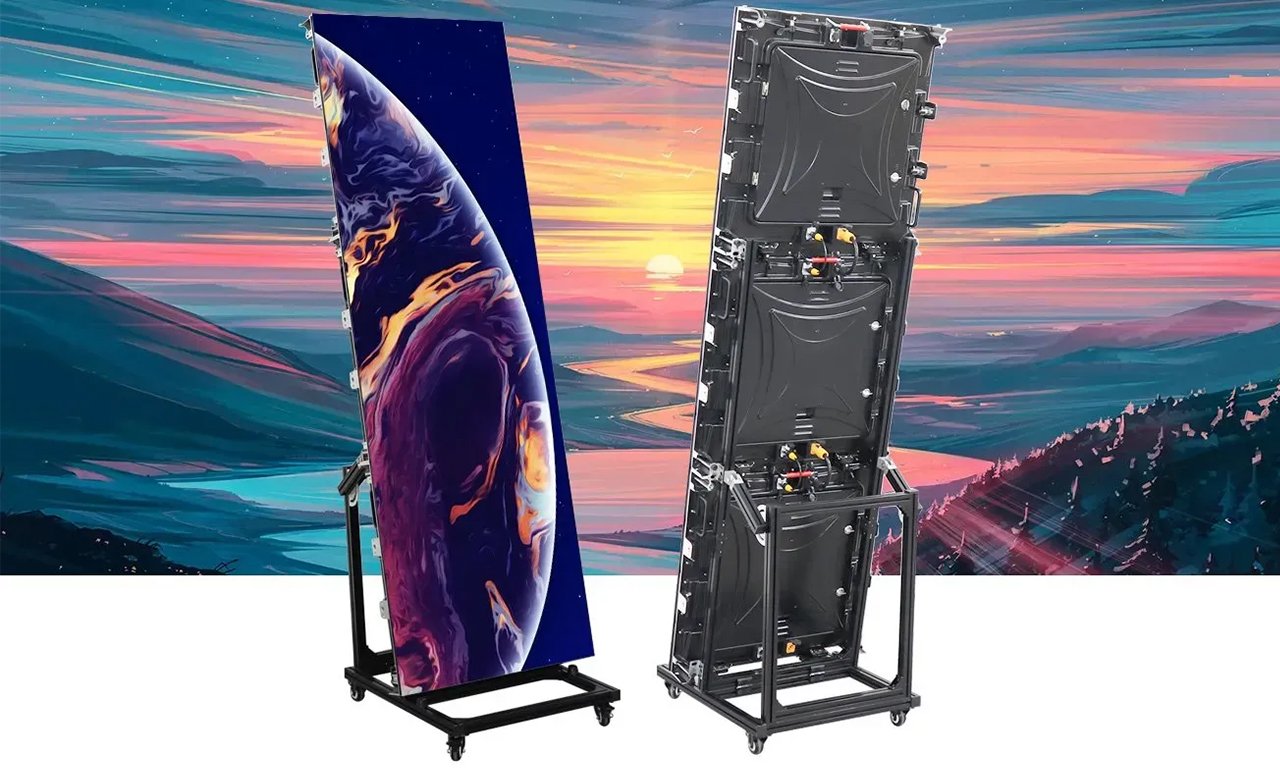
The EagerLED EA1920MP uses a bracket-based architecture that can assemble three 640 × 640 mm cabinets into a portrait screen. The product page describes four wheels, an adjustable bracket from 80° to 90°, and the option to combine screens. Confirm the supplied module configuration and environmental suitability for your installation.
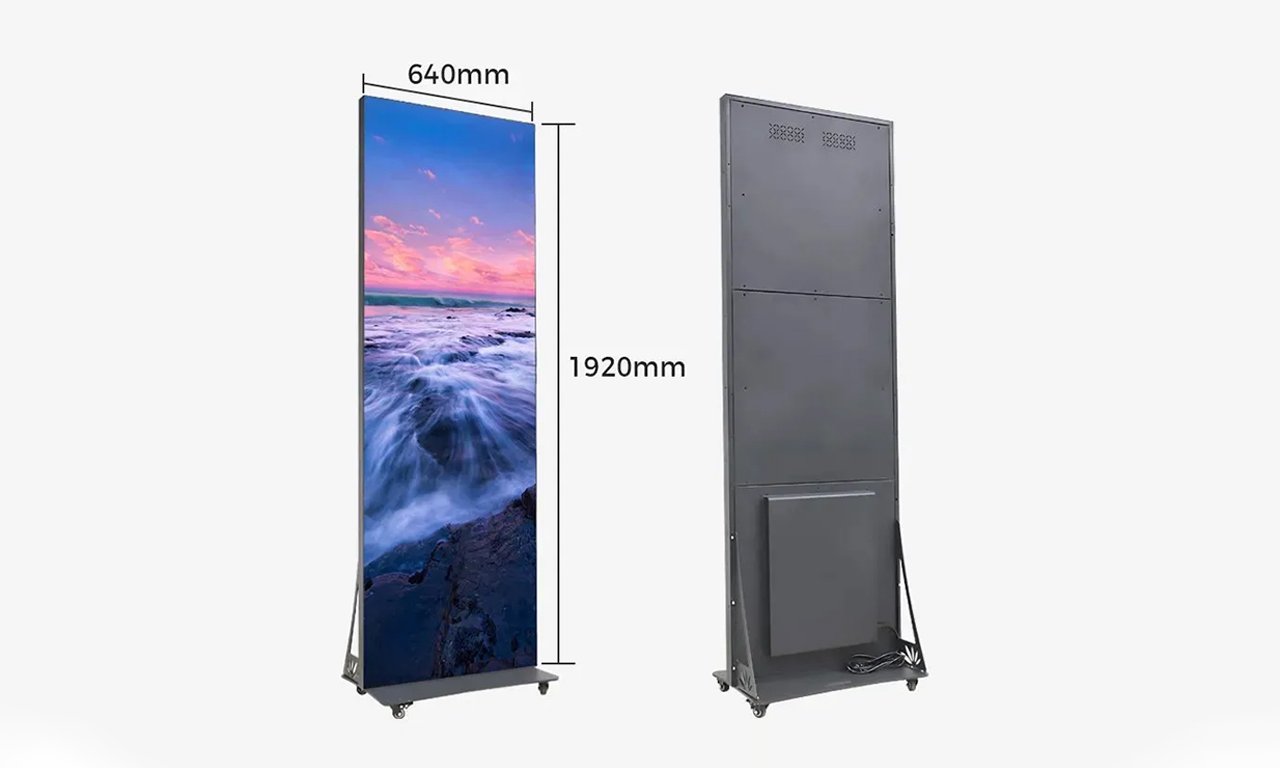
The EagerLED EA1920iP2 is an indoor series with a 640 × 1920 mm cabinet format, 320 × 160 mm module compatibility, and a stated 60 mm cabinet thickness. Its page describes linking locks, a wheeled base, and synchronous or asynchronous control options. Request the selected controller and pixel matrix in writing.
Use these models as starting points for a specification, then compare the current EagerLED LED poster display range. A poster LED display should be selected on verified configuration details, including whether the quoted dimensions describe the active area or the full cabinet. Product-family descriptions do not replace an order-specific technical schedule.
02. Agree on acceptance before shipment
Send the supplier the location, closest viewing distance, intended content, operating hours, available power, access route, and expected number of linked screens. Ask for a drawing showing active dimensions and the complete footprint. Include the required native resolution, brightness control, protective treatment, controller, service access, spares, and packaging in the purchase specification.
For acceptance, inspect the poster LED display using solid red, green, blue, white, and black images, then grayscale ramps and your actual playlist. Check pixel defects against the agreed acceptance criteria, color consistency, module alignment, and text readability. Test publishing, cold start, scheduled playback, and the complete linked arrangement. Record serial numbers, configuration backups, and support contacts before dispatch.
Finally, clarify warranty duration, response arrangements, replacement-part availability, and who pays transport and labor. If several sites will use the same design, trial one installation before scaling. This identifies issues with artwork, network access, positioning, and staff training while changes remain manageable.
9. Poster LED Display FAQ
01. Can a poster LED display run without an internet connection?
Yes, if the selected player supports locally stored playback and the playlist has already been transferred. Remote changes and cloud monitoring may stop during an outage. Test a network disconnection and a restart before relying on offline operation; behavior depends on the controller and configuration.
02. Can I add a different brand of LED poster screen later?
Do not assume mixed screens will form one consistent wall. Mechanical joints, pixel pitch, module layout, control protocols, calibration, and brightness must be compatible. Ask for a demonstrated mixed-system test or specify a matched expansion package when purchasing the original system.
03. Will QR codes scan reliably on a poster LED display?
They can, but reliability depends on the native pixels available, code size, quiet border, contrast, distance, and camera behavior. Use a short destination URL to simplify the code, keep it stationary long enough to scan, and test several phones under the actual lighting conditions.
04. Does a wheeled LED poster include a battery?
No. Wheels describe mobility, not the power source. Most purchasing decisions should start by checking the specified supply requirements. If battery operation is required, request usable capacity, tested runtime at the intended brightness and content, charging time, and the relevant transport documentation.
05. Should I rent or buy a poster LED display for an exhibition?
Compare rental including delivery, setup, and support with purchase including transport cases, storage, maintenance, and staff time. Rental can suit an isolated event; repeated campaigns may justify ownership. Ask both suppliers to quote the same screen performance and service scope before deciding.
10. Conclusion
A poster LED display is most effective when the screen specification, placement, and content work together. Start with the audience and environment, confirm native resolution and readable text, then check control, installation, and lifetime costs. Treat weather resistance, camera performance, and multi-screen operation as features to verify for the exact configuration.
To discuss an appropriate poster LED display, send EagerLED your project requirements, including location photos, active size, viewing distance, content examples, and operating schedule. A clear brief and a documented acceptance test make the final choice more dependable.