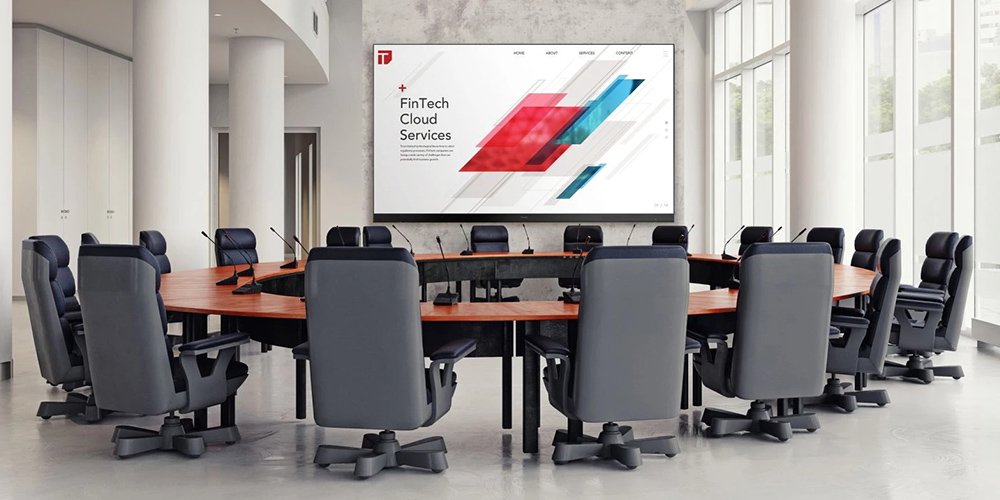
A conference LED display is a modular, direct-view video wall used for presentations, shared documents and video meetings. It creates a large image without LCD panel bezels, but its usefulness depends on readable text, comfortable brightness and reliable room integration. A conference screen can also be a single LCD or a projection system, so start with the room requirement before choosing the technology.
To specify a conference LED display, measure the nearest and farthest seats, identify the smallest content people need to read, and establish the usable wall dimensions. Then calculate native resolution from pixel pitch and screen size. Compare camera performance, service access and the complete installed cost using the same project brief.
This guide explains how to choose a conference display screen for boardrooms, training rooms and seminar spaces. It includes calculation examples, comparison tables and questions to ask suppliers. Final dimensions and performance must be confirmed against the selected cabinet configuration and tested with your own meeting content.
1. What Is a Conference LED Display?
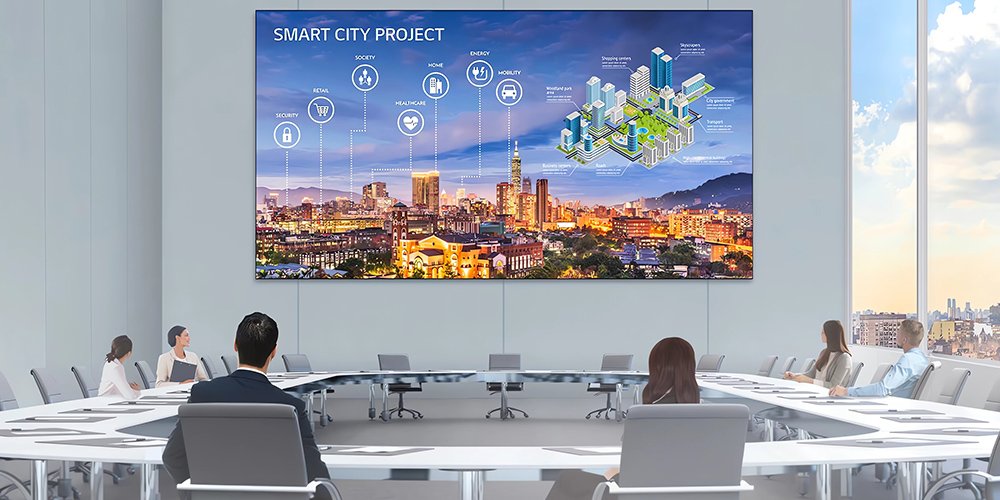
A conference LED display is a self-illuminating video wall assembled from modular LED panels and installed in a meeting environment. Unlike projection, its image is emitted at the screen surface; unlike an LCD video wall, it has no panel bezels cutting the image into tiles. Panels lock together edge to edge, so the finished wall behaves like a single giant monitor that can be configured within cabinet, structural and processing limits.
A conference LED display can show slides, spreadsheets, building models, dashboards and video calls, but these uses demand different levels of detail. Fine pixel pitch can help at close distances; small spreadsheet labels still require sufficient physical text height, suitable source scaling and a practical viewing test.
01. How a Conference LED Display Works
Every conference LED display is built from three layers of hardware. LED modules carry the diodes and driver ICs; cabinets hold the modules and keep them aligned; and the control system – a video processor, a sending card and receiving cards – accepts HDMI, DisplayPort or SDI signals and distributes them to each cabinet.
Receiving hardware maps video data to the LED modules; the number of cards and their loading arrangement depend on the design. A larger wall requires compatible cabinets, sufficient processing capacity, power and a mounting design sized for the final build. One factor in image quality is pixel pitch, the distance in millimeters between adjacent pixels: a P1.5 screen has 1.5 mm between pixel centers, while a P2.5 screen has 2.5 mm.
Indoor LED specifications vary by model. Ask for adjustable brightness suitable for the room, a documented refresh rate and grayscale specification, and a camera test using the actual conferencing equipment. Pixel pitch affects resolution and visible pixel structure, but processing, calibration and content size also determine readability.
02. Conference LED Display vs LCD Video Wall vs Projector
Most buyers compare three technologies: an LED wall, an LCD video wall and a laser projector. Table 1 summarizes the differences that actually matter in a meeting room.
| Feature | Conference LED Display | LCD Video Wall | Laser Projector |
|---|---|---|---|
| Bezels / seams | No panel bezels; joints require careful alignment | Visible panel bezels; width varies by model | None |
| Brightness | Adjustable, self-emitting; verify the proposed model | Model-specific; check the datasheet | Specified in lumens; performance depends on image size and room light |
| Image consistency | Depends on calibration and cabinet alignment | Panel-to-panel color shifts possible | Hot spots, shadows from people |
| Maximum size | Scalable within structural and processor limits | Grid of fixed panels | Limited by throw, screen and room conditions |
| Lifespan | Check model-specific rated lifetime and warranty | Check model-specific rated lifetime and warranty | Check light-source rating and warranty |
| Maintenance | Module-level service; front or rear access depends on design | Panel-level replacement | Cleaning and service per manufacturer; laser-engine repair varies by model |
| Best for | Boardrooms, hybrid meetings, bright rooms | Smaller walls where seams and cost are acceptable | Rooms with controllable light or occasional use |
Practical takeaway: shortlist direct-view LED for a large, seamless canvas; compare a single commercial LCD for smaller rooms; and consider projection where light can be controlled. Test the same presentation content on each option before deciding. For configuration ideas, see our conference room LED screen solutions.
2. Why Choose a Conference LED Display?
A conference LED display is most useful when its large canvas solves a specific visibility or layout problem. Compare the benefits below with the room requirements.
01. Bezel-Free Image From Every Seat
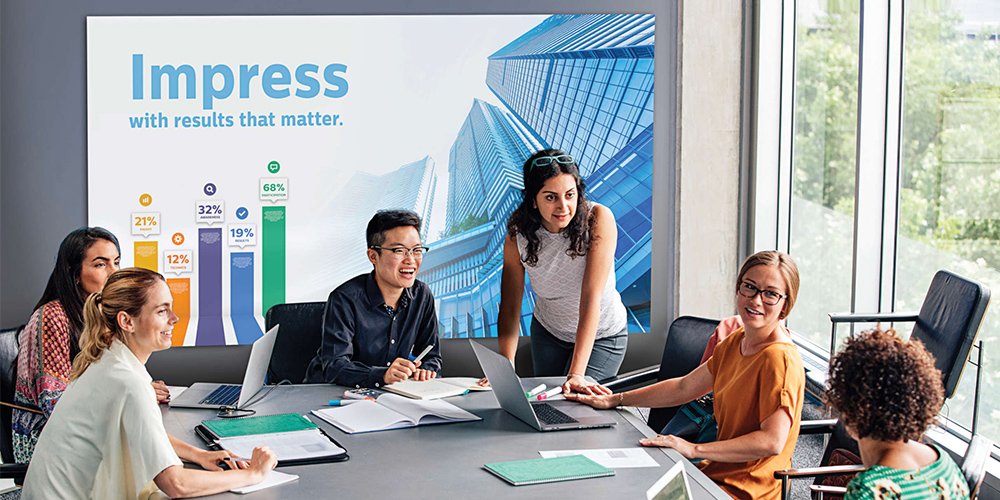
An LCD video wall is a grid of separate panels, and every seam cuts through charts, spreadsheets and faces. A carefully aligned conference LED display avoids LCD panel bezels: slide templates, KPI dashboards and video calls run across the full canvas without interruption, and the wall reads as a single display rather than a collection of screens.
02. Brightness and Contrast for Lit Meeting Rooms
Modern offices are bright, glass-walled spaces. An LED wall emits its own light, which can help keep presentations readable in a lit room. Actual brightness and contrast vary by model and settings; compare candidate displays under the room’s normal lighting before deciding.
03. Flexible Size and Aspect Ratio
Choose cabinet grids that fit the usable wall and content layout. Validate 16:9, ultrawide or custom formats with the room system; modular construction does not remove structural, resolution or processing constraints.
04. Serviceable Modules and Ownership Planning
Rated lifetime and warranty vary by product and operating conditions. Front-service modules can simplify repairs where rear access is unavailable; ask which parts can be replaced from the room side and how long spares remain available.
And a few more advantages of LED meeting-room screens:
- No projection lamp to replace; modules, power supplies and cooling components still need a service plan;
- Test the complete startup and standby sequence, including the processor and room computer;
- Check off-axis readability and color from the side seats during a sample test;
- Ask for the cabinet’s fan and acoustic specifications if the room is quiet;
- Compare total cost over your planned ownership period, including power, service, replacement parts and installation.
3. What to Consider When Choosing a Conference LED Display
Specification mistakes are expensive. An undersized conference LED display, or one with the wrong pixel pitch, cannot be fixed later without replacing modules. Work through the six factors below before you request a quote.
01. Pixel Pitch and Viewing Distance
Pixel pitch decides how close people can sit before the image looks grainy. A smaller pitch packs more pixels into the same wall area and generally suits closer viewing, but no single distance formula guarantees readable text. Table 2 compares calculated horizontal pixel counts, not guaranteed viewing distances. Divide active width in millimeters by exact pixel pitch. These are mathematical examples; cabinet grids and rounded product pitch names can change the final pixel count. Test the smallest real text from both the nearest and farthest seats.
| Nominal pixel pitch | Pixels across a hypothetical 3.6 m width | Width needed for 3,840 pixels | Selection implication |
|---|---|---|---|
| P0.9 | 4,000 | 3.456 m | More pixels in a compact wall; compare cost and service method |
| P1.25 | 2,880 | 4.800 m | Check dense text at the closest seat |
| P1.5 | 2,400 | 5.760 m | Compare source scaling against a finer-pitch sample |
| P1.875 | 1,920 | 7.200 m | A 3.6 m width provides Full HD horizontal pixel count |
| P2.5 | 1,440 | 9.600 m | Confirm that the content can tolerate lower native resolution |
Practical guidance: measure the closest seat, shortlist pitches that fit the wall and budget, and ask for a sample demonstration at normal operating brightness. A pitch that looks fine for video can still blur spreadsheet labels. For the technical explanation, see our pixel pitch guide.
02. Screen Size and Room Dimensions
Size the active image for the farthest viewer and the detail level of the content. A video call and a spreadsheet can require different image heights in the same room. AVIXA’s DISCAS guidance evaluates viewing distance, image size and content needs. Table 3 identifies different room tasks and the tests needed before choosing dimensions.
| Conference screen use | Design priority | What to test before purchase |
|---|---|---|
| Small boardroom | Compare a single commercial LCD with a compact LED wall | Read the smallest shared text; assess glare and camera placement |
| Hybrid meeting room | Reserve useful space for participants and shared content | Check text size after split-screen layouts and conferencing software scaling |
| Training room | Keep instructions readable from the back and side seats | Use actual course slides with captions and application demonstrations |
| Seminar display | Size content for the farthest audience position | Test sightlines, presenter position and confidence-monitor requirements |
| Temporary conference stage | Coordinate rental cabinets, rigging, power and production | Rehearse playback, live camera feeds and backup switching |
Treat these tasks as the starting point for a conference LED display brief. Measure the usable wall, speaker and camera locations, sightlines, service access and load-bearing structure before finalizing the size. For more detail, read our LED screen size guide.
03. Resolution and Aspect Ratio
For a conference LED display, horizontal pixels equal active width in millimeters divided by exact pixel pitch; calculate vertical pixels the same way. For example, 4,800 / 1.25 = 3,840 and 2,700 / 1.25 = 2,160. A hypothetical 4.8 m by 2.7 m P1.25 wall therefore has a UHD pixel grid, provided the actual cabinet configuration supports those dimensions. A processor accepting 4K does not make a lower-resolution wall native 4K. Confirm the input format, output pixel capacity, frame rate and scaling throughout the signal chain. Use 16:9 for standard presentation content, or validate the complete room workflow before selecting an ultrawide format. See our LED display resolution guide for further examples.
04. Brightness, Contrast and Refresh Rate
Specify a conference LED display with useful brightness adjustment, not simply the highest advertised output. A nit is one candela per square meter; suitable operating brightness depends on room light, screen area, viewing distance and content. Compare contrast under the same conditions and inspect grayscale gradients at the actual dimmed setting. Refresh rate matters for camera use, alongside scan method, brightness and camera settings. For video calls, ask the supplier for a camera test at the intended brightness and with the room camera’s frame rate and shutter settings. A high advertised refresh rate alone does not guarantee a flicker-free recording. Calibrate display color temperature to the room lighting and camera rather than assuming one fixed value works everywhere.
05. Service Access and Maintenance
Ask three questions before you buy. Can modules be serviced from the front, or must the wall be pulled off its mount? Are spare modules, power supplies and receiving cards available for years to come? And what is the dead-pixel policy – how many dead pixels per module are acceptable before replacement? Front-service magnetic modules make a conference LED display far easier to maintain in an occupied office; read our dead pixel guide to plan diagnosis and service.
06. Power, Heat and Room Noise
Ask for maximum and typical power consumption for the exact conference LED display configuration, with the test brightness and content stated. Use maximum demand and manufacturer requirements for electrical design; use realistic average operation for an energy estimate. For example, a system averaging 1.2 kW for eight hours uses 9.6 kWh, before room cooling and other AV equipment. This is an arithmetic example, not a product rating.
A recessed conference LED display needs the specified ventilation clearances even when its modules are serviced from the front. Check whether fans or power supplies are audible near microphones. Match environmental and IP ratings to the installation conditions; an indoor display should not be assumed suitable for moisture, condensation or an exposed outdoor stage.
4. Types of Conference LED Displays: Which Fits Your Room?
Not every conference LED display is a permanent wall. The right type depends on whether the room is fixed or temporary, how often the layout changes, and how close people sit to the screen. These are the three families to choose from.
01. Fixed Indoor Conference LED Displays
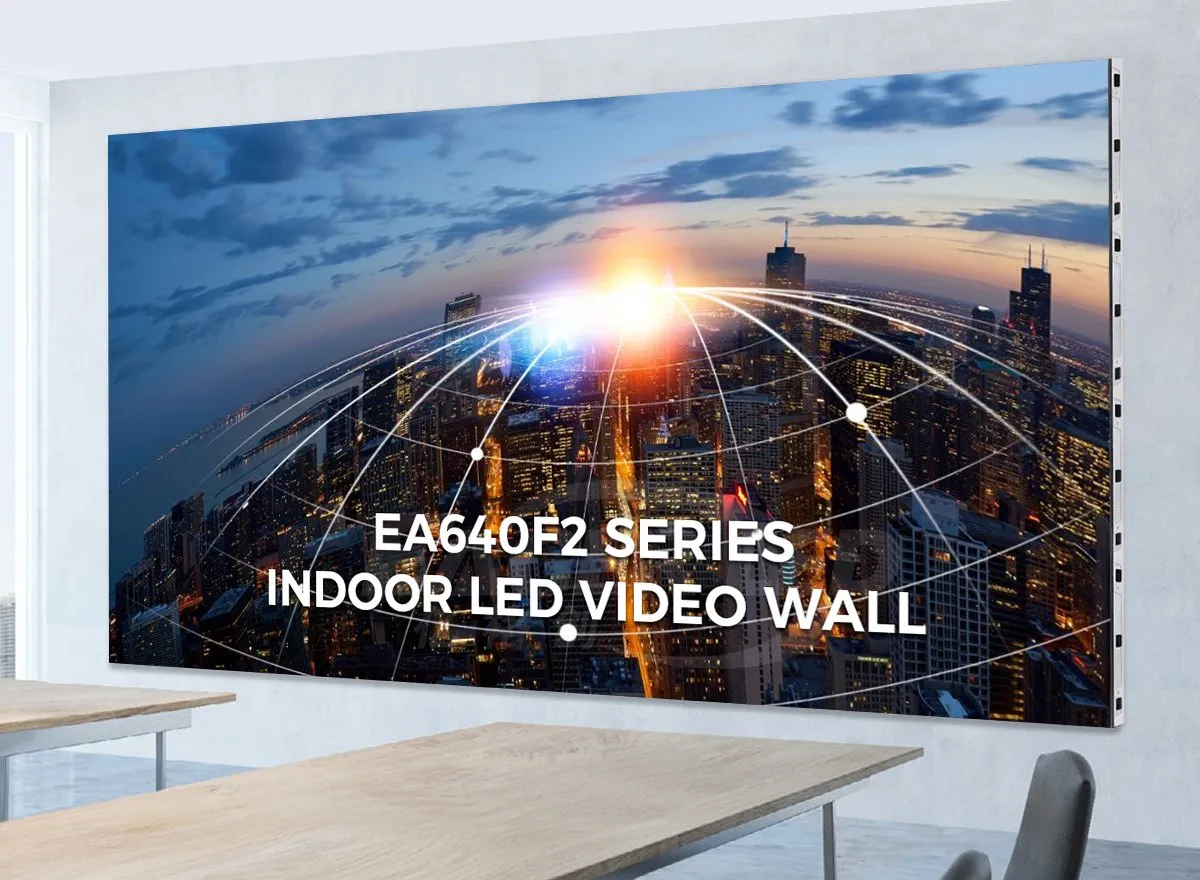
A fixed conference LED display suits a permanent boardroom or training space. Confirm cabinet dimensions, pitch, mounting and front-service access together. Compare the EA640F2 indoor front-service display with the configurations in our indoor LED screen guide.
02. Rental LED Displays for Conferences and Events
For summits, product launches, exhibitions and roadshows, a rental conference LED display trades permanent mounting for speed. Cabinets in 500 x 500 mm or 500 x 1000 mm formats use quick-lock mechanisms and flight cases, to support repeated assembly and transport. Build time depends on access, rigging, power, crew and commissioning. Curved layouts require cabinets and locks specifically rated for that arrangement. See the EA500C6 rental LED display for a typical 500 x 500 mm platform, or read the LED screen rental guide.
03. COB vs SMD Panels: Which Is Better?
In SMD panels – the classic design – each pixel is a small package of LEDs soldered to the module surface, leaving the diodes slightly exposed. In COB (chip-on-board) panels, the LEDs are bonded directly to the circuit board and sealed under a protective layer. For a conference LED display, COB can offer a more protected surface and is available at very fine pitches. Contrast, camera moire, repair method and price depend on the specific panel; compare samples under the room’s lighting and camera setup. Our COB vs SMD comparison covers the engineering detail, and the EA600COB3 indoor COB screen shows the format in a 600 x 337.5 mm cabinet.
5. How Much Does a Conference LED Display Cost?
Compare a conference LED display quote as a complete installed system. A panel-only price excludes important project costs.
01. How to Budget for a Conference LED Screen
There is no reliable universal price per square meter for a finished conference screen: pixel pitch, cabinet type, processor, mounting, freight, local labor and taxes all change the quote. Ask suppliers to separate the LED wall from the installed system so you can compare equivalent specifications.
| Quote item | What to confirm |
|---|---|
| LED wall | Finished width and height, pixel pitch, native resolution, cabinet count and warranty |
| Control system | Processor capacity, input formats, switching and any backup signal path |
| Installation | Mounting frame, structural review, power, cabling, commissioning and training |
| Aftercare | Spare modules, receiving cards, service access and response time |
| Delivered cost | Freight, duties, taxes and local installation labor |
For a 3.6 m by 2.0 m wall, the active area is 7.2 m². Multiply that area by the supplier’s quoted screen price per square meter, then add the other line items above. This is a calculation example, not a current EagerLED price. For more purchasing context, see the indoor LED display price guide, and request a dated, itemized quote for your room.
02. What Drives the Final Price
- Pixel pitch – halving the pitch roughly quadruples the number of LEDs per square meter, which can increase manufacturing and processing requirements; obtain comparable quotes;
- LED chip brand and grade – compare chip grade, binning, warranty terms and the supplier’s test documentation;
- Driver ICs and power supplies – high-refresh ICs and branded power supplies raise the bill of materials;
- Cabinet material – compare actual cabinet weight, flatness tolerances and mounting requirements rather than relying on the material label;
- Control system – price the processor, sending hardware and switcher against the required pixel load and inputs;
- Installation complexity – recessed walls, custom frames and structural reinforcement all add labor;
- Freight, duty and spares – list the spare-module kit, freight, insurance and duties separately in the quote.
03. How to Reduce Cost Without Losing Quality
- Choose the largest pixel pitch that still satisfies the closest seat – compare the installed cost of two pitches after testing real text at the nearest seat;
- Use standard cabinet grids and compatible content layouts to avoid unnecessary custom engineering;
- Compare factory supply with an integrator-led package, including local installation and service responsibility – see the LED screen buying guide for a 9-point checklist;
- Rent a screen for one-off events and buy only where the screen runs daily;
- Plan power and mounting early – retrofitting a room later costs more than designing it right the first time.
6. Installation and Room Integration
Plan the conference LED display mount, camera position and signal chain before ordering cabinets.
01. Mounting Options: Wall, Recessed and Mobile
Wall-mounted is the most common approach: a steel sub-frame is fixed to the structure, and cabinets hang on adjustable brackets so the surface can be tuned perfectly flat. Recessed installation sets the screen flush with the wall for a furniture-grade finish with concealed cabling. Suspension mounting suits halls and atriums, while mobile carts and foldable poster screens let training rooms reconfigure. Whichever you choose, plan for the load: ask the manufacturer for the specified weight, average and maximum power draw of the proposed configuration, then have the installer size the structure and electrical circuit.
02. Video Conferencing Integration
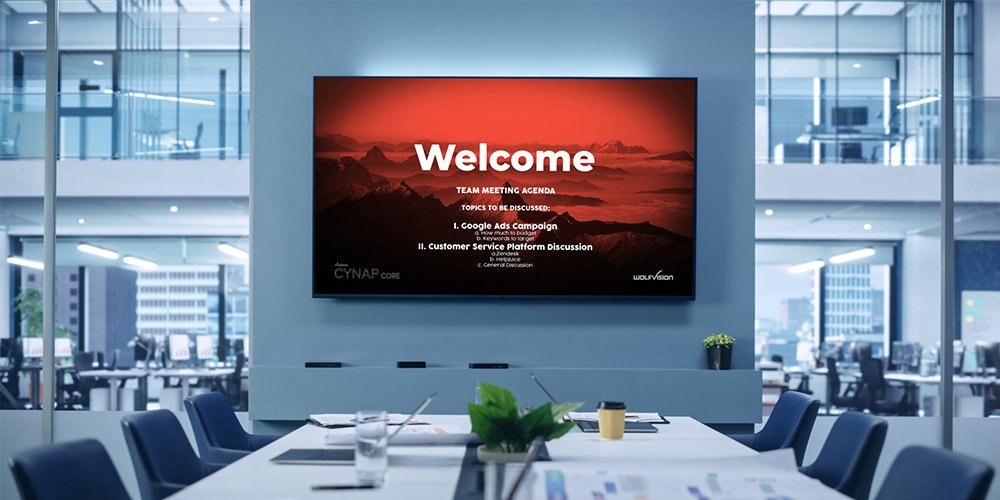
A conference LED display that will appear on Zoom, Teams or Tencent Meeting calls has three extra requirements. First, test the proposed display with the actual camera, frame rate and shutter settings; advertised refresh rate alone cannot rule out banding or moire. Second, position the camera close to eye level and calibrate the display and camera together under normal room lighting. Third, audio and content: route microphones, speakers and content sources through the room system so presenters share one screen instead of juggling cables. A matte surface may reduce reflections, but COB packaging alone does not guarantee freedom from moire. Test camera distance, focus, framing and display settings together.
03. Signal Routing, Controllers and Cabling
The conference LED display signal chain runs from laptops, a room computer or a conferencing appliance through switching and processing hardware to the LED receiving system. Document supported input resolutions, frame rates, cable lengths and the final cabinet pixel map. An Ethernet-style connector on a display controller does not automatically mean the cable can pass through an ordinary network switch.
Choose the processor for the actual pixel load and required input formats. Our NovaStar VX4S guide is a reference for that specific model, not a universal recommendation for UHD installations. Ask the integrator to demonstrate source switching, screen sharing and recovery after standby. Size any backup power system for its intended loads; backing up the processor alone will not keep an unpowered LED wall visible.
At handover, retain the cabinet map, processor settings, calibration files, cable schedule and spare-part list. Assign responsibility for configuration backups and approved firmware changes. A conference LED display that staff can operate consistently is more useful than one that only works during the installer demonstration.
Many conference centers pair a wall-mounted LED display with interactive floor LED displays in lobbies and exhibition areas; see the EagerLED floor LED display for that application.
7. EagerLED Conference LED Display Solutions
EagerLED supplies rental, fixed indoor and outdoor LED displays for different project requirements. For meeting rooms, our fixed indoor series are the platforms most often specified as a conference LED display.
EA640F2 series – 640 x 480 mm indoor HD front-service LED display. A 640 x 480 mm cabinet keeps 4:3-friendly geometry with fine pitches for boardroom viewing distances, and the front-service design means modules swap from the room side. Review the current product datasheet for brightness, refresh rate, grayscale and cabinet options, then request a camera test under your meeting-room lighting. See the EA640F2 series.
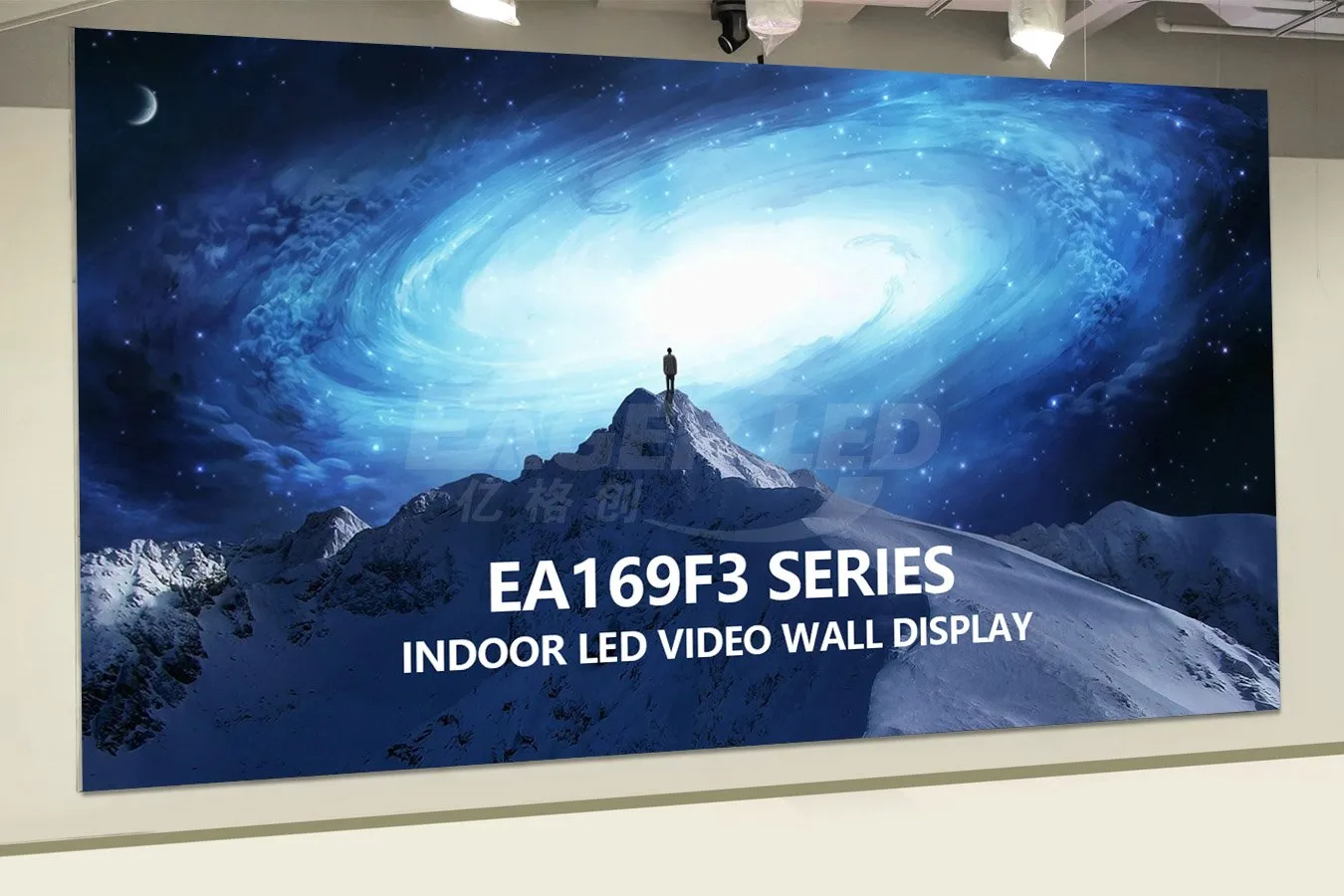
EA169F3 series – 600 x 337.5 mm indoor front-service LED display. With a 600 x 337.5 mm cabinet, equal cabinet counts horizontally and vertically produce a 16:9 canvas; the mounting structure still needs site-specific design – practical for training rooms and meeting rooms where the screen must fit standard content, and equally at home in commercial lobbies. See the EA169F3 series.
Beyond the fixed indoor range, EagerLED builds the EA500C6 rental cabinet for conference events, the EA600COB3 COB series for high-contrast meeting rooms, and the EA250WH5 indoor LED display wall for larger halls. Tell us your room size, closest and farthest seats, and budget, and our engineers will recommend the pixel pitch, screen size and mounting plan for your conference LED display. Start from the conference room LED screen solution page or contact our team for a quote.
8. Conference LED Display FAQ
These additional questions address software compatibility, interaction, privacy and future changes to a conference LED display installation.
01. Can a conference LED display work with Microsoft Teams or Zoom?
Yes. The room computer or conferencing appliance sends video to the display processor, while cameras, microphones and speakers remain separate parts of the room system. Confirm supported output resolutions, aspect ratios, content sharing and wake-from-sleep behavior with the exact room hardware. A large LED wall alone does not provide a complete conferencing system.
02. Does a conference LED display include touch control?
Not automatically. Direct-view LED describes the image technology, not an interactive input system. Ask whether the proposed package includes a compatible touch overlay, its supported operating systems and any protective surface. If annotation is important, compare a separate interactive monitor that shares its content to the wall.
03. Can I use a conference LED display for confidential meetings?
The screen does not by itself secure the meeting. Review the room computer, wireless sharing, network-connected controllers and remote support arrangements with your IT team. Require named access, appropriate network separation and a documented process for clearing shared content. Test what remains visible after a presenter disconnects.
04. Can a conference LED display be moved to another room?
A mobile all-in-one system may be designed for relocation, while a fixed wall usually requires dismantling, transport protection, remounting and recalibration. Check the complete system weight, door widths, floor conditions and manufacturer-approved movement procedure before choosing mobility. Cabinet quick locks alone do not make a fixed installation a portable product.
05. Can an existing conference LED display be expanded later?
Sometimes, but matching cabinet dimensions is insufficient. Additional modules must have compatible electrical design, pixel pitch, control hardware and calibration characteristics. LED batch and aging differences can create visible patches. Ask the supplier to document an expansion plan and compatible spares before the initial purchase.
06. What should I check before accepting a conference LED display?
Use your own presentation files and a live video call. Check small text from the farthest seat, color consistency across modules, low-brightness gradients, switching between laptops and recovery after standby. Record the agreed pixel-defect criteria, camera settings, spare inventory, configuration backups and responsibility for future service.
9. Conclusion: How to Choose the Right Conference LED Display
A conference LED display is a strong candidate when a meeting needs a large canvas without LCD bezels. Its value depends on the room, content and complete AV design. Get the fundamentals right: test pixel pitch at the closest seat, size the image for the farthest viewer, calculate native resolution and verify camera performance with the actual equipment.
Work through the tables in this guide, shortlist the pixel pitch and size that fit your rooms, and then compare quotes on equal specifications. If you would like a second opinion, send EagerLED your room dimensions and we will propose the right conference LED display configuration, complete with a budget estimate and installation plan – explore our conference room LED screen solutions or contact us to get started.